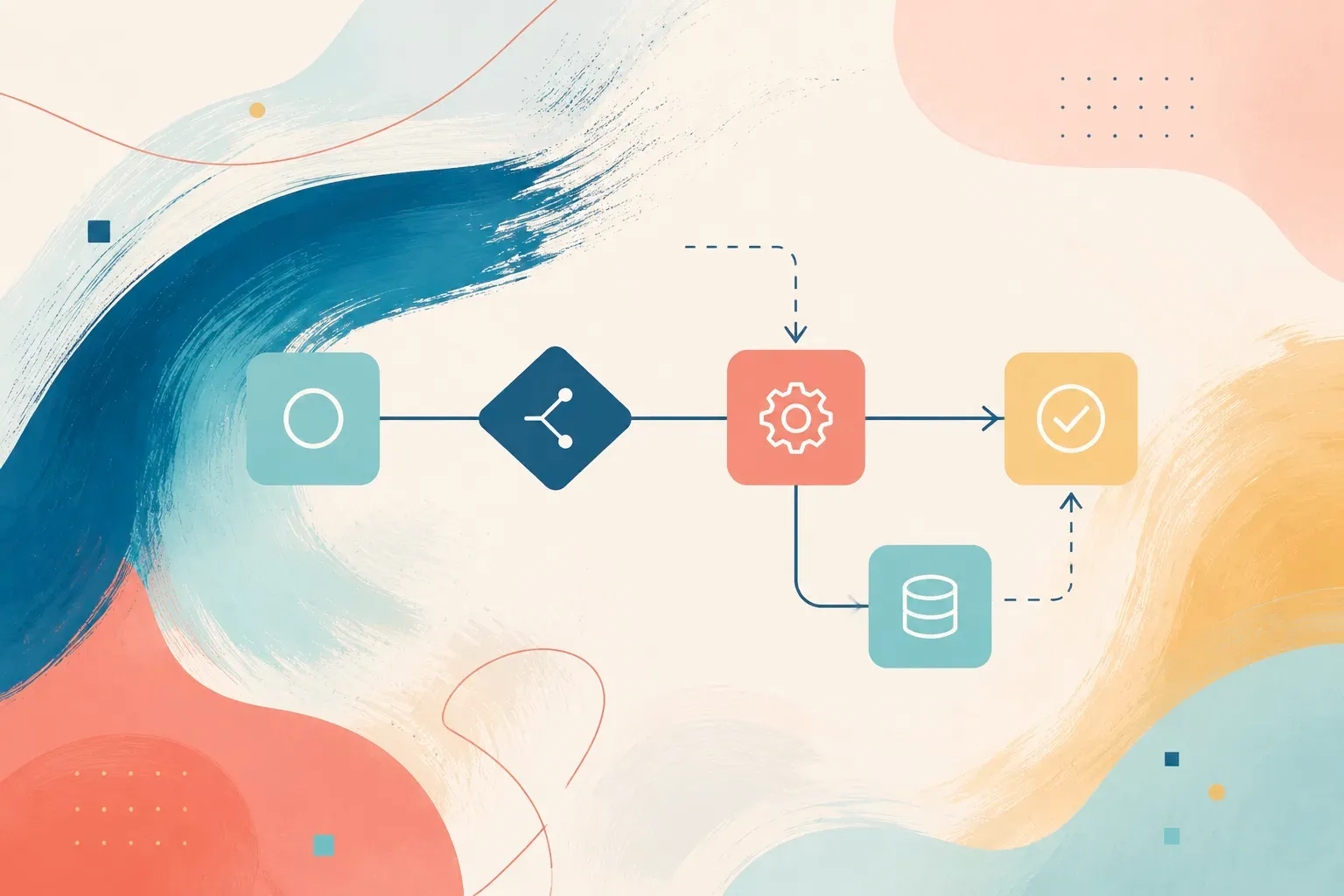
Modern business and project management moved past the "do it when you have time" approach a long while ago. With high tempos, remote work and distributed teams, the decisive factor becomes systematic organisation. At the centre of that organisation sits a clearly built workflow.
In this article we look in detail at what a workflow is in plain words, what elements it consists of, how to design and roll one out properly, and what role modern technology — including AI pipelines — plays in automating business processes.
What a workflow is, in plain words
The term workflow translates literally as a "flow of work". In plain words, it is a predictable, clearly structured sequence of steps, tasks and approvals needed to reach a specific goal.
A workflow can be pictured as a virtual map or route for a task: it defines what has to be done, in what order, who exactly is responsible for each part and who receives the intermediate result. With that approach any routine operation — from approving leave or paying an invoice to launching a large advertising campaign — turns from a chaotic set of actions into a clear, well-tuned conveyor.
How a workflow differs from a business process and a set of rules
The terms "business process", "workflow" and "regulations" are often confused and used as interchangeable synonyms. Yet to build a transparent management system in a company it matters to keep these levels apart:
- A business process is the largest, top-level set of a company's actions and resources aimed at creating value for the customer and returning a benefit to the business (end-to-end areas such as "Selling a product", "Hiring an employee" or "Procurement"). A business process answers the strategic questions: "What exactly are we doing?", "Why?" and "What overall goal are we pursuing?".
- A workflow is the concrete, operational implementation of a part of a business process. Where the business process sets the direction and the goal, the workflow answers the practical question "How exactly does a task move, step by step?". It is a sequential, logically connected route along which information, documents or tasks pass between specific performers. One large business process may consist of several interlinked workflows.
- Regulations are the normative description — text or diagram — of the rules, standards and requirements the process must follow. Regulations act as the instruction for employees, recording areas of responsibility, time limits (SLAs) and quality criteria.
A worked example:
- Business process — the overall sequence of strategic stages aimed at launching a marketing campaign and attracting customers (preparing and publishing an advertising clip, say).
- Workflow — the practical route the task travels: the copywriter writes the script → the designer builds the storyboard → the lawyer signs off on legal risks → the editor assembles the video → the marketer publishes the clip on the platforms.
- Regulations — the official document stating that the script is prepared in 2 working days, the lawyer must answer within 24 hours, and the finished video must meet the platform's technical requirements and advertising law.
The key components of any workflow
To understand the mechanics of a workflow, it helps to break it down into basic elements. Any working chain — regardless of company size or industry — is built from five main components:
- Inputs and triggers. An event, a signal or a physical/digital object that activates the process. A trigger can be external (a request from the website, an incoming customer email, an arriving payment) or internal (a calendar date, a scheduled brief from an adjacent department, an automatic system notification). Without a clearly fixed input signal the chain will not start moving, because it is the trigger that sets the starting conditions and hands the task to the first stage.
- The sequence of steps (steps / tasks). A defined set of sequential or parallel actions needed to move the task forward. Each step is a clear, indivisible operation: writing the copy, approving a layout, passing technical review or making a payment. Detailing the steps removes uncertainty, rules out duplicated functions and lets you track the exact status of a task at any moment.
- Performers and roles (actors / roles). The specific participants responsible for carrying out each step. Performers can be staff specialists (a copywriter, a lawyer, a financial analyst), whole units (the sales department, the logistics service) or automated systems (a CRM platform, a messaging bot, an AI service). Attaching functions to roles rather than to surnames keeps the workflow stable through personnel changes and scaling.
- Rules and conditions. The logical algorithms, branches and decision criteria that determine where the task travels next. Rules define how the system behaves in non-standard situations, deviations or threshold values (for example: "If the invoice exceeds a set amount, the CEO's sign-off is required; below that, the department head's approval is enough").
- Outputs and deliverables. The final valuable product or measurable change of state the process exists for. A result may be physical (a packed and shipped product), informational (a published blog article, a signed contract) or financial (a completed transfer). The key requirement is that the result can be checked unambiguously against quality standards.
Why a company needs a clearly structured workflow
The benefits of clear workflows are felt at every level of an organisation, from the individual performer to senior management. Systematising the hand-offs turns chaotic activity into a manageable operating system:
- Transparency and end-to-end control — managers and participants no longer need endless status meetings or manual progress checks. A clear workflow structure makes operational activity fully visible: at any moment you know exactly which stage a task is at, who is responsible for it and where in the chain the bottleneck appears.
- Substantial savings in time and resources — a predefined route rules out micromanagement and background chatter. Employees don't spend time working out who to hand results to, who gives final approval or where to find a document. Everything runs on a predictable algorithm, which cuts the task's cycle time considerably.
- Fewer errors and less human factor — a regulated or automated sequence of steps drives the chance of critical failures towards zero. Skipping a mandatory review, sending documents to the wrong recipient, losing files or missing deadlines are prevented by strict transition logic. The system simply won't let the task move on until the current step's requirements are met.
- Faster onboarding — clear interaction schemes and standardised chains reduce the company's dependence on the unique knowledge of individual employees. A new specialist joins the work faster, because there is a transparent map of actions with roles and expected results in front of them, which lightens the load on mentors and shortens ramp-up.
- High scalability and repeatability — a tuned and verified workflow lends itself to standardisation. The model can be copied, adapted and rolled out to new teams, new offices or adjacent lines of business without losing quality, keeping the standard consistently high regardless of geography or team composition.
Types of workflow
Workflows can be split into several key categories according to their logical structure, how the stages relate to each other and how flexible they are. Understanding these types lets you design task routes correctly for the business goal at hand:
- Sequential workflows — linear chains where tasks are performed strictly one after another. In this model the next step cannot start until the previous one has fully and successfully finished. Such processes are critically sensitive to delays at every intermediate stage, because a jam at one step blocks the entire route ahead.
- Example: deploying infrastructure: procuring the equipment → physical installation → software configuration → going live.
- Parallel workflows — multi-threaded processes in which several autonomous tasks or branches run at the same time, handled by different specialists, departments or automated systems, and then converge at a single checkpoint. This structure cuts the total time of a large project considerably by desynchronising independent operations.
- Example: organising an industry event: while marketing prepares the print materials, the IT department sets up the presentation equipment and HR builds the attendee lists, after which all the results come together at final assembly of the venue.
- State-driven / rule-based workflows — dynamic chains with branching logic, where the task's onward route changes depending on incoming conditions, external data or intermediate decisions. The process resembles a logical decision tree, where each step moves the task into a new state based on preset rules ("If… then…" algorithms).
- Example: underwriting a loan application: below a certain amount the system approves it automatically; above the limit, manual review by the scoring service is required; if risks are detected, the request is redirected to the security department or declined.
Current trends: bringing in AI and AI pipelines
In recent years the traditional understanding of workflows has been transformed by the rapid development of artificial intelligence and machine learning. Rigid, deterministic chains of manual actions and basic automation are giving way to AI pipelines — intelligent architectures of a new generation.
What an AI pipeline is
An AI pipeline is an end-to-end automated sequence of data processing and business-task execution, with AI models seamlessly built into it (large language models, neural networks for analysing and generating multimedia content, computer-vision and machine-learning algorithms).
The main difference between an AI pipeline and the traditional use of AI lies in the degree of autonomy and system integration:
- The classic approach (AI as a tool): a person turns to a neural network manually, one request at a time — copying the text themselves, writing a prompt in a chat window, taking the generated result and moving it into another system.
- An AI pipeline (AI as infrastructure): the models are connected into a continuous engineering chain through APIs and scripts. Data passes from one model or system to the next automatically, without a person in the loop at every point.
How an AI pipeline works inside an organisation
Within an AI pipeline, artificial intelligence takes on not just routine computation but also intermediate analysis, data transformation and logical decision-making:
- Ingestion and preprocessing: the system automatically gathers the incoming stream of information (requests, call recordings, scanned documents) and brings it into a structured form.
- AI processing: specialised models perform their tasks — transcribing speech, recognising entities, generating first drafts, scoring leads or classifying enquiries by tone and meaning.
- Decision and validation: based on what the AI returns, the system decides which route the task takes.
- Human in the loop: a person joins the chain only at the final or most critical stages — for expert verification, high-risk approval or correction of the end result.
Bringing in AI pipelines lets companies move from simple automation of mechanical actions to intelligent automation of complex cognitive processes, cutting task completion time considerably and freeing human capacity for strategic work.
Traditional workflow versus AI pipeline
An AI pipeline in content marketing:
Collecting trending topics → generating the article outline with a neural network → writing the draft → automatic SEO formatting → creating the illustrations → publishing to the CMS.
Step by step: how to design and roll out a workflow
Introducing workflows is not a one-off action but a systematic transformation project that needs attention to detail, a clear method and regard for the whole team's interests. Mistakes at the design stage can lead to quiet sabotage by employees or to more complicated communication.
Stage 1. Audit and record the current processes (as-is)
Before creating the ideal scheme, take a deep inventory of the current state of affairs and record the real picture:
- Survey and interview the performers — work with the key participants of the chain. What matters is not the wording in the regulation documents but the actual order in which people carry out the tasks.
- Map the information and material flows — record in detail how tasks, files, approvals and data pass between departments and specialists, and through which channels (messengers, task trackers, email, in-person meetings).
- Identify bottlenecks and points of loss — find the stages where tasks get stuck longest, where duplicated functions, distorted information or conflicting responsibilities arise most often.
Stage 2. Design the target process (to-be)
Using the data you collected, design the "how it should be" model, removing the unnecessary intermediate links and optimising the route:
- Define the starting point (the trigger) — record clearly the event or document whose arrival unconditionally activates the whole process.
- Detail the steps and distribute the roles — write out every operation, naming the specific role (not the employee) responsible for performing and validating it.
- Set time limits (SLAs) — introduce hard or recommended limits on each individual step so tasks don't hang.
- Formulate the transition criteria (definition of done) — write out unambiguous requirements for the result of each stage, on meeting which the task is entitled to move further along the chain.
Stage 3. Choose and configure the automation tools
Pick a software stack that matches the scale of the business, the complexity of the connections you are designing and the technical requirements:
- Task trackers and visualisation services (Asana, Trello and similar) — best for showing stages on kanban boards, managing current tasks and monitoring workload.
- BPM systems and CRM platforms — suited to comprehensive automation of regulated business processes, customer work and end-to-end analytics.
- No-code / low-code integrators and AI tools (Make, n8n, Zapier) — used to connect scattered services seamlessly, pass data automatically over APIs and build intelligent AI pipelines without developers.
Stage 4. Testing and piloting
Trying to move the whole organisation onto new rules at once carries a high risk of operational chaos. Introduce changes iteratively:
- Choose a focus group — pick a single department or a local process (invoice approval, onboarding, publishing blog articles) for the pilot run.
- Collect feedback and metrics — test the hypotheses on real tasks, measure the actual speed at which stages are passed and surface the hidden inconveniences users report.
- Calibrate and fix the defects — make the necessary corrections to the transition logic, the input forms and the distribution of roles before rolling the system out widely.
Stage 5. Training, formalising and the full launch
The final step is moving the processes into production use and working with resistance to change:
- Prepare training material — create short, clear instructions, video walk-throughs and knowledge bases describing the new order of work.
- Show the personal benefit (WIIFM — what's in it for me) — explain to employees what the new workflow gives them specifically: freedom from routine correspondence, protection against forgotten tasks, transparent criteria for assessing their work.
- Fix the standard and launch fully — formally approve the new order, switch off the outdated alternative channels for assigning tasks and move all operational activity into the workflow you built.
Common mistakes when rolling one out
- Excessive complexity. Trying to spell out every step in the finest detail creates bureaucratic hell. The process must stay flexible.
- No one responsible. When "everyone" is responsible for a stage, no one is. Every step needs a specific performer or role behind it.
- Ignoring the performers. If a workflow is handed down from above without regard for how specialists actually work, nobody will use it.
- Forgetting control and updates. Processes are a living organism. They need regular review and optimisation as the business changes.
In summary
Understanding what a workflow is, and being able to build working chains properly, is a fundamental skill for a modern manager and business owner. A well-designed process reduces chaos, raises team productivity and creates the foundation for adopting innovative tools such as AI pipelines.
Start small: pick one routine process in your company, map it and automate the key stages with Workflow nodes in GPTunneL — the saved time, steady quality of the texts and reduced operational stress will not be long in coming.