
FaceSwap is an online AI tool that swaps a face in a photograph convincingly. The service reads both images, picks out the features of the face in the source shot and transfers them onto the target photo, keeping the natural light, skin tone and expression — in a few seconds. It handles portraits of different types and angles, and even group shots, at resolutions up to 2048×2048 pixels, and combines a simple web interface, a low price per image and an API for building it into other apps and sites.
AI tool
AI face swap on a photo
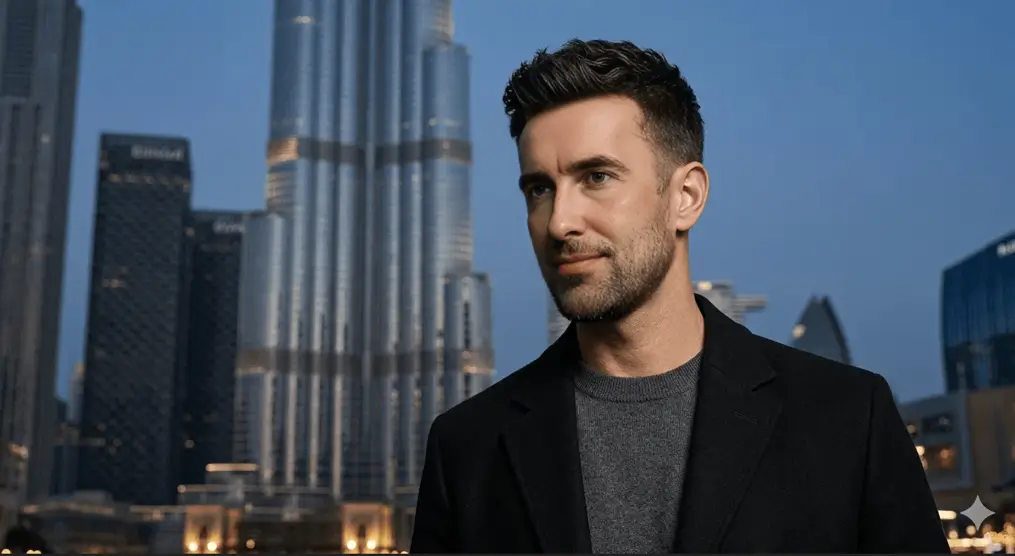
Swap a face in a photo in seconds: upload two shots and the AI transfers the face, keeping the light and the expression. Online, nothing to install, $0.15 per generation.
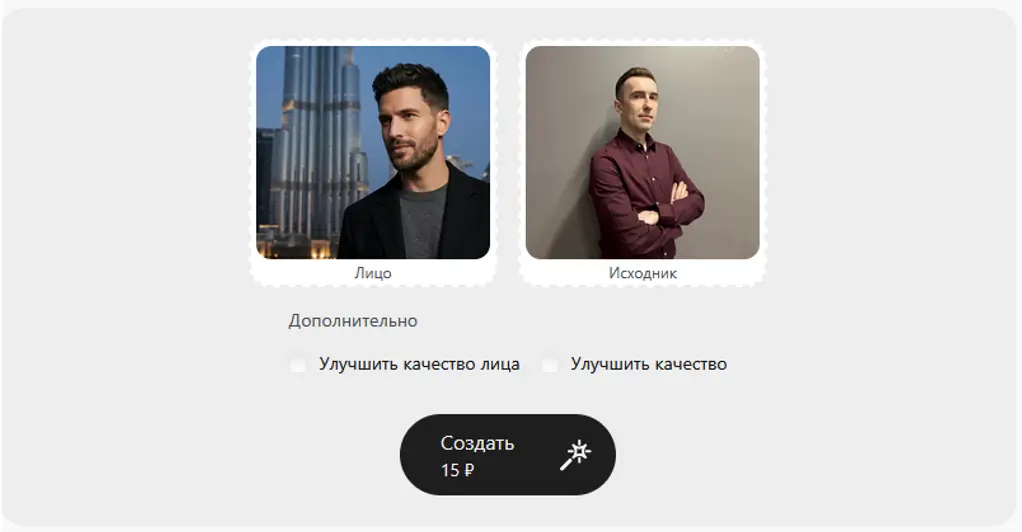
How to use FaceSwap in GPTunneL Creative Lab
Sign in to GPTunneL
One account for every model on the platform.
Sign in whichever way suits you.
What a face swap costs in FaceSwap AI
- You pay for the result: only for a successful swap, with no hidden fees.
- High processing quality: a realistic fit with no artefacts or distortion.
- Full privacy: photos are not kept after processing — your data stays yours.
Price: $0.15 per generation.
Why use FaceSwap in GPTunneL Creative Lab
No visible seams
The face-swapping AI places the new face carefully, keeping natural features, light and shadow.
Online, nothing to install
It all happens in the browser — no apps, no complicated setup.
Your data stays private
The photographs you upload are not stored and are processed anonymously.
Fast processing
A swap takes only a few seconds thanks to an optimised model.
Instant result
Processing this way saves your time — the result is ready in seconds, with no manual retouching in Photoshop and no fiddling with masks.
Open access
You need no powerful computer, no extra extensions and no workarounds. It all happens right in your browser.
Natural look
Accurate algorithms keep skin tone, the brightness of the eyes, the direction of the light and even the expression, so the result is hard to tell from a real photograph.
Works for anything
Memes, ad creative, trying on hairstyles or glasses — and API access makes it a natural fit for creators, social media specialists and developers.
Where FaceSwap is used
Marketplaces and advertising
Build ad creative with different models on one template, or try products (glasses, jewellery, hats) on photographs of real people without a reshoot.
Social media and content
Make memes and themed collaborations with friends, try on a celebrity look, or build viral content that holds your audience's attention.
Film and blogging
Swap an actor for a double in amateur video, "try on" a historical look, or simply entertain your followers with an unusual face transition.
Development and automation
Integrate the tool into your own product for bulk photo processing in fitting-room apps, entertainment bots or corporate systems.
Examples

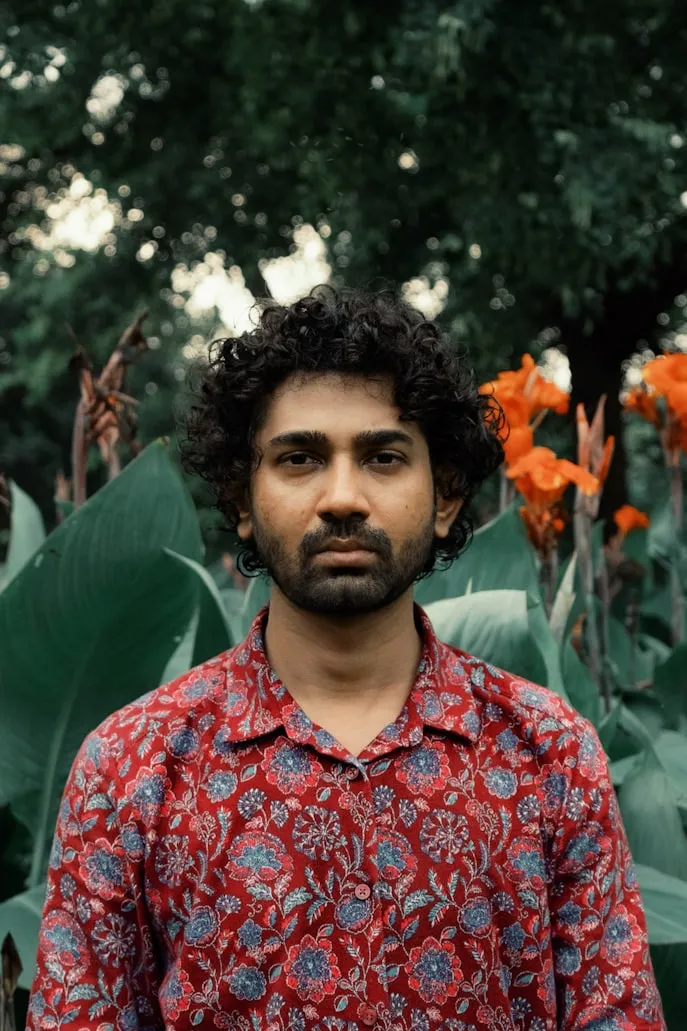
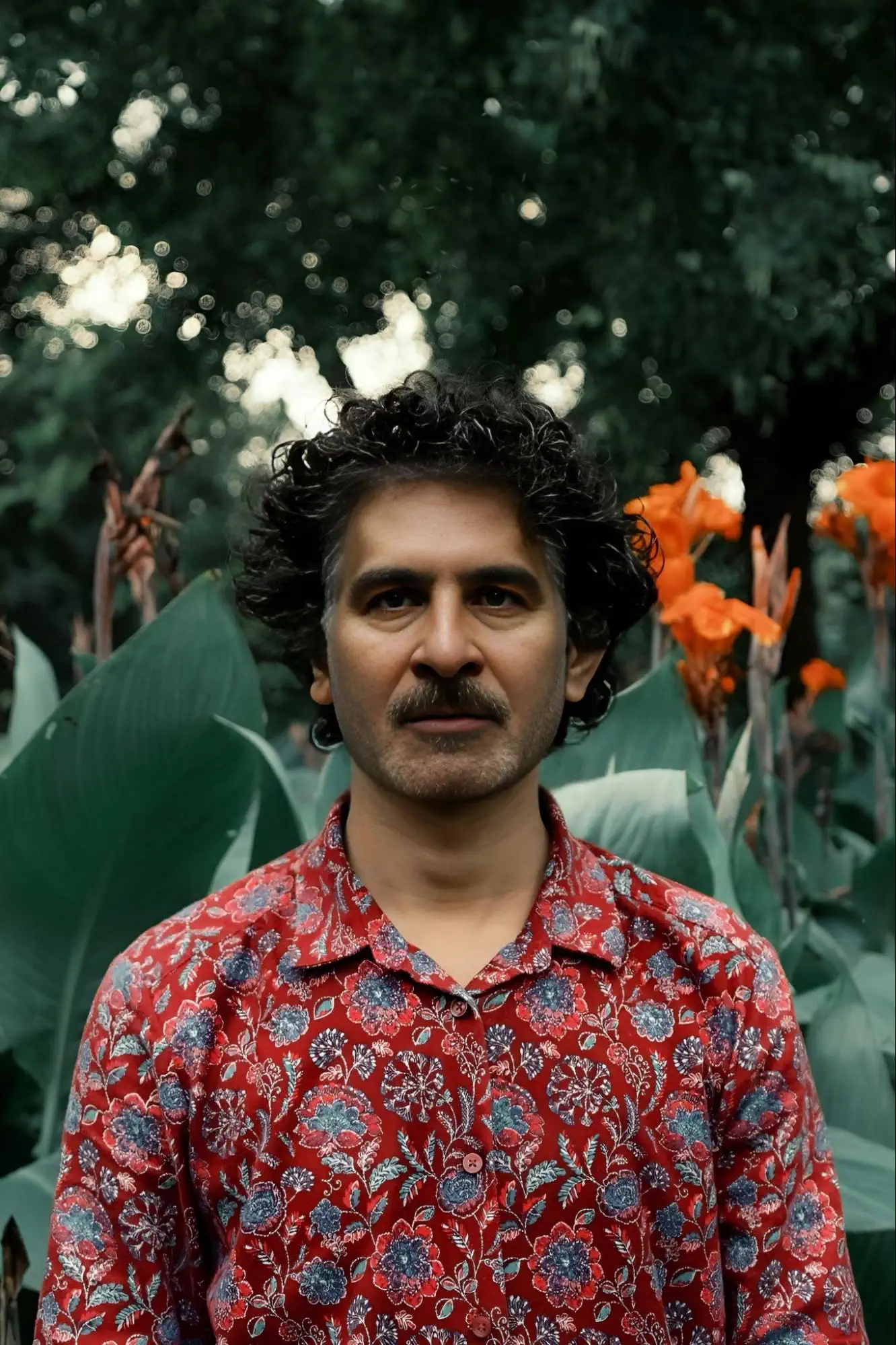
Frequently asked questions
FaceSwap works well with portraits of people of any age, skin tone and gender, and reads full face, profile and three-quarter views correctly. One note: for the best result, the source and target photos should be shot under similar lighting, and the face should not be covered by a fringe or anything else.