
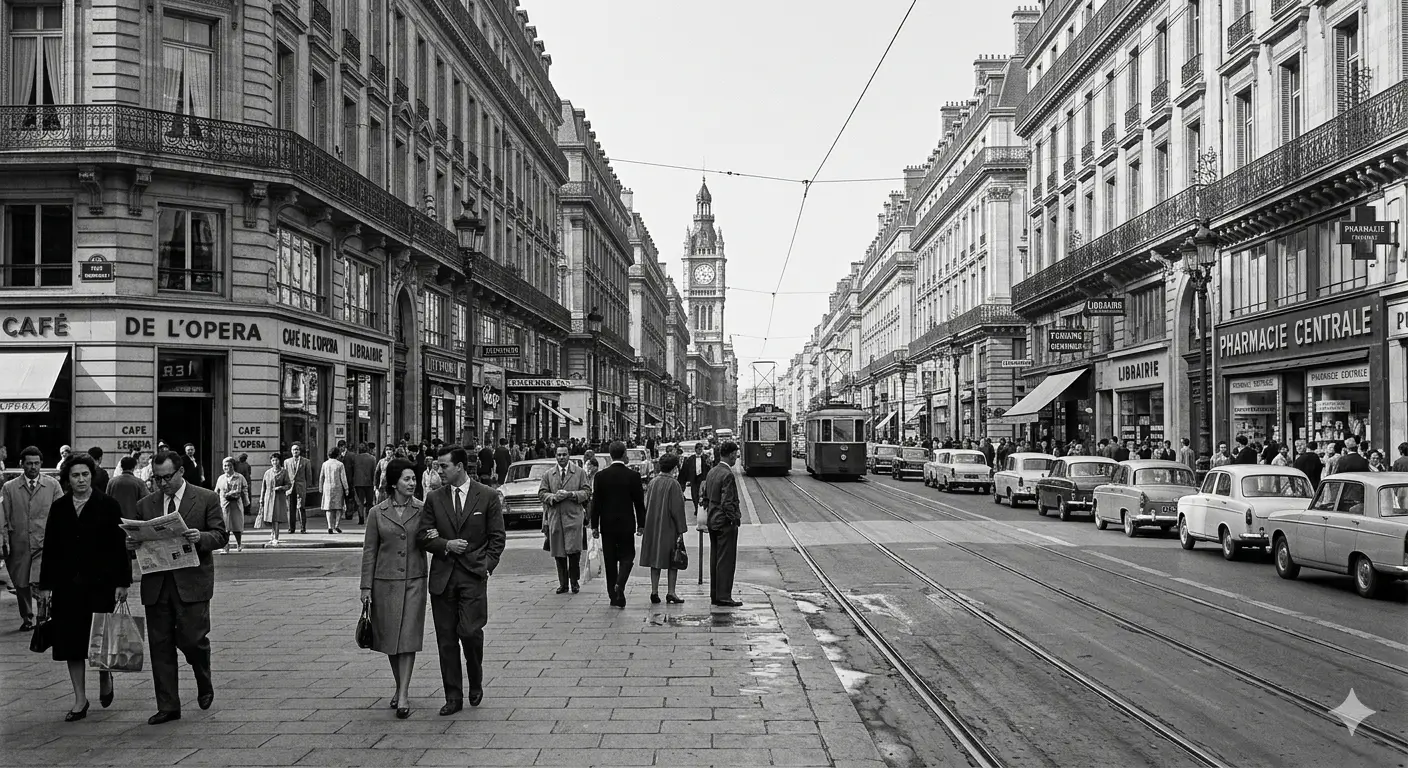
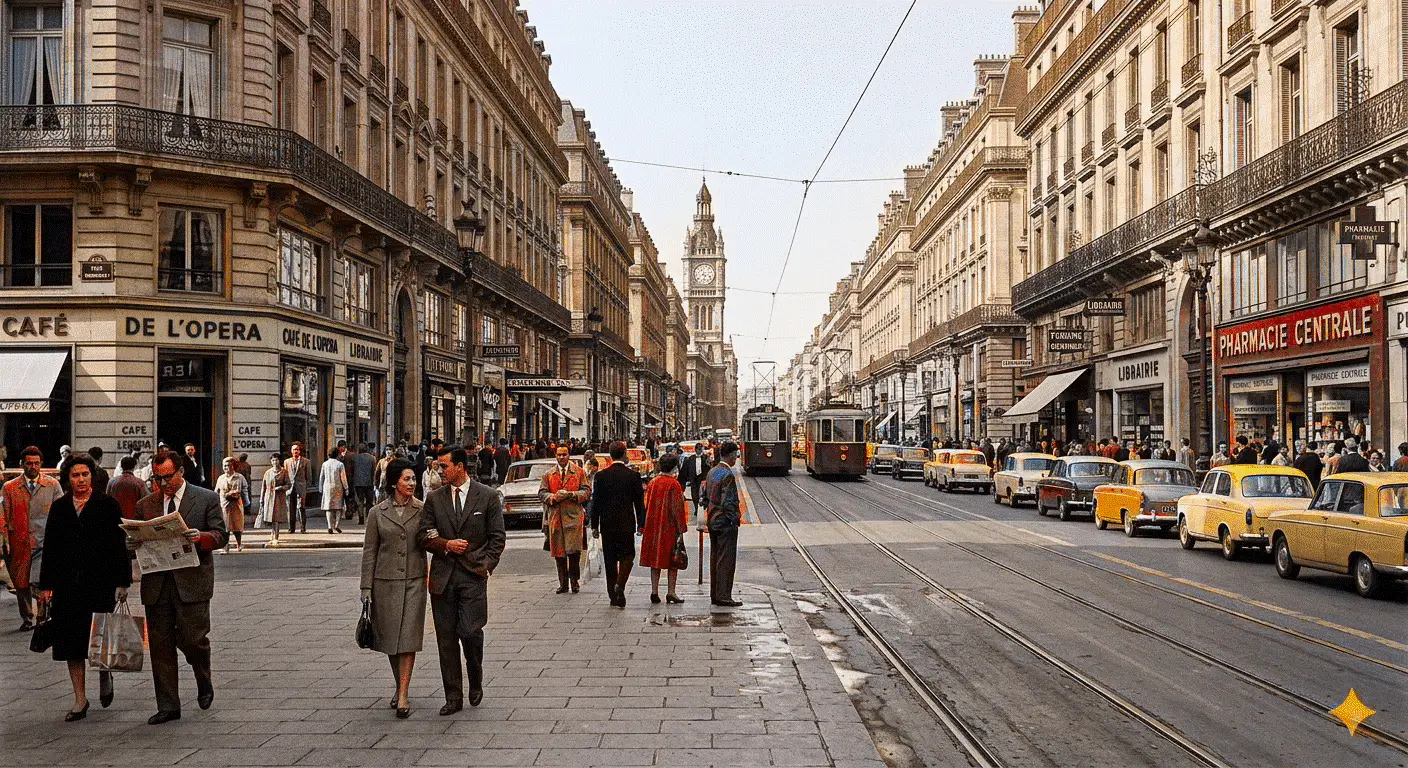
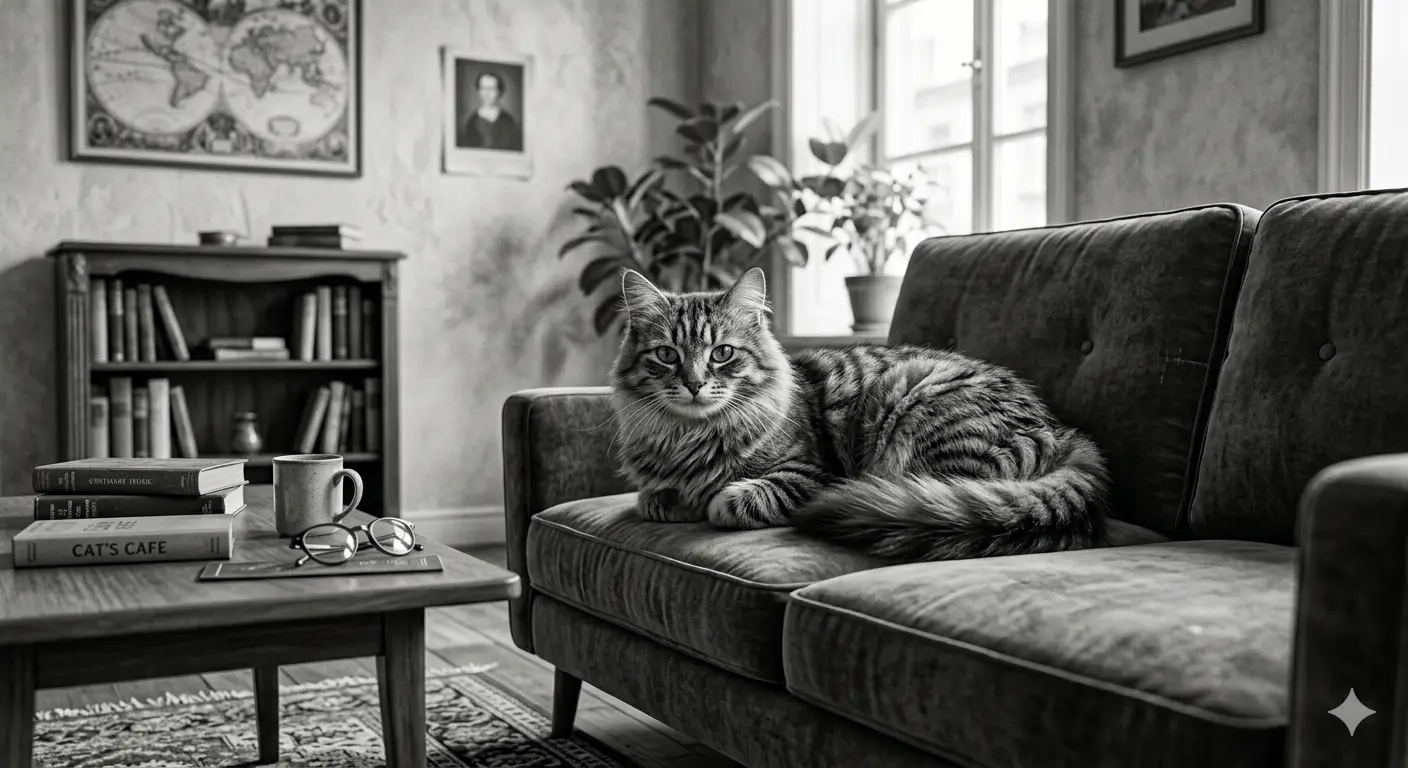
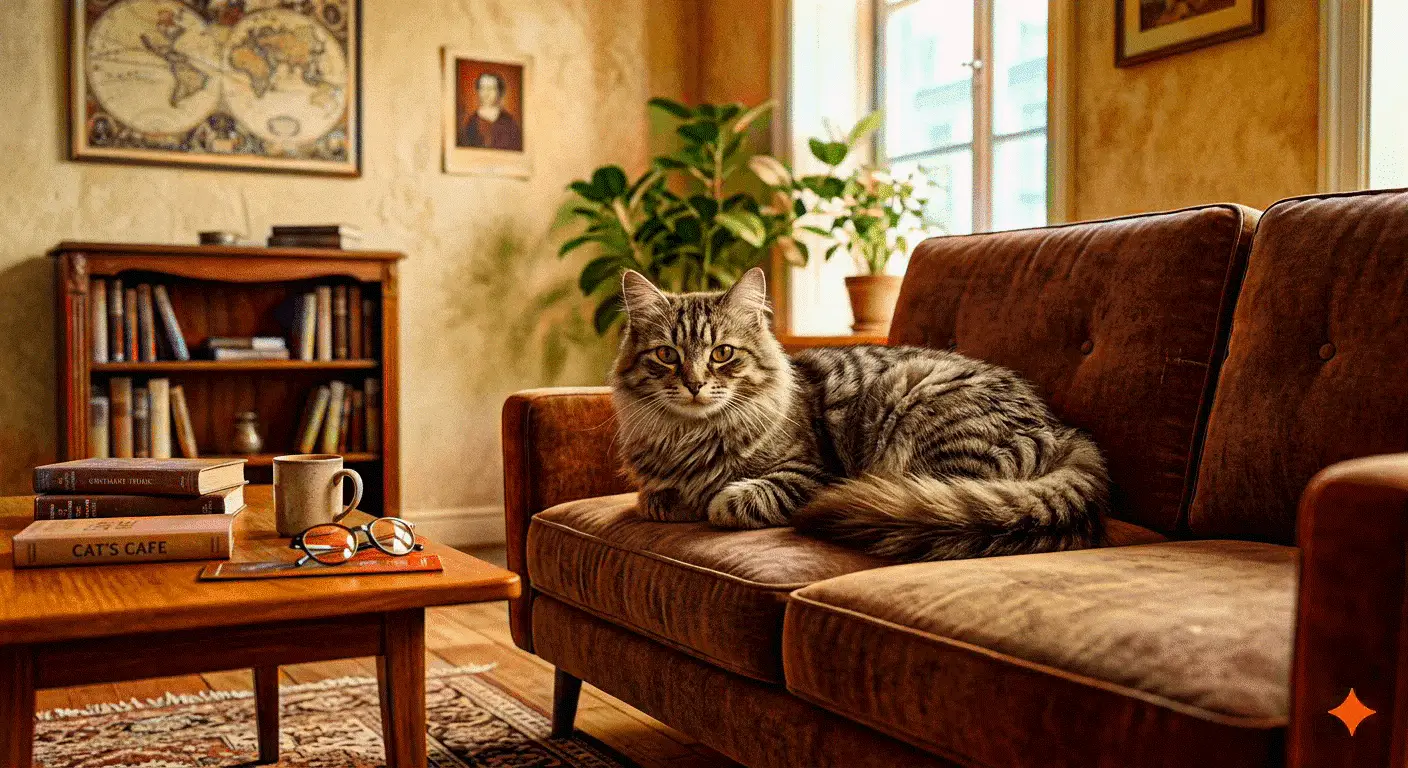
TrueColor is an online AI tool that colorizes black and white photographs automatically. The model reads every part of the shot, identifies what is in it — sky, skin, grass, clothing — and picks natural colours intelligently, giving old photographs new life in a few seconds. It handles portraits, landscapes, historical shots and archive images at resolutions up to 5000×5000 pixels, and comes with a simple web interface, a low price per image and a flexible API for building it into other apps and sites.
AI tool
Colorize a black and white photo
Colorize a black and white photo online: the AI picks natural colours in a couple of seconds — old family shots, archive frames, scans. No Photoshop needed.
How to use TrueColor in GPTunneL Creative Lab
Sign in to GPTunneL
One account for every model on the platform.
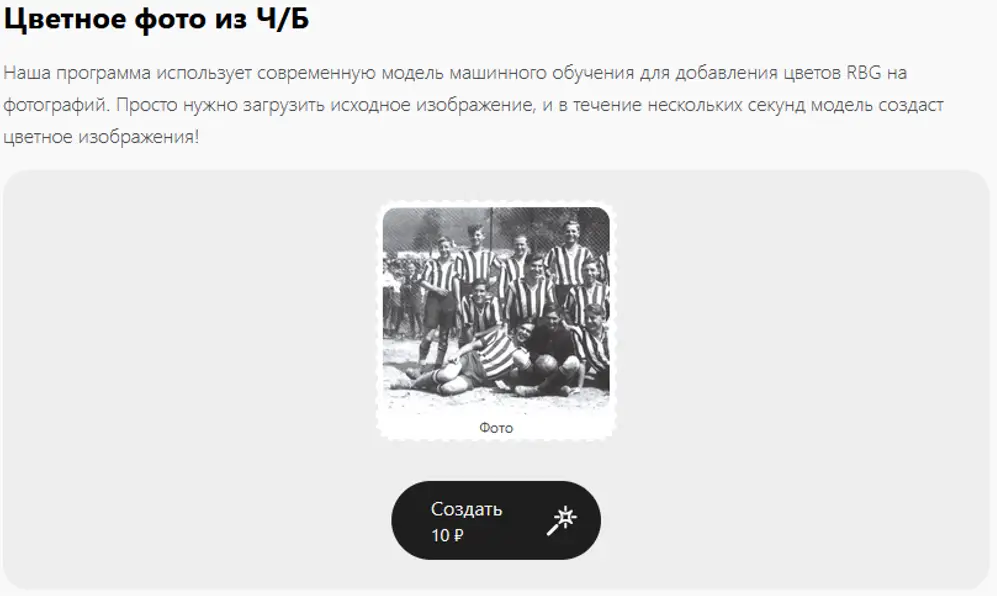
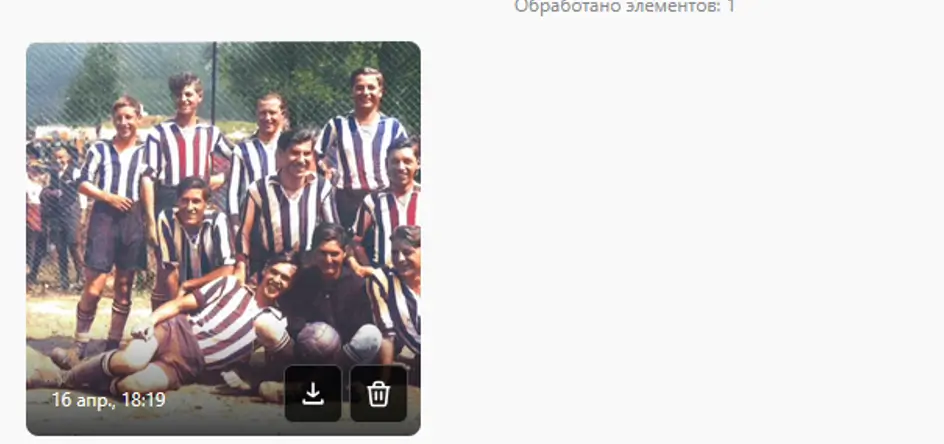
Sign in whichever way suits you.
What colorizing a photo costs in TrueColor
The price is fixed per colorization, and you pay only once the finished image is in front of you.
- Pay for the result: only for a successfully colorized photo, with no extra charges.
- Realistic colorization: natural tones added automatically, with no loss of quality.
- Instant, in the browser: a colorized photo in a few seconds.
Price: $0.10.
Why colorize photographs in GPTunneL
Automatic, no skills needed
The whole process is run by the AI — no need to know Photoshop.
Detail and texture preserved
The algorithm keeps sharpness, grain and small imperfections instead of smoothing them away.
Processed online in seconds
The result appears within 5–10 seconds, which keeps your work moving.
Colour restored instantly
Automatic colorization saves your time — the result is ready in seconds, with no manual work in photo editors and no fiddling with tones.
Open access
You need no retouching skills, no extra extensions and no workarounds. It all happens right in your browser.
Natural colour
Accurate algorithms recognise sky, skin, foliage, machinery and other objects, and pick realistic colours for them with no distortion or unnatural tints.
Works for anything
Family archives, historical photographs, old city shots — and API access makes it a natural fit for museums, archives, designers and developers.
Where TrueColor is used
Restoring a family archive
Bring old photographs of parents and grandparents to life, turning black and white shots into colour and seeing your family history afresh.
History and museum projects
Colorize archive photographs of cities, events and people for educational projects, exhibitions, documentaries and history blogs.
Design and print
Use colorized images in design projects, brochures, decks and websites, giving old shots a contemporary feel.
Development and automation
Integrate the tool into your own product for bulk colorization in archive restoration apps, retouching services and corporate systems.
Examples
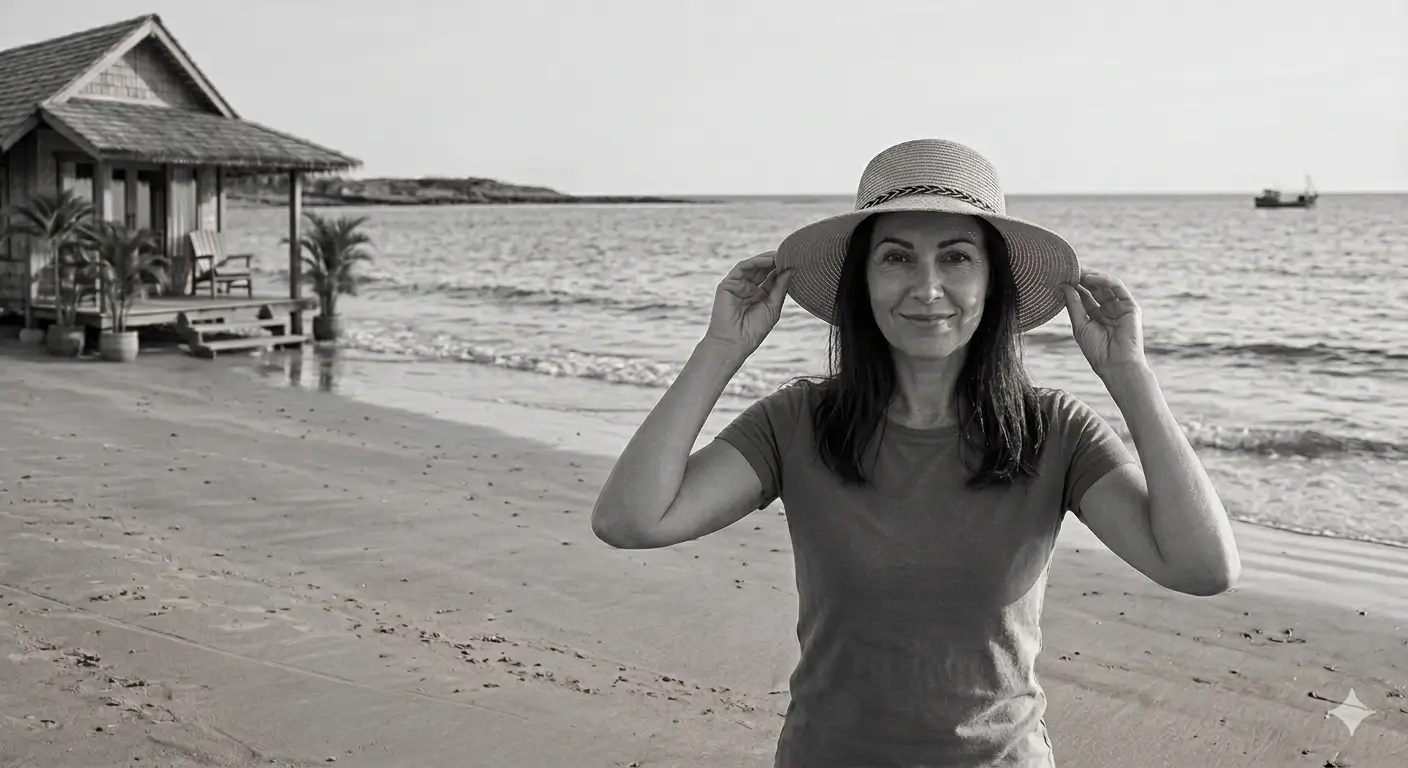
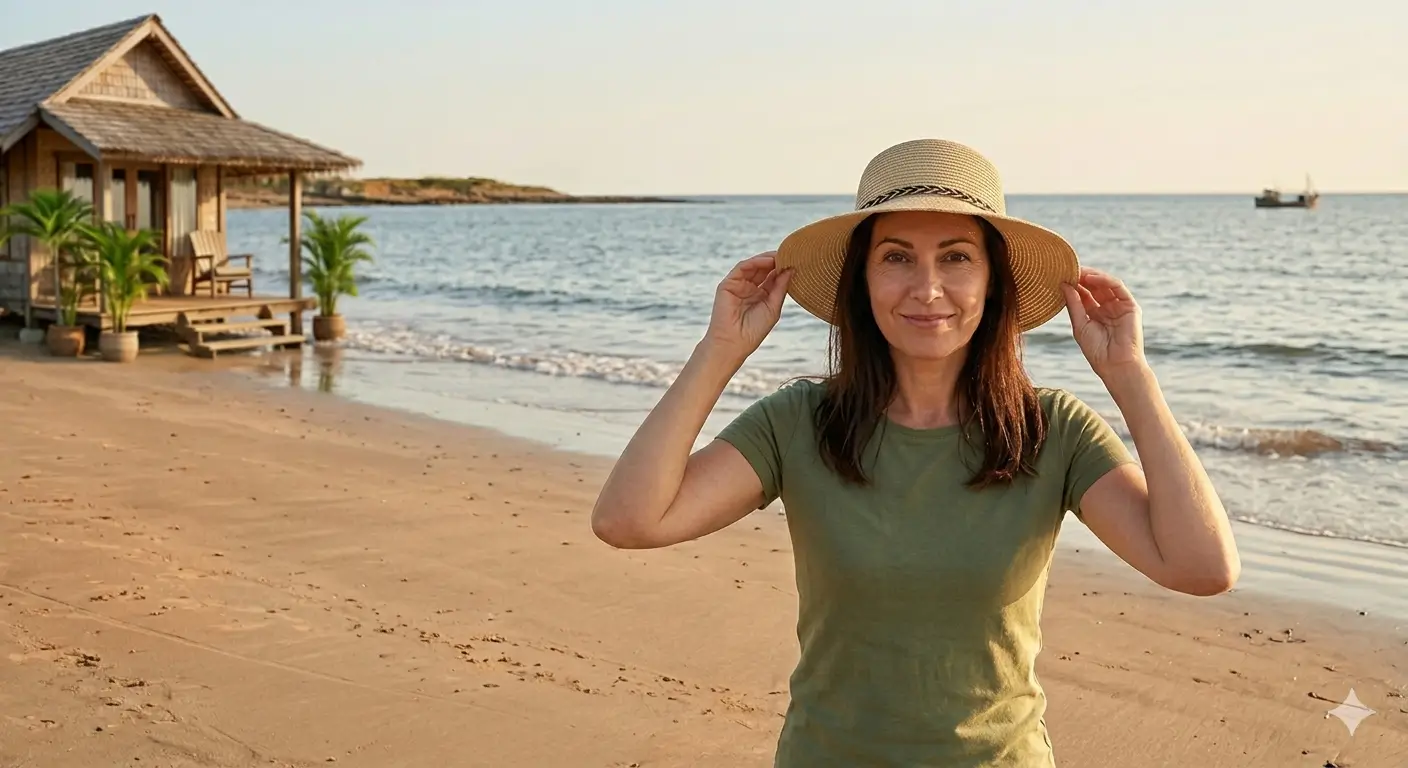
Frequently asked questions
TrueColor works well with portraits, landscapes, city shots, historical photographs and archive images. The model reads skin, sky, grass, water, buildings, machinery and other objects correctly. For the best result, use sharp shots with good detail.