
Voice, chat and screen sharing for your team
A team messenger that lives on your server: voice rooms, Telegram-style chat, screen sharing. One docker compose up, no external services and no per-seat subscriptions. Written by AI from the first line.
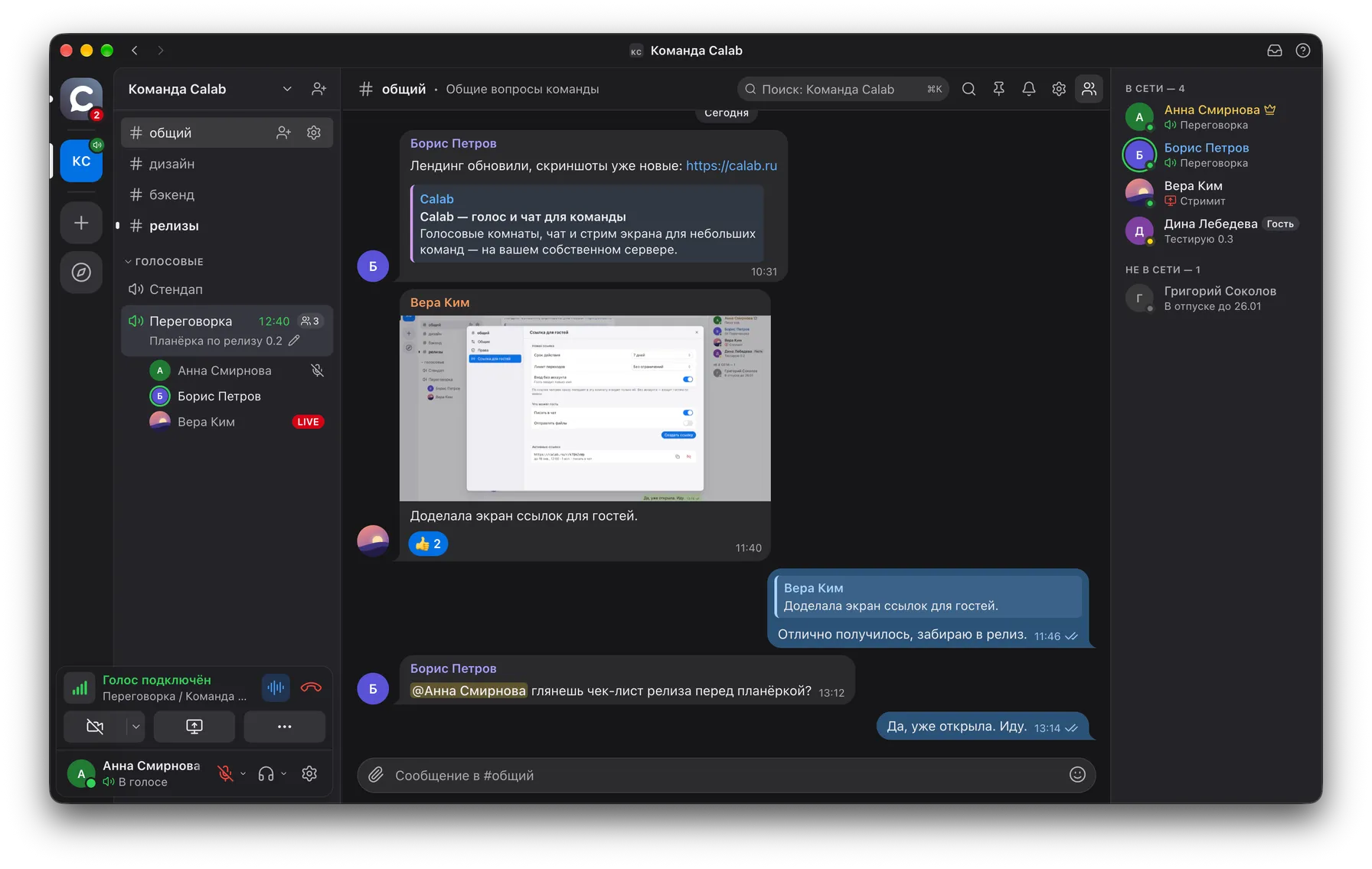
This is Calab: the desktop app and the web version share one codebase
Join a room and hear your team right away
Discord-style rooms: members and speakers are visible right in the room list, one-click join, call timer. No "schedule a meeting" and no hour-long links.
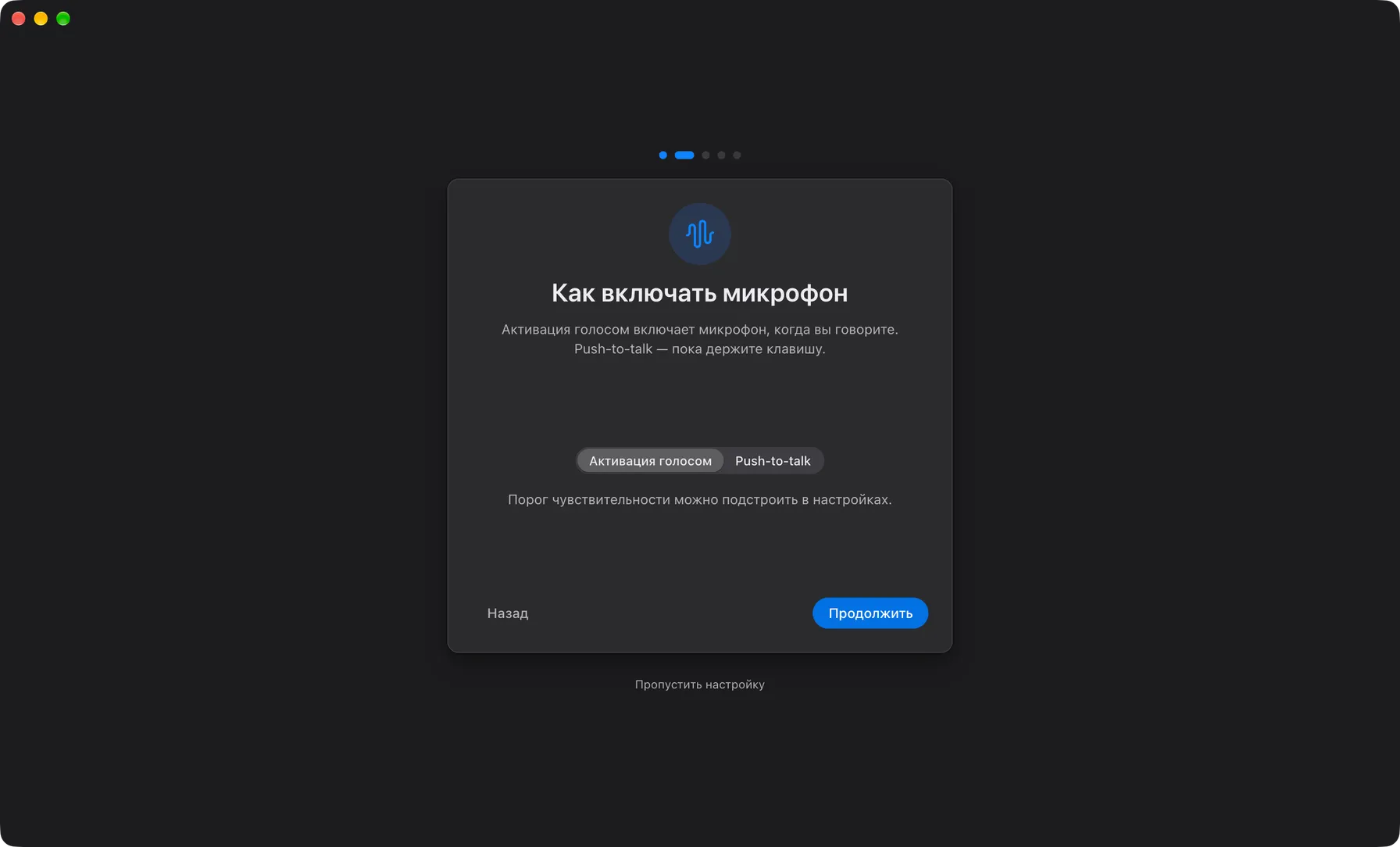
- Push-to-talk or voice activationAny key, including Caps Lock and side mouse buttons; threshold and hysteresis are adjustable.
- Clean audio without external servicesAEC3 echo cancellation and RNNoise noise suppression run on the device.
- One-click moderationServer-side mute, drag-and-drop members between rooms, stop someone else's stream.
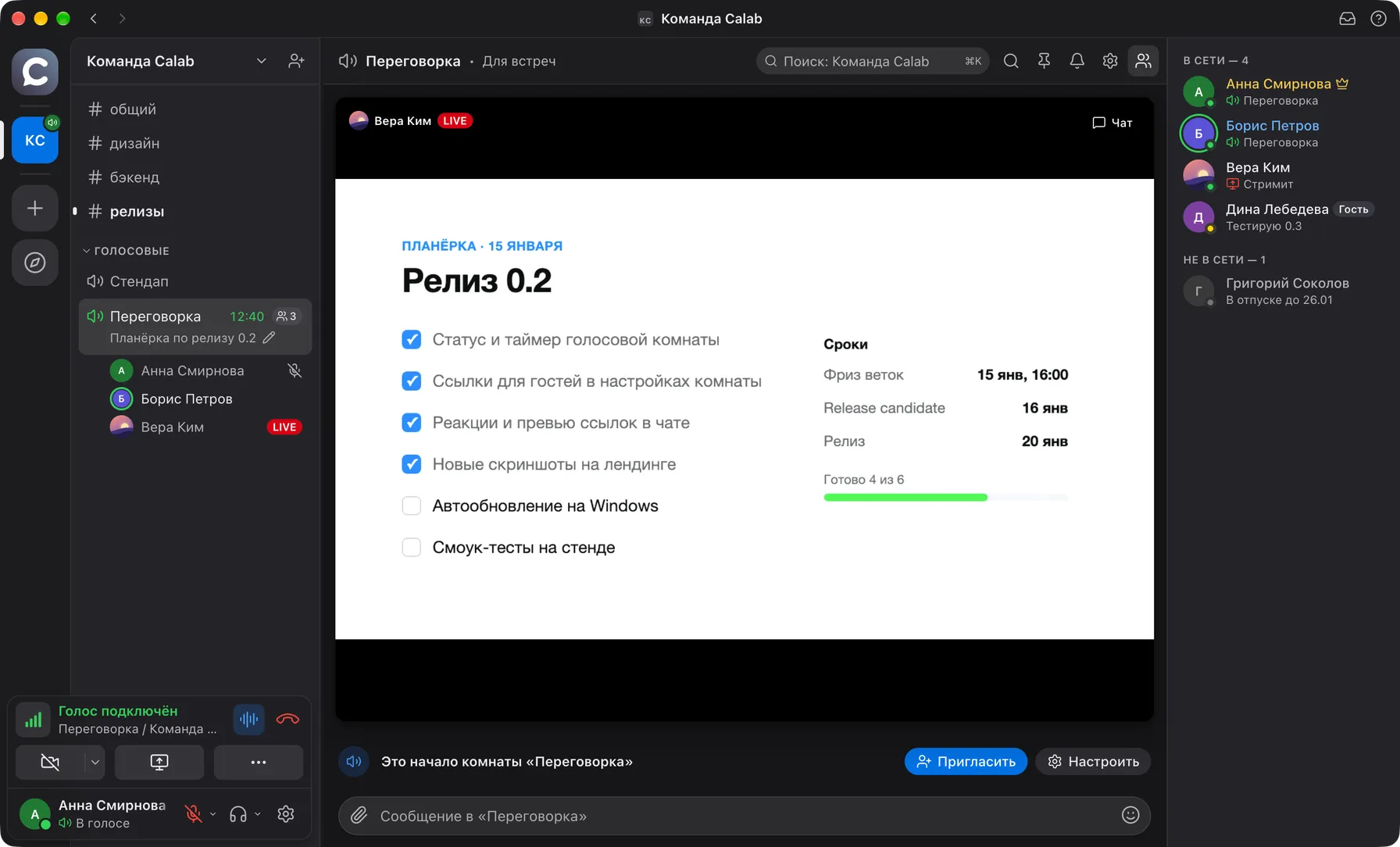
Share your screen and keep the text sharp
A Discord-style picker: apps and screens with previews, presets "Economy · 720p · 1080p · Original", a "Text / Video" mode and system audio where the OS allows it.
- AV1 + simulcastViewers receive only the layer they actually see; a layer nobody watches is not encoded.
- Up to three streams per roomA tile in the chat corner, expanded view, a separate window for a second monitor, a "N watching" counter.
- WebcamA grid of tiles or a small window over the chat, pin someone large with a click, a camera limit per room.
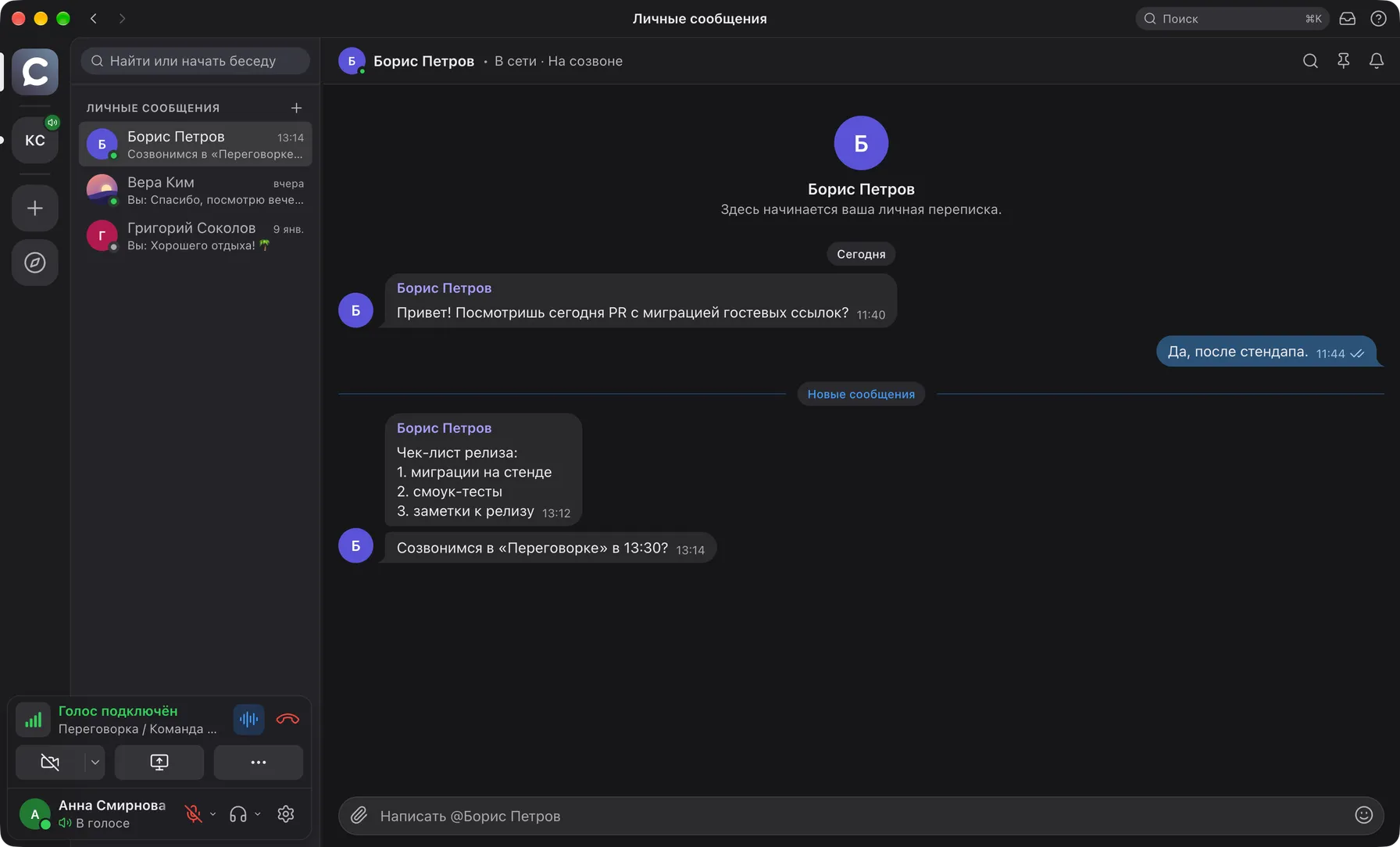
A chat nobody has to learn
Telegram-style bubbles: quoted replies, reactions, mentions, pinned messages, delivery ticks. Files by drag-and-drop or from the clipboard, link and image previews.
- Search with morphologyWithin a room or across the whole space, plus ⌘K quick switch between rooms, members and messages.
- Direct messagesA separate section with an unread counter and the same feed as in rooms: files, reactions, pins.
- Mobile versionA single-column web client: rooms in a drawer, voice and push-to-talk at the bottom, installable on the phone's home screen.
Built for teams with an admin, not a DevOps department
Everything you need in one docker compose: Caddy, LiveKit, a Go API, PostgreSQL and Valkey. No external services.
Spaces and permissions
Owner / admin / member / guest roles and 14 permission bits with per-room overrides: write, files, speak, stream, moderate.
Guests by link
A person types a name and lands in the conversation without signing up, seeing only that room. An admin can turn a guest into a member.
Works behind firewalls
UDP → TCP → TURN/TLS on 443 automatically. One public IP, verified from behind VPNs and corporate proxies.
Secure by default
Media over DTLS-SRTP, API over HTTPS/WSS with HSTS and a strict CSP, argon2id, refresh-token rotation, rate limits on login and uploads.
Lossless reconnection
A gateway with event sequencing and RESUME: recovery after laptop sleep or a dropped network, idempotent sending.
Operations
Hardened containers, Let's Encrypt certificates, daily backups with verified restore, Prometheus metrics, client auto-updates served from your own server.
GitHub issues are solved by AI. A human only approves
Calab was written by models from the first line: architecture, code, tests, documentation and the changelog. The same pipeline handles user requests, with a single manual step: approval, so nobody can make the AI harm the project.
Cause: Caps Lock is read through the layout, not as a physical key
Change: apps/desktop → hotkeys, read the key code directly
Checks: typecheck, unit, e2e:visual -g settings on three layouts
Risk: low, affects macOS only
✓ typecheck · lint · unit
✓ e2e:visual -g settings — 3 of 3
✓ CI: buf lint, go vet, generated code drift check
→ Calab 0.3.1 · changelog updated, builds published
The AI replies inside the issue: cause, plan, estimate.
The plan is tied to the project's docs, not to guesses.
Without approval the agent does not touch the code.
That is how five versions shipped on day one.
Your team needs a feature: with a vendor and with Calab
Email to support
A quarter in the vendor's backlog
Only if it fits their plans
Wait for a release for everyone
Maybe in a year
Issue on GitHub
AI plan within minutes
Human approves, agent codes
Tests and review in CI
PR and release in days, not quarters
Changes for your processes, such as SSO, integrations, branding or your own infrastructure, are delivered under a GPTunneL commercial licence.
Calab versus cloud messengers
| Calab | Discord, Slack, Zoomcloud | |
|---|---|---|
| Where the data lives | On your server | In the vendor's cloud |
| Subscriptions | None: your server, licence on request | Monthly, usually per user |
| Source code | Open on GitHub | Closed |
| Custom changes | Issue → AI → PR | Only from the vendor's roadmap |
| Voice and streaming | Rooms, push-to-talk, AV1 streams | Available |
| Air-gapped network | Yes, one public IP | No |
| Guests | By link, no sign-up | Depends on the service |
Non-commercial use of Calab is free; commercial use requires a GPTunneL licence.
Three commands to a working messenger
You need a Linux host with a public IP, Docker with Compose and a domain with A records for app, rtc and turn.
git clone https://github.com/itrcz/calab.git && cd calab
Clone the repository
cp infra/docker/.env.example infra/docker/.env
Fill in the domain and secrets
Every variable is described in the file's comments.
infra/docker/deploy.sh
Bring the stack up
Caddy, LiveKit, API, PostgreSQL and Valkey. Let's Encrypt certificates are issued automatically.
Ports: 80/443 TCP, 443 UDP, 7881 TCP, 7882 UDP. The first registered user becomes the server owner, everyone else joins by invite. Builds for macOS, Windows and Linux are served from your own server at app.<domain>/download.
Deployment guideWe adapt it to your processes
Open source plus an AI pipeline means "custom" is not a quarter of development but an agreed plan and a few days.
Your own perimeter
We deploy on your servers or inside a closed network, migrate data, set up backups and monitoring.
Integrations
SSO and OIDC, bots and webhooks, connections to your CRM, trackers and knowledge bases.
Branding
Name, logo, domain and your own app builds under your brand.
Support
Updates from your server, restores from backups, a contract and closing documents.
Questions about Calab
Need Calab for your team?
A commercial licence, deployment inside your perimeter, custom changes and support: leave your details and we will reply within one business day.
Set up your own messenger in an evening
The code is open, the server comes up with one command, and changes are made by AI under human supervision.
- Voice, chat and screen sharing on your server
- Free for personal and non-commercial use
- GitHub issues instead of vendor tickets