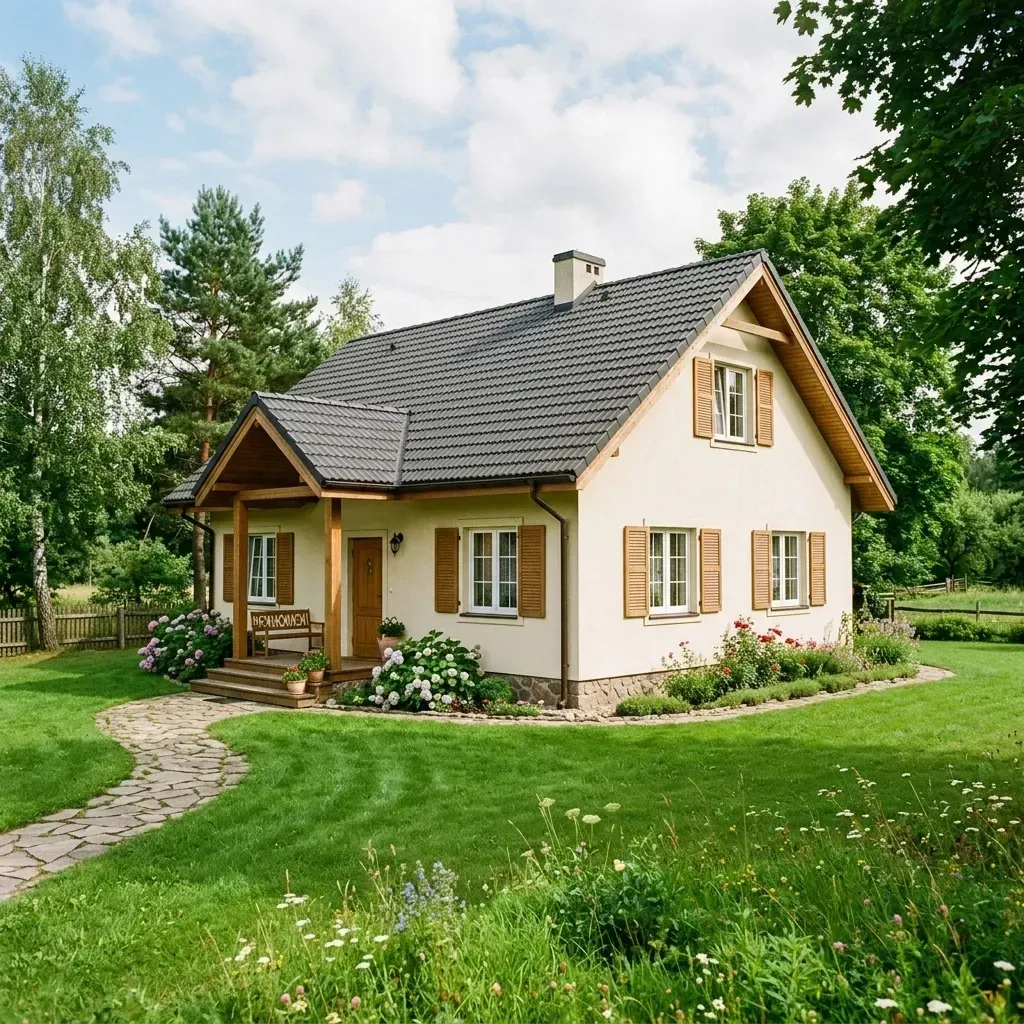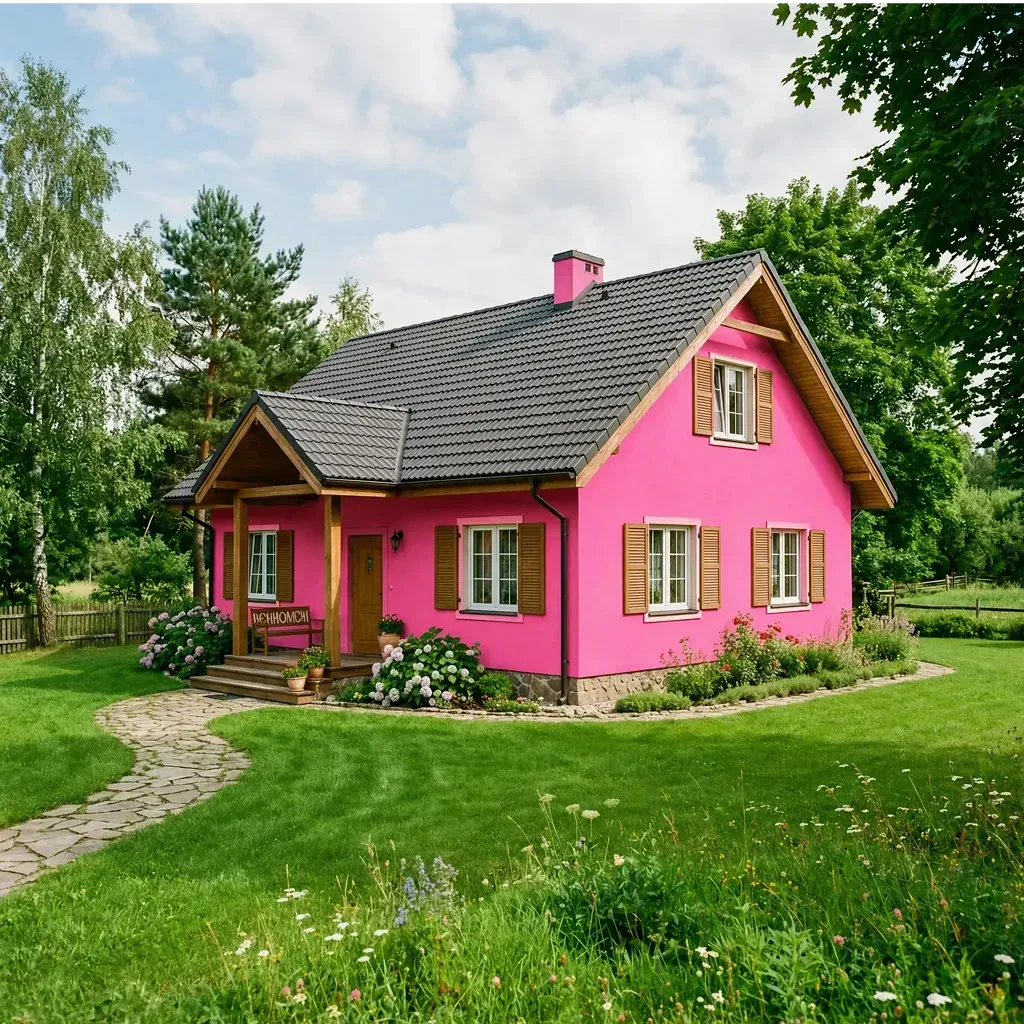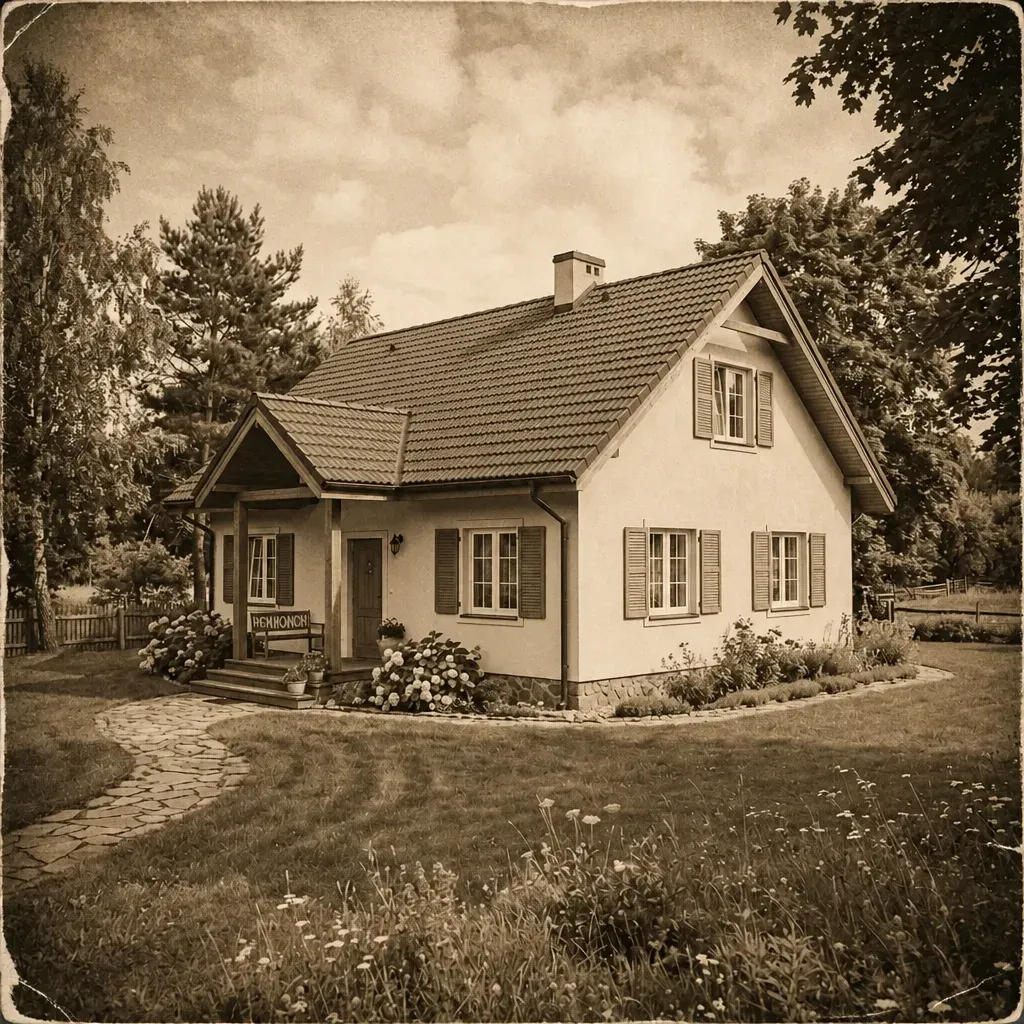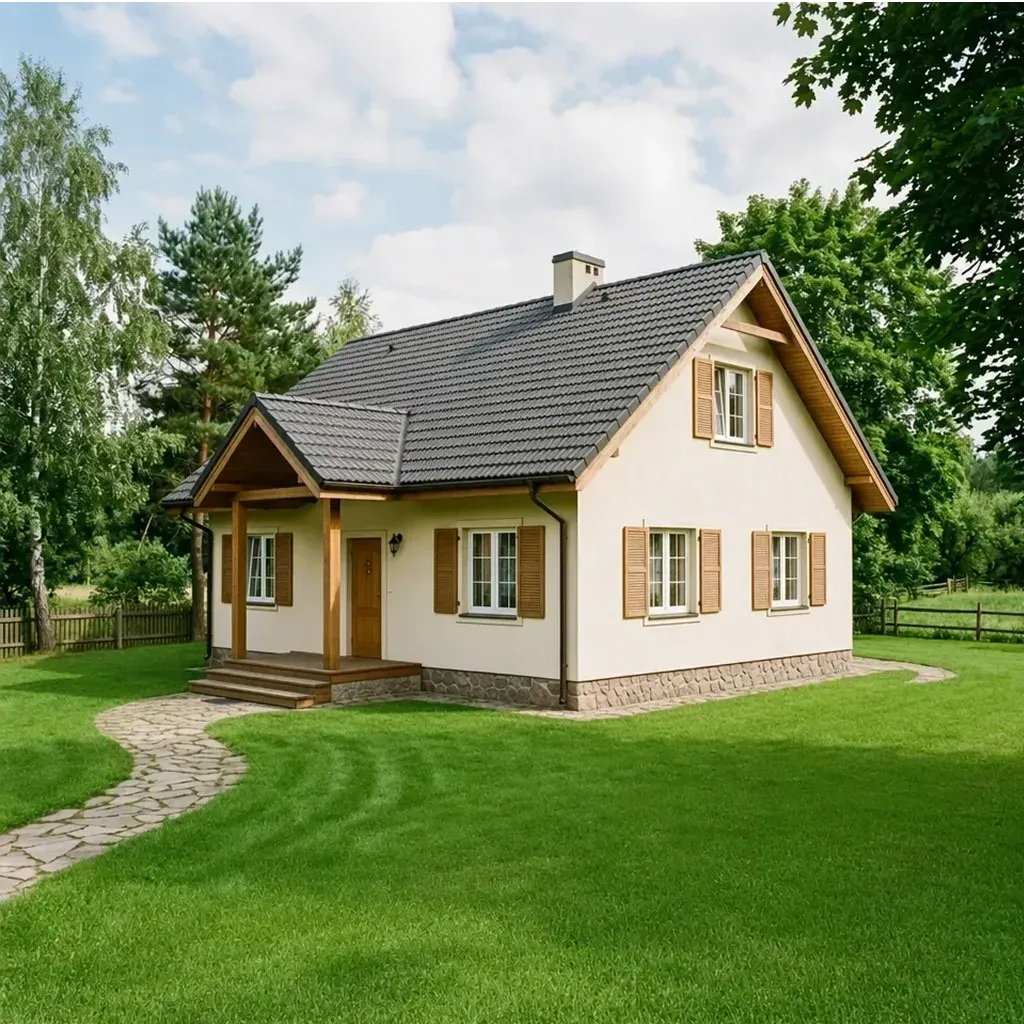

Reference
Prompt
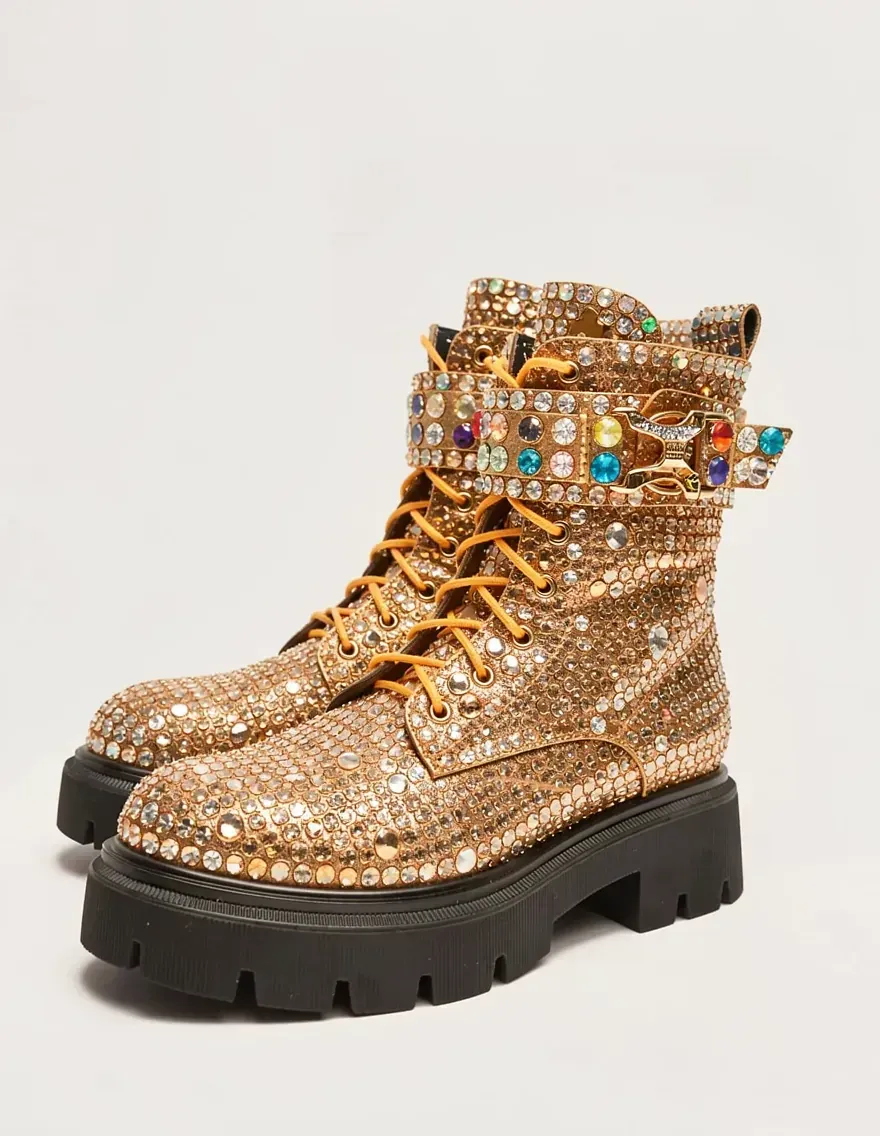
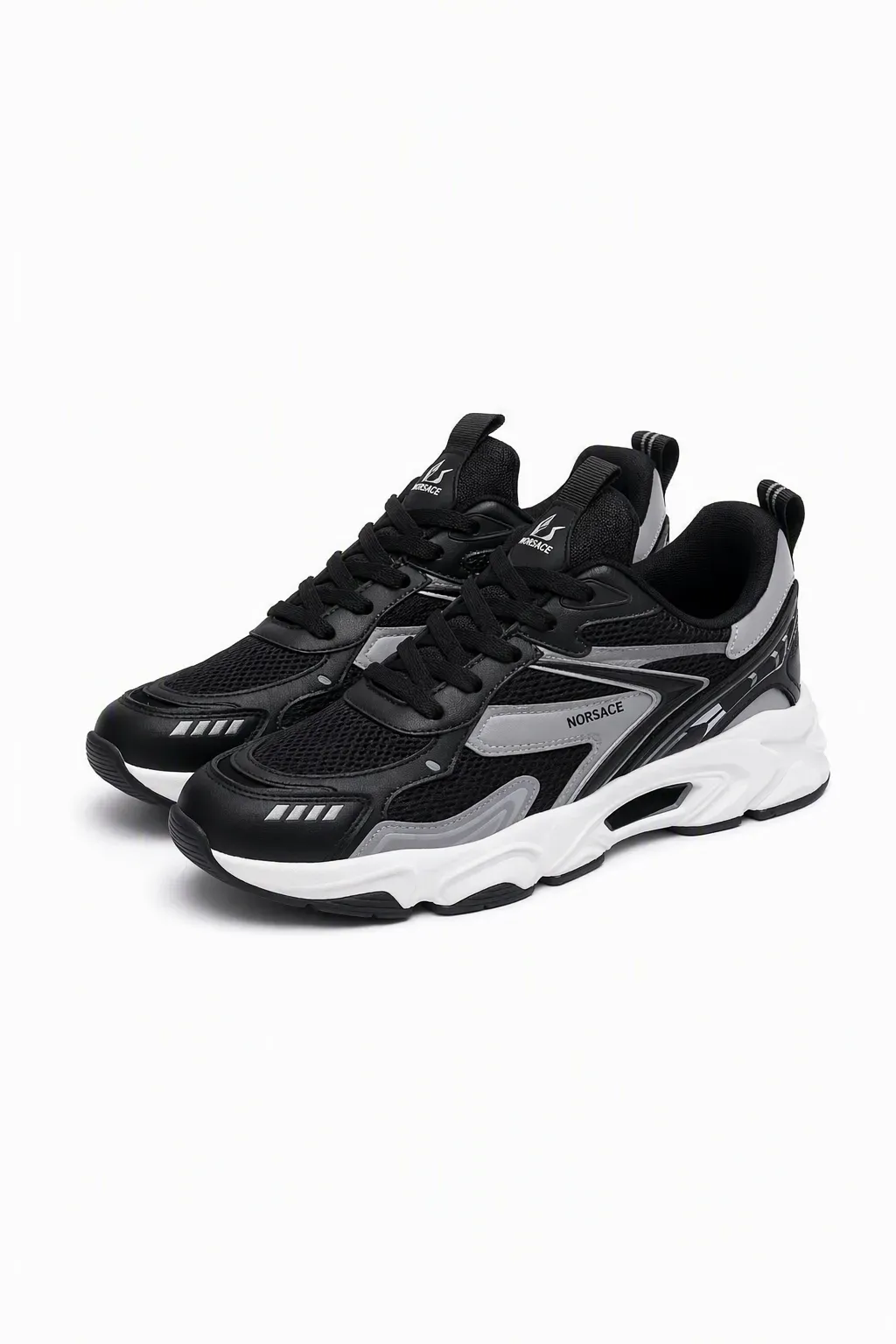
A girl crouching on a seamless orange backdrop, the near foot forward — the sneaker is the largest object in frame. Hard light, long shadow.
ResultGrom Art
Prompt
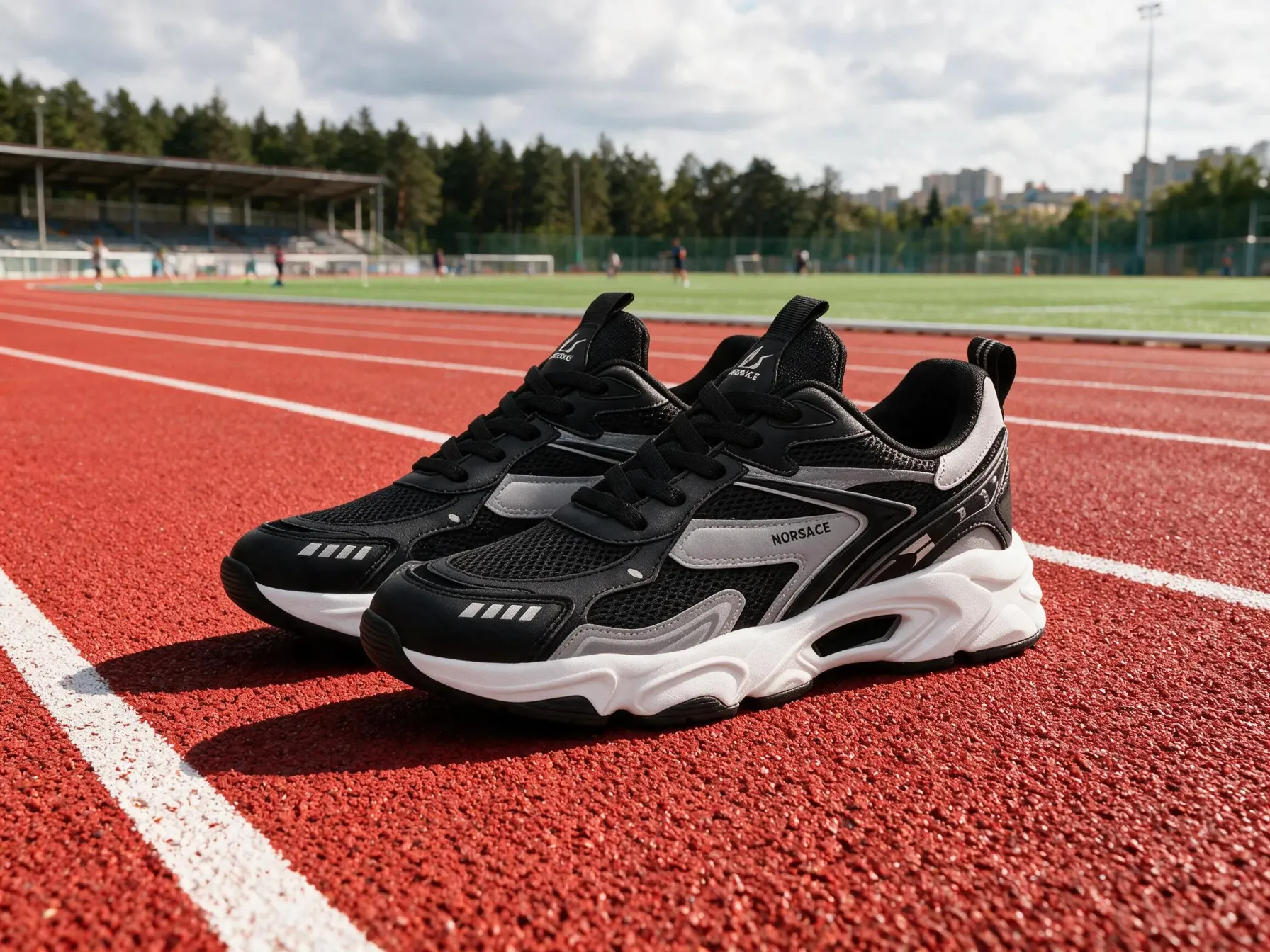
The same sneakers on a stadium running track, close-up by the lane markings. Daylight, blurred background with the field and the stands. 50 mm, f/2.8, commercial shot.
ResultGrom Art

Workflow AI scenario builder

Text, images, video, sound, search and memory — in a single automated scenario. No switching between services.

Why

All your AI tools working together

A real task is rarely solved by a single model. A marketplace clip means an image, a video, a voiceover and an edit: four tools, four subscriptions and files you drag from one window to another by hand. Half the time goes into moving files, not into the result. Workflow puts all of it into one scenario. Blocks are joined by links: the result of one becomes the input of the next straight away — no exporting, uploading or renaming. Build it once, then run it as often as you need, changing only the source file or the prompt. Inside are the same models you use in chat: image and video generation, voiceover, recognition, search and memory. One balance, pay per run, no subscription for every service.

How it works

Build a scenario in a couple of clicks

Every block passes its result to the next one — from the prompt to the finished output.

Any AI task — one pipeline

Images, video, 3D objects, voiceover, quality enhancement, background removal, search and memory — assemble a scenario from the blocks you need without switching between services.

Image generationObject photo
AI assistant

Describe the task — the assistant builds the workflow

Say what you want to get — the assistant breaks the task into steps, picks a model for each one and wires them into a scenario. Edits work the same way: “add a voiceover”, “make a vertical version”.

  • Picks the blocks and models itself
  • Changes things on the fly: model, step, format
  • The result is a normal workflow — edit it by hand
Templates

Ready-made scenarios — just tune them to your task

Dozens of ready scenarios for specific tasks. Open the block list, drop in your own photo or text and get the result in one click.

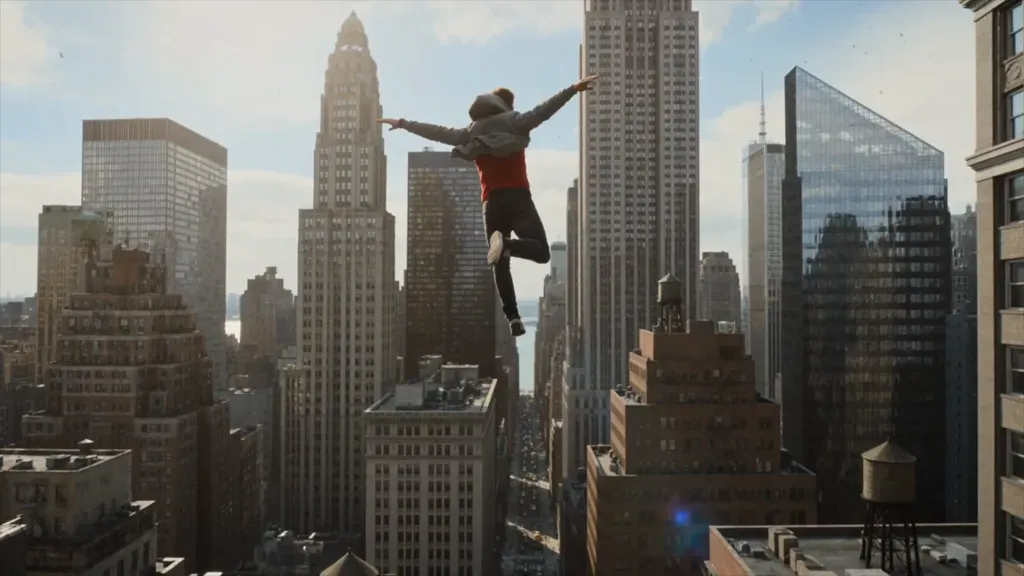
VideoOpen templateSpider-manTrending clip
PhotoOpen templateFashionClothing and footwear
PhotoOpen templateProduct UGCMarketplace covers
PhotoOpen templateGolden HourGolden hour effect
PhotoOpen templateImprove photosPhoto enhancement
VideoOpen templateSunoClipBuild a music video
VideoOpen templateBiBo CartoonMake cartoons
PhotoOpen templateNova DescribeGenerate a photo from an example

For people who create fast

One canvas covers work that is usually spread across five different services.

Content makers

A clip, a cover and a voiceover from a single photo — no editing suite, no ten tabs.

Marketers

Dozens of creatives to test: the scenario runs itself on new products.

Production teams

A repeatable scenario instead of manual routine — the same result every time.

Developers

A no-code prototype of an AI pipeline: validate the idea before the API integration.

How billing works

There is no subscription: you top up one balance and spend it on any model on the platform.

Pay for the blocks that ran

Each block of the scenario is charged at the price of its model. Not running it costs nothing: no limits, no monthly fee.

One balance for every model

ChatGPT, Claude, Gemini, image and video generation — all out of the same wallet. No separate subscription per service.

Top up the way you prefer

International cards, Apple Pay, Google Pay or crypto. The minimum top-up is $5.

Workflow FAQ

No. Workflow is a visual editor: drag blocks and connect them with lines. No coding needed, and you can even assemble a scenario with words through the AI assistant.

Build your first AI workflow

Create scenarios of any complexity without switching between services.