
Today, creating images with AI doesn't require an art degree or complex skills: the task has become an analytical one, solved by picking the right neural network and writing a good prompt. Let's look at how to generate a picture with AI using the best tools as examples:
Why have AI image generators become so popular? First, they cut down on labor and multiply the number of concept variations in minutes. Second, they give access to any style — from 3D graphics to photorealism — while accurately following the prompt. Automating creative work doesn't replace an artist, but it saves resources and expands the toolkit. Here are a few more reasons:
- An AI image generator reduces routine work and opens up new technical possibilities;
- A drawing AI speeds up idea testing and finding the visual solutions you need;
- Generating banners and visuals becomes a repeatable task without losing quality.
The best AI tools for artists and designers are being adopted into everyday practice. Marketers use them for corporate presentations; UI/UX teams — for test mockups; illustrators and writers — for quick storyboards and visual insights when there's no time to search for references. Students and entrepreneurs have found in AI a way to get ideas straight from their heads onto the screen, without lengthy approvals.
How AI image generators work
The basic rule: the neural network receives a text prompt, analyzes it, and creates an image matching the given structure. The text-to-image mechanism is implemented in all diffusion models — and the difference between them often lies in the details of prompt processing and the quality of the final render.
The role of the prompt in image generation
A prompt is the text request a user sends to the neural network. The result of generation depends directly on its quality. The more precise, detailed, and well-structured the prompt, the better the network understands the task and creates an image that matches expectations.
For example, instead of a general request like "a cat in anime style," it's more effective to use a detailed description: "a futuristic cyberpunk city with neon lights, view from above, Cinematic style."
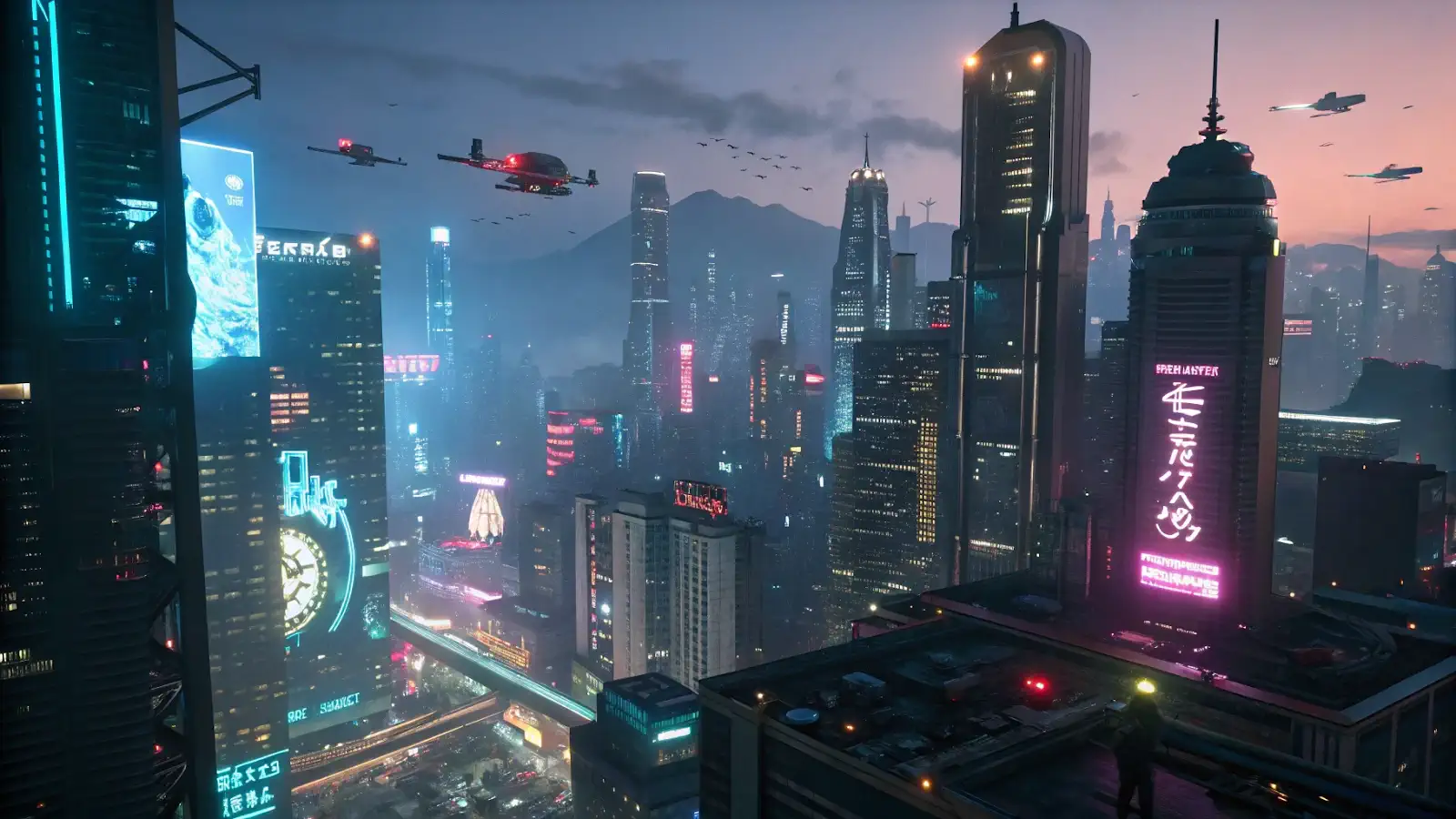
Generated with Recraft V3. Prompt: Futuristic cyberpunk city with neon lights, view from a height, Cinematic style --ar 16:9
Such a prompt includes a description of the subject, style, lighting details, angle, and resolution, which helps the neural network create a more accurate and higher-quality image.
Generation styles and neural network models
Neural networks can generate images in various styles — realism, anime, 3D, watercolor, pixel art, and others. These styles are defined by models trained on different datasets. For example, an "anime" style produces an image with characteristic anime features, while a "realism" style produces an image resembling an actual photograph.
Neural network models can combine styles, create textures, and work with lighting and atmosphere. This helps you experiment and find the best solutions for your tasks.
Overview of Flux, Recraft, and Seedream
First, let's note that all these neural networks are available through a single interface in GPTunneL called Creative.Lab.
There, you can use a settings wizard that lets you add a text description of the prompt, choose the image size and style, the number of generations, and other details depending on the model itself. After generation, you can edit the content of the image, turn it into a video, remove the background, or change various elements.
Although the neural networks themselves only work in English, Creative.Lab also supports prompts in other languages — it has a built-in prompt translator into English.
Flux: a powerful model focused on detail
Flux is a family of neural networks for highly detailed images, especially in realism or cinematic style. The detail is noticeable, for example, in the color palette, the geometry of faces, objects, and shadows. The neural network is very responsive to your prompts, letting you control the outcome of generation.
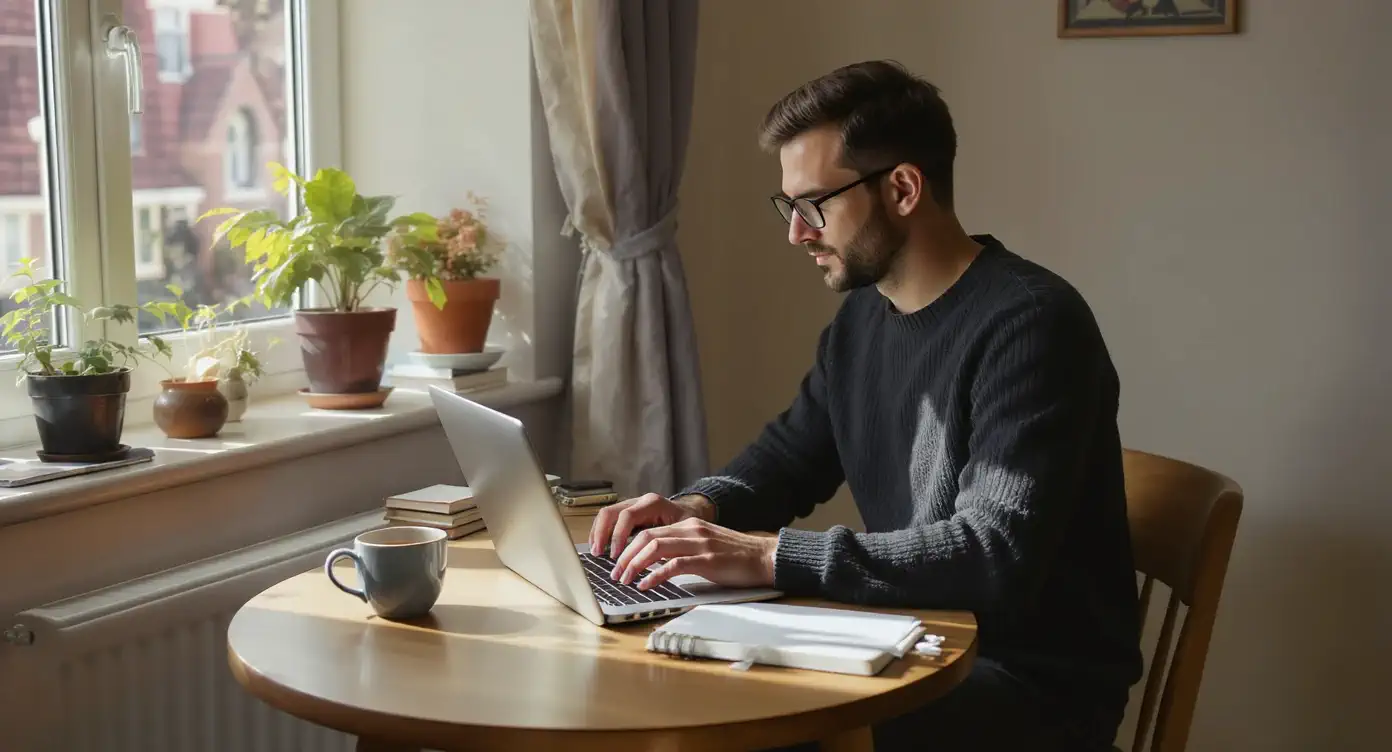
Prompt: A man in his 30s sits at a small wooden table by the window, typing on a laptop with focus. A half-full ceramic coffee cup stands beside him. Morning light casts shadows on the notebook and phone lying nearby. He wears a dark sweater and glasses, surrounded by books and a potted plant on the windowsill. --ar 16:9. The image fully matches the prompt: a man in a dark sweater and glasses sits at a round wooden table by the window, typing intently on a laptop.
An important advantage of the family appears in the Flux 1 Kontext Max and Pro versions: you can add your own images as reference samples and generate pictures based on them. This is useful if you want to present a photo from a new angle or add details. For example, you can take a black-and-white photo and ask Flux 1 Kontext Max to add dew drops to a flower.
Original:
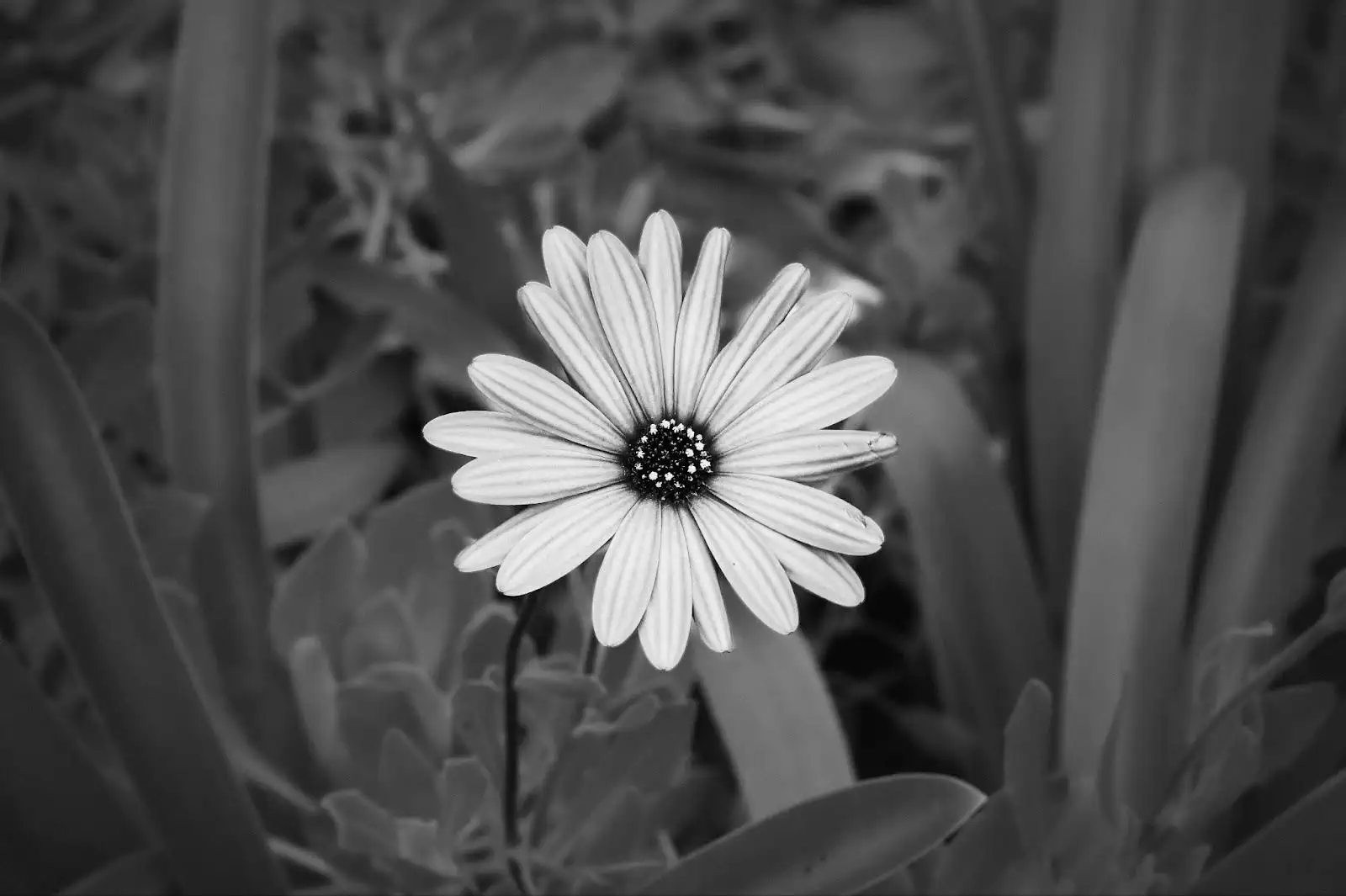
Variation:
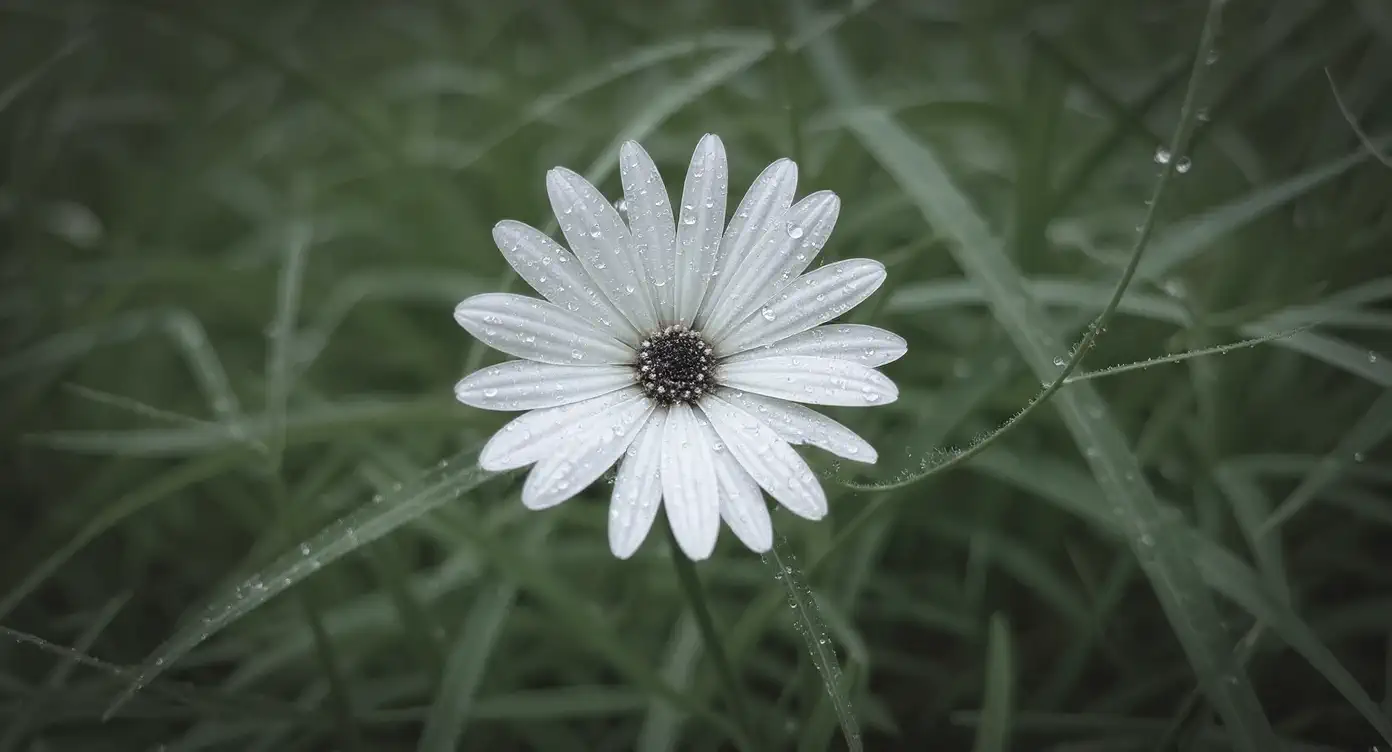
Prompt: Add a dew drop to this image
Available neural networks:
Flux features:
- High accuracy and image detail;
- Ability to add your own reference images in the Flux 1 Kontext Pro and Max versions;
- High responsiveness to your prompts.
Use cases:
- Creating banners and illustrations for social media;
- Generating realistic and stylized images;
- Generating product images for marketplaces
Flux is mainly used for concept art, images of people, landscapes, and simple graphics. Based on our tests, it handles text on images poorly, even in the newer versions.
Recraft: specialization in branded materials
Recraft is a neural network for creating vector and raster images, including SVG. It's geared toward graphics and stylized illustrations, understands prompts well, but falls short of Flux in conveying geometry and doesn't support uploading references. On the plus side, it lets you add text to images and stands out with an expressive color palette. For example:
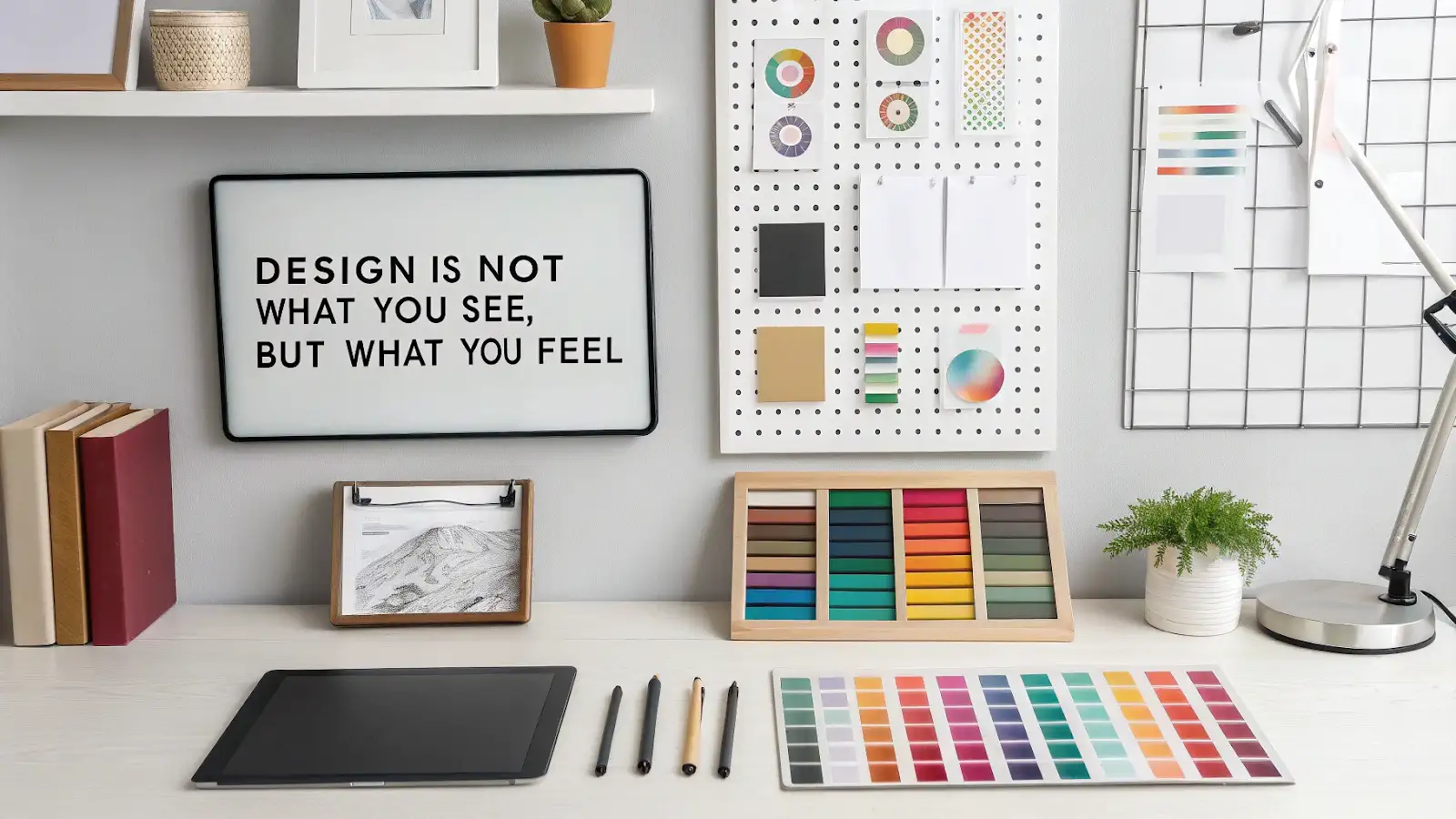
Prompt: A modern flat illustration of a creative studio desk: digital tablet, color swatches, typography samples, and layout sketches. Clean minimalist style, smooth gradients, vivid colors. Add bold uppercase text in the image: "DESIGN IS NOT WHAT YOU SEE, BUT WHAT YOU FEEL."
Recraft is also good at generating icons, logos, symbols, and other branded materials. You can ask Recraft v3 to generate a banner with a café logo, filled with stylized icons, that welcomes people with pets.
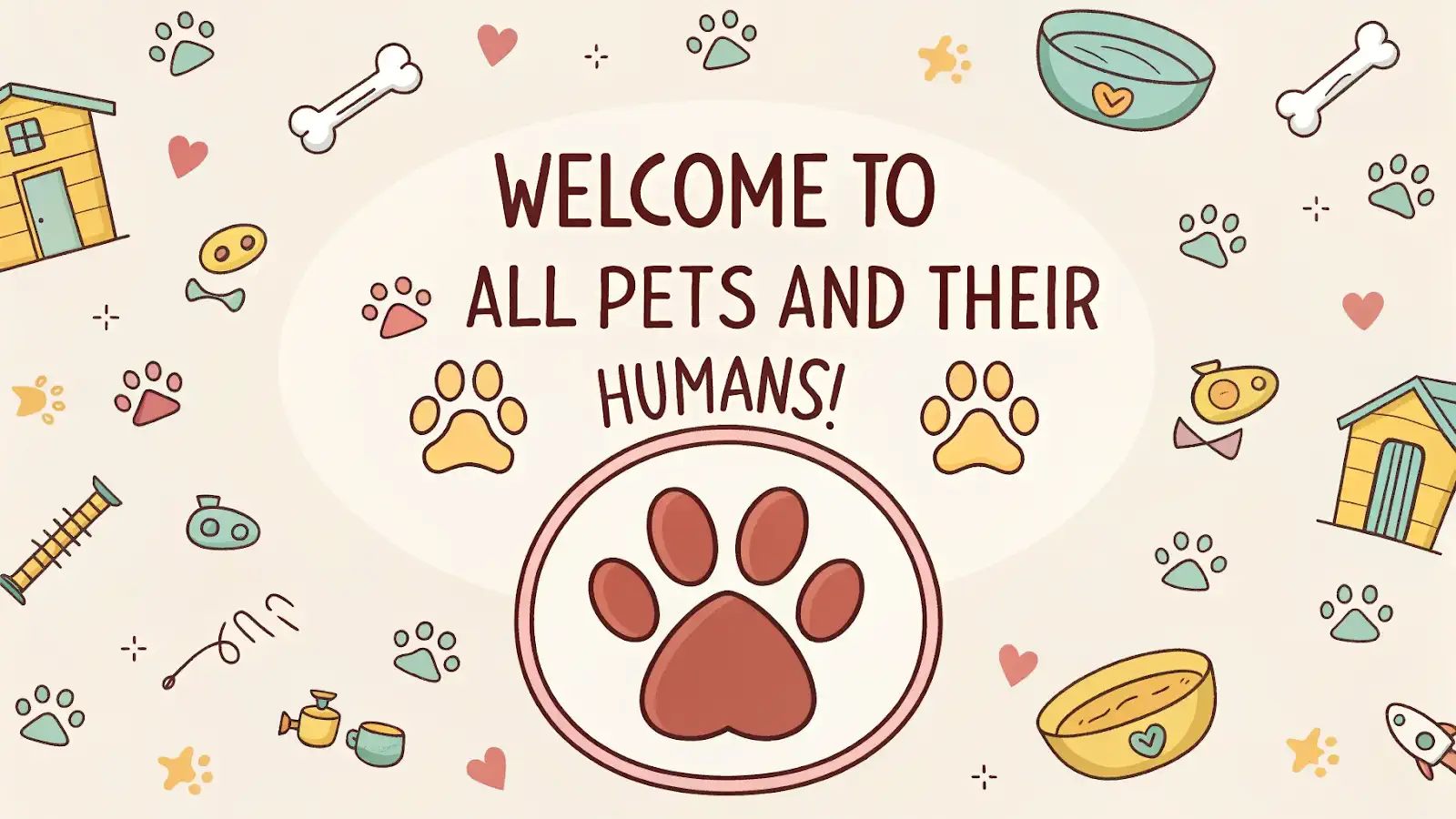
Prompt: A 2D cartoon-style banner with a large, friendly dog paw logo in the center. Bold, rounded lettering says: "WELCOME TO ALL PETS AND THEIR HUMANS!". Background filled with small colorful icons: bones, collars, bowls, hearts, paw prints. Bright, cheerful color palette, flat graphic style.
After generation, you can use the ToVector tool built on Recraft V3 to convert the image from raster to vector for further use on a website or other platforms.
Available neural networks:
Recraft features:
- Well suited for creating logos, icons, banners, and other branded images;
- Ability to generate both raster and vector images;
- Emphasis on colorful, expressive illustrations;
- Support for various formats and styles.
Use cases:
- Designing logos, banners, and UI elements;
- Preparing graphics for social media and print;
- Adapting images to fit the requirements of different platforms.
Seedream: 3D visualizations and high resolution
Seedream 3.0 by ByteDance is a cutting-edge neural network focused on creating high-quality 3D scenes and concept art. It supports generating text on images and works with English and Chinese, making it accessible to a broad audience.
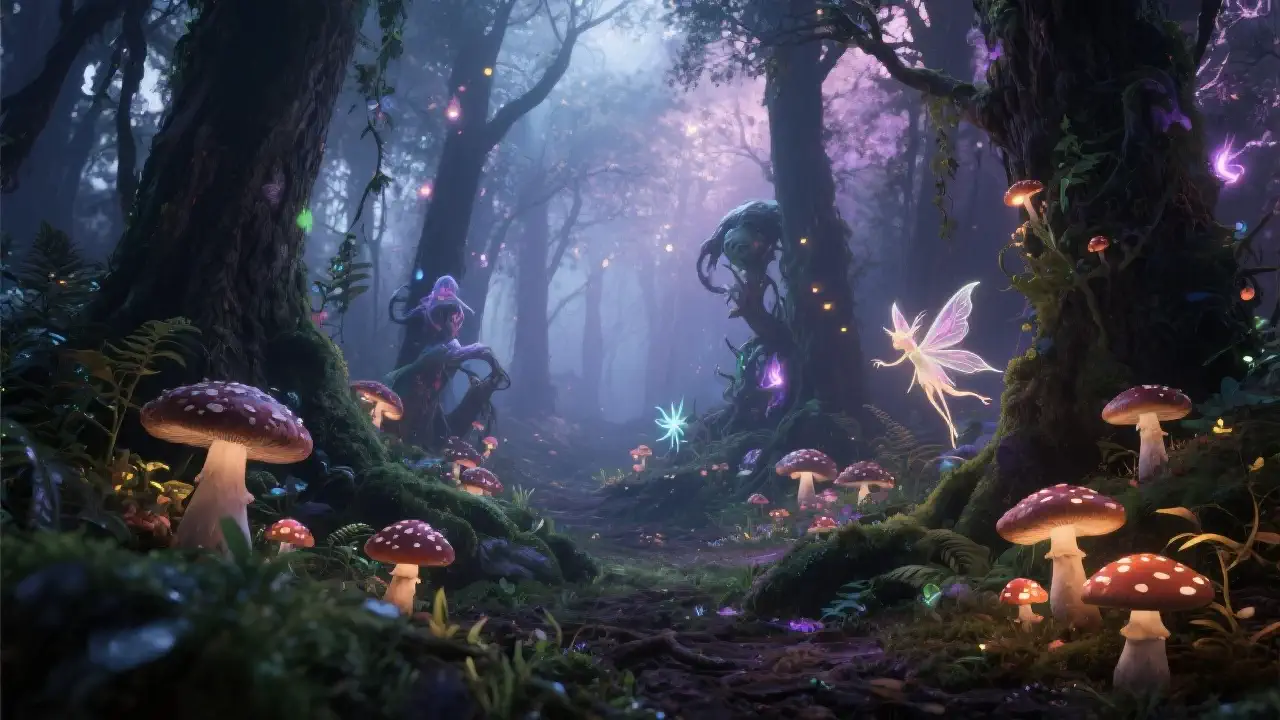
Prompt: Create a magical forest with glowing mushrooms, fairies, and mystical creatures. High resolution, realistic plant and tree textures, soft lighting, fantasy atmosphere.
Seedream 3.0 features:
- High resolution: Generates images at 2K resolution and above, ensuring high quality and detail;
- 3D scenes and cinematics: Creates realistic 3D scenes and cinematic visuals, perfectly suited for the film industry and game developers;
- Text and styles: Ability to add text to images and blend styles, expanding creative possibilities;
- Reference-based generation: Similar to Flux Kontext, Seedream 3.0 can generate images based on a provided reference, simplifying the content creation process.
Use cases:
- Covers and posters: Creating covers for movies, games, and books thanks to high resolution and realistic images;
- Concept art: Generating concept art for characters and locations, especially useful for artists and designers;
- Prototyping: Simplifying the prototyping of visual elements and high-resolution textures, valuable for game developers and visual effects artists.
Seedream 3.0 is a powerful tool for professionals working with visually rich, realistic images.
Tips for working with prompts
How to write a good prompt
Prompt quality is the key to successful image generation. Tips for writing prompts:
- Structure: "subject + style + details (lighting, angle, resolution)." For example, instead of "a cat in anime style," it's better to write "a futuristic cyberpunk city with neon lights, view from above, Cinematic style";
- Language: English is preferred, but Creative.Lab also supports other languages. Keep in mind that most neural networks (except GPT-4o) handle non-English text on images poorly;
- Precision: avoid abstract phrasing, use concrete descriptions. For example, instead of "a beautiful landscape," it's better to write "mountains with snow-capped peaks, sunlight, bright sky, view from above";
- Experiment with details: try adding specific elements, such as "warm sunset light" or "80s retro style." This helps the neural network better understand your vision.
Prompt examples
- Avatar: "portrait of a female cyborg, neon hair, Syn Studio style, 4K";
- Icon: "minimalist coffee icon, flat design, pastel tones, SVG";
- Scene: "fantasy forest with glowing mushrooms, first-person view, Unreal Engine 5, 8K."
Common prompt mistakes
- Prompts that are too long;
- Contradictory details;
- Ignoring the neural network's style.
Why it's worth mastering AI image generation right now
Generative AI is developing rapidly, and by 2027, 50% of companies will be using AI to create content. The technology is becoming more accessible, flexible, and safe, opening up new opportunities for business and creative professions. So it's worth starting to use image generators now.
Who benefits most from Flux, Recraft, and Seedream
- Designers: quick access to quality images for various tasks;
- Marketers: creating engaging content for social media and advertising;
- Content creators: generating illustrations and covers for articles, books, and films.
So if you're still on the fence about trying AI image generators, we encourage you to experiment! And if you have questions or need help, we're ready to support you along the way with guides on Flux and Recraft, as well as in our Telegram community. Good luck with your creative projects and new discoveries!