Image model

GPT Image — OpenAI's image generator, no VPN needed

OpenAI GPT Image models in GPTunneL: long prompts followed to the letter, legible text on a layout, edits inside a selection. Pay per image, no VPN.

What the GPT Image family is good at

Traits OpenAI keeps from one generation to the next — you can count on them whichever model you pick.

It follows the whole request

This is what the family is chosen for: it holds a long description with a dozen conditions — where objects sit, the angle, the light, the captions — instead of dropping half of them along the way.

Legible text on a layout

Captions in the frame come out typeset rather than drawn, which is why the model is used for labels, packaging, posters and diagrams.

Edits inside a selected area

A finished frame can be fixed point by point: select an area and write what belongs there — the rest of the image stays untouched.

It knows how things work

The model carries the same general knowledge as ChatGPT — it puts together product shots, interiors and diagrams plausibly, without muddling the details.

Which model to pick

Three models for different tasks — two branches of the new 2.5 generation and the proven Image 2.

Image 2Previous generationImage 2.5 FlareThe all-round choiceImage 2.5 SunburstDetailed work
Best forWorkflows already dialled in for Image 2Layouts, product shots, social content, fast iteration on ideasFinal frames, complex edits, visuals where every detail counts
A complex requestHolds it reliablyHolds it reliablyThe most precise
Edits and referencesReliableMore precise, keeps faces and objects from a reference betterThe most precise in the family
SpeedMediumHigh, roughly twice as fast as Image 2Lower — spends longer on each frame
Price per imageDepends on resolution onlyFlexible — from the lowest in the family, by quality and resolutionSame as Flare

Flare and Sunburst cost the same — the price of a frame depends on the chosen quality and resolution. Exact prices for every model are on the Pricing

Every GPT Image model

Release dates follow OpenAI's official announcements.

September 2026

Image 2.5 SunburstImage 2.5 FlareImage 2.5 Codex

An update to the second generation: lighting and textures look more natural, faces and objects from a reference are preserved more faithfully, and multi-step edits land more reliably. OpenAI split it into two models by workload: Flare is the default and the fast one, returning a frame roughly twice as fast as Image 2; Sunburst takes longer but is more precise on detailed work and complex edits. Alongside them sits a Codex variant with a fixed frame, as with Image 2.

April 2026

Image 2Image 2 Codex

The second generation: it parses a long request more precisely and sets small type on a layout more carefully. Alongside it sits the Codex variant — the same model shaped for a development workflow, for when the image is needed inside the project itself: interface mockups, icons, placeholders. Its frame is billed at a flat rate, with no surcharge for resolution.

Late 2025

Image 1.5

An interim update to the first generation — text in the frame and the precision of selection edits improved the most.

October 2025

Image 1 Mini

A lighter version for a stream of repetitive frames — noticeably cheaper and faster than the larger model.

April 2025

Image 1

The first model of the family and the one that brought image generation inside ChatGPT. It set the current bar for text on an image.

The full family history
October 2023

DALL·E 3

OpenAI's previous generator. It was the first to understand a whole scene description rather than a bag of keywords.

2022

DALL·E 2

The model that turned image generation into a mainstream story at all.

How billing works

There is no subscription: you top up one balance and spend it on any model on the platform.

Pay per image

You are charged for the generated image and its resolution. Not using it costs nothing: no limits, no monthly fee.

One balance for every model

GPT Image, ChatGPT, Claude, video and music generation — all out of the same wallet. No separate subscription per service.

Top up the way you prefer

International cards, Apple Pay, Google Pay or crypto. The minimum top-up is $5.

Sample generations

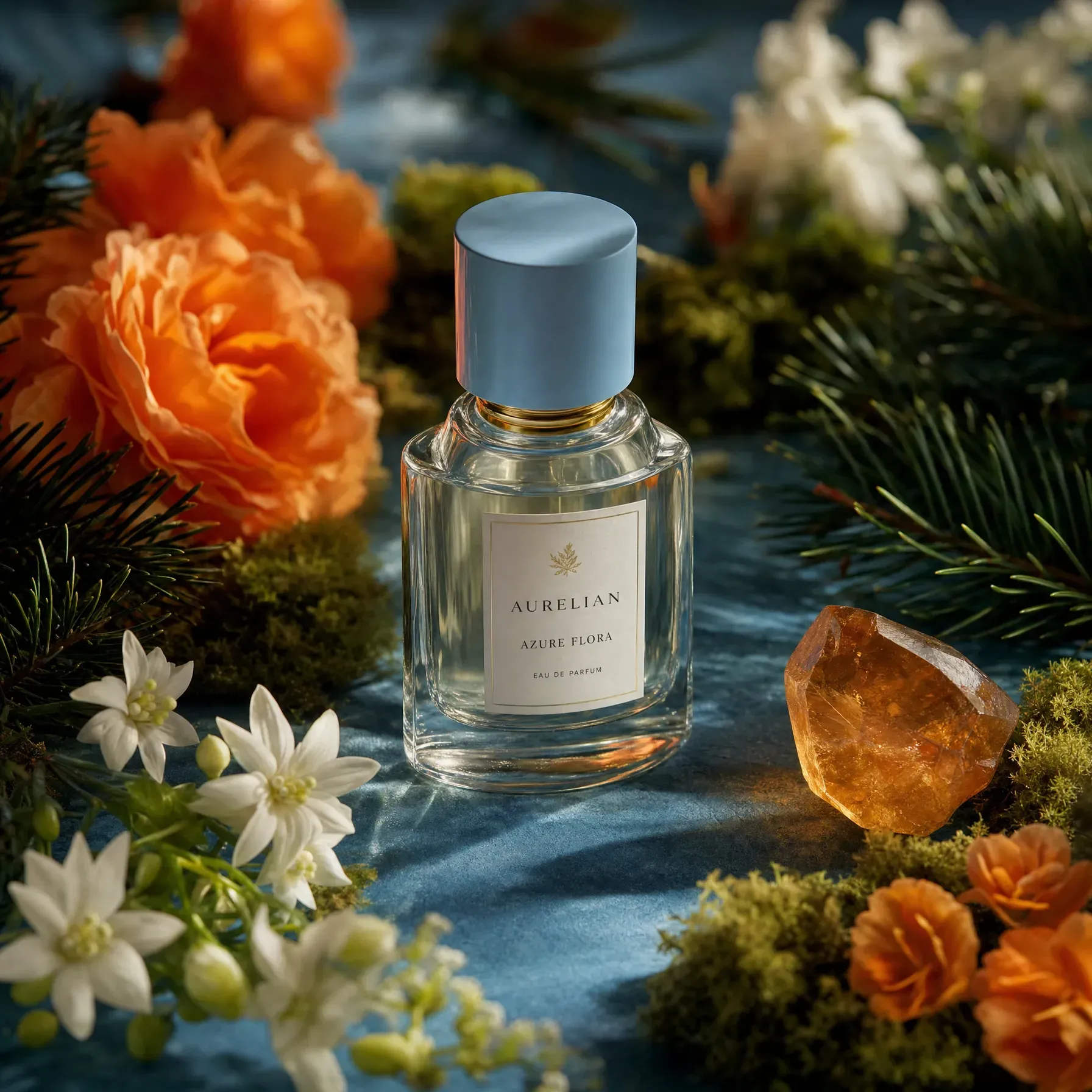
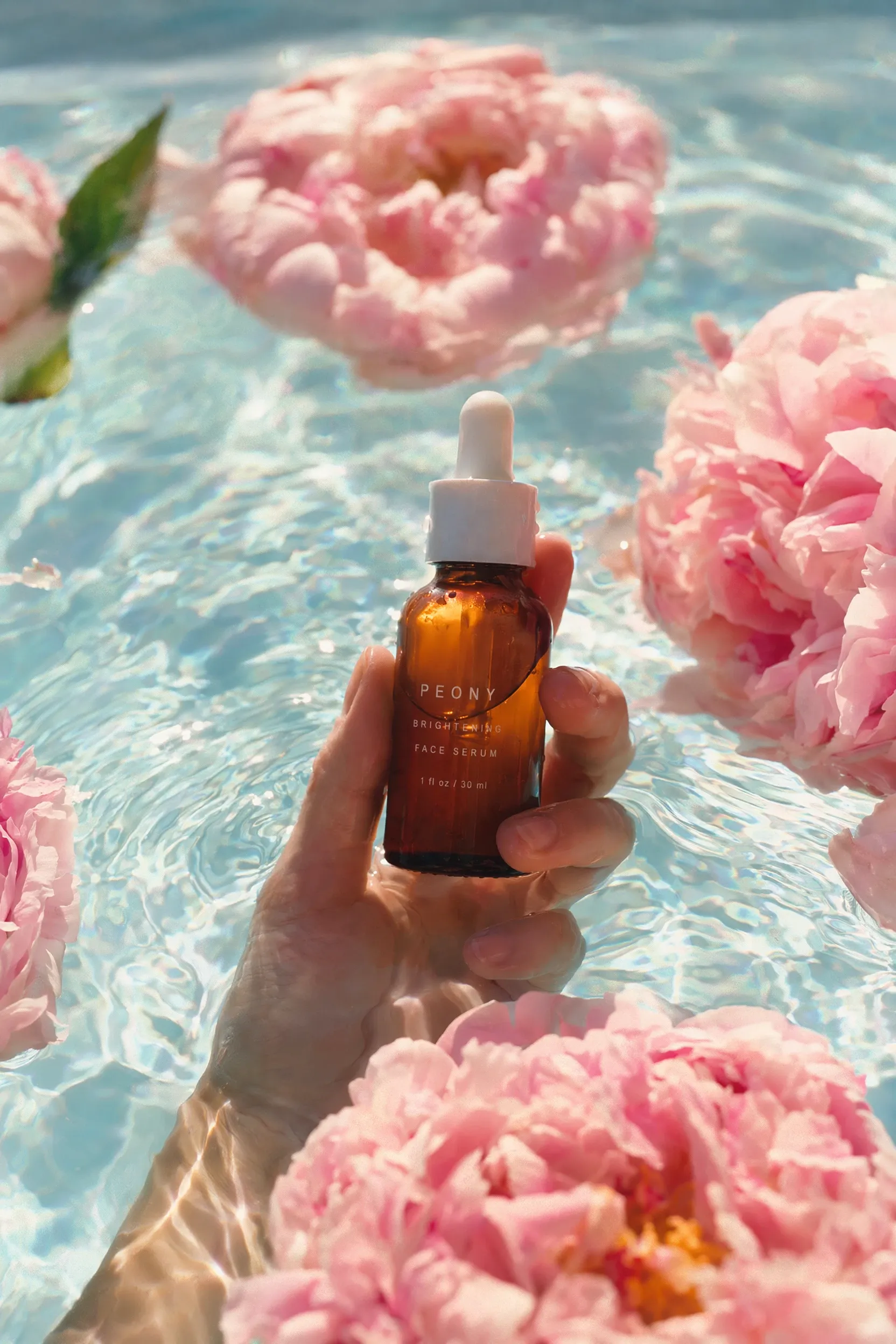
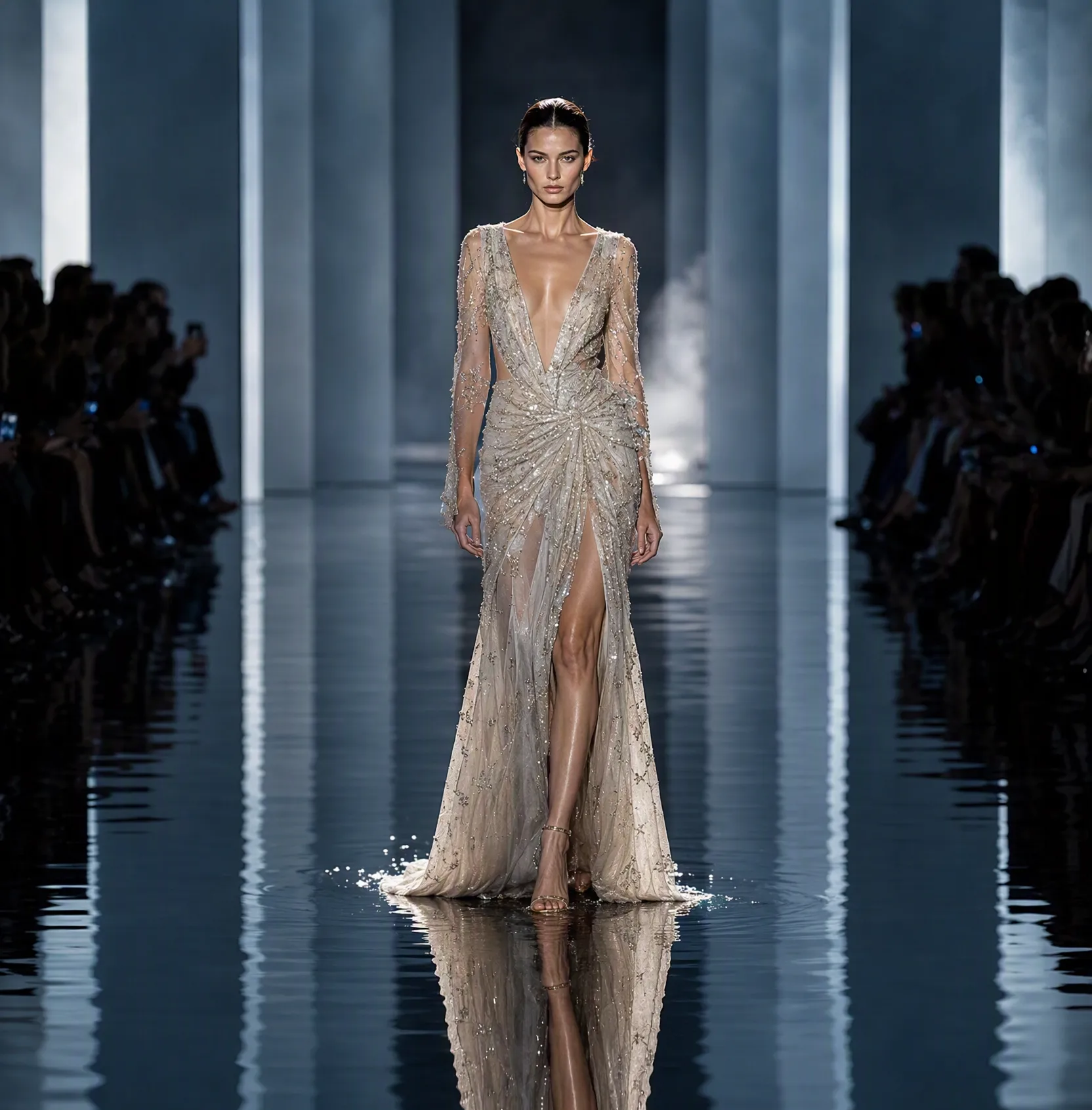
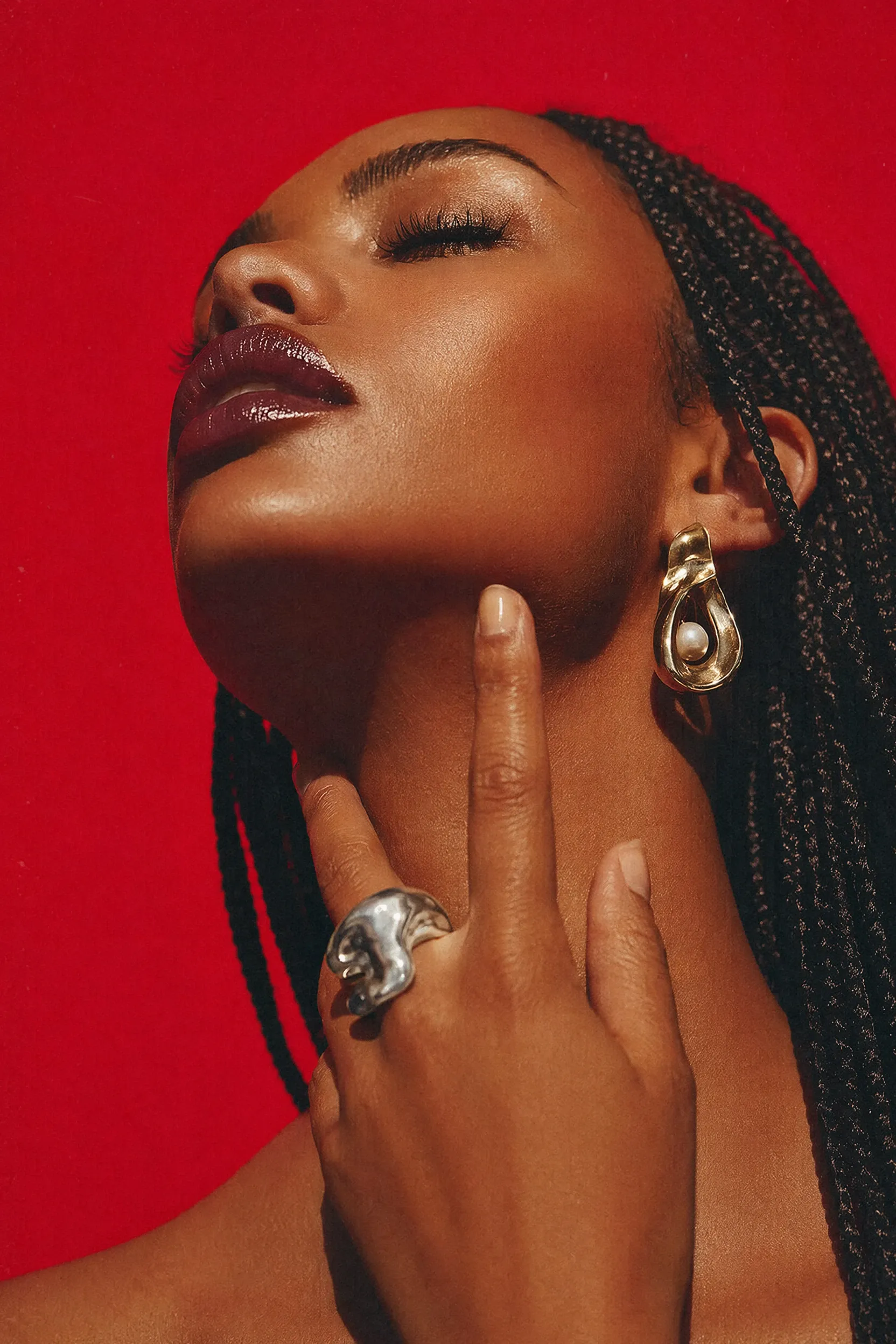
Every frame was generated in GPT Image from an ordinary written description. The model sets the captions on the label and the jersey itself — no separate pass to add text.

How to get started with GPT Image

Sign in to GPTunneL
One account for every model on the platform.
A perfume bottle on blue velvet among flowers and moss, warm side light, the label reads: AURELIAN, and below it AZURE FLORA
61Image 2.5 Flare
A perfume bottle generated in GPT Image with a legible label

Sign in whichever way suits you.

The model switches right inside the input — you can change it between frames.

The model set the label exactly as it was asked to.

Try GPT Image in GPTunneL

Signing up takes a minute, and $5 on the balance is enough to see whether the model fits your task.

Frequently asked questions

No. Requests go through GPTunneL's infrastructure, so OpenAI models open like any ordinary website — no VPN and no proxy. You do not need an OpenAI account either.

GPT Image is OpenAI's family of image generators — the same one that draws the pictures inside ChatGPT. The model builds a frame from a written description and edits a finished one: select an area, write what belongs there, and everything else in the frame stays untouched.

The family is chosen for how obediently it works. A long request with a dozen conditions — where objects sit, the angle, the light, specific captions — is carried out in full rather than halfway, which is why GPT Image is used wherever the frame has to be exact: layouts, product shots, diagrams, covers. Text is a separate strength: a label or a heading comes out typeset rather than merely looking like letters.

GPT Image models are available in GPTunneL — worldwide, without a VPN and without an OpenAI account, with one balance and billing for every frame you generate.