
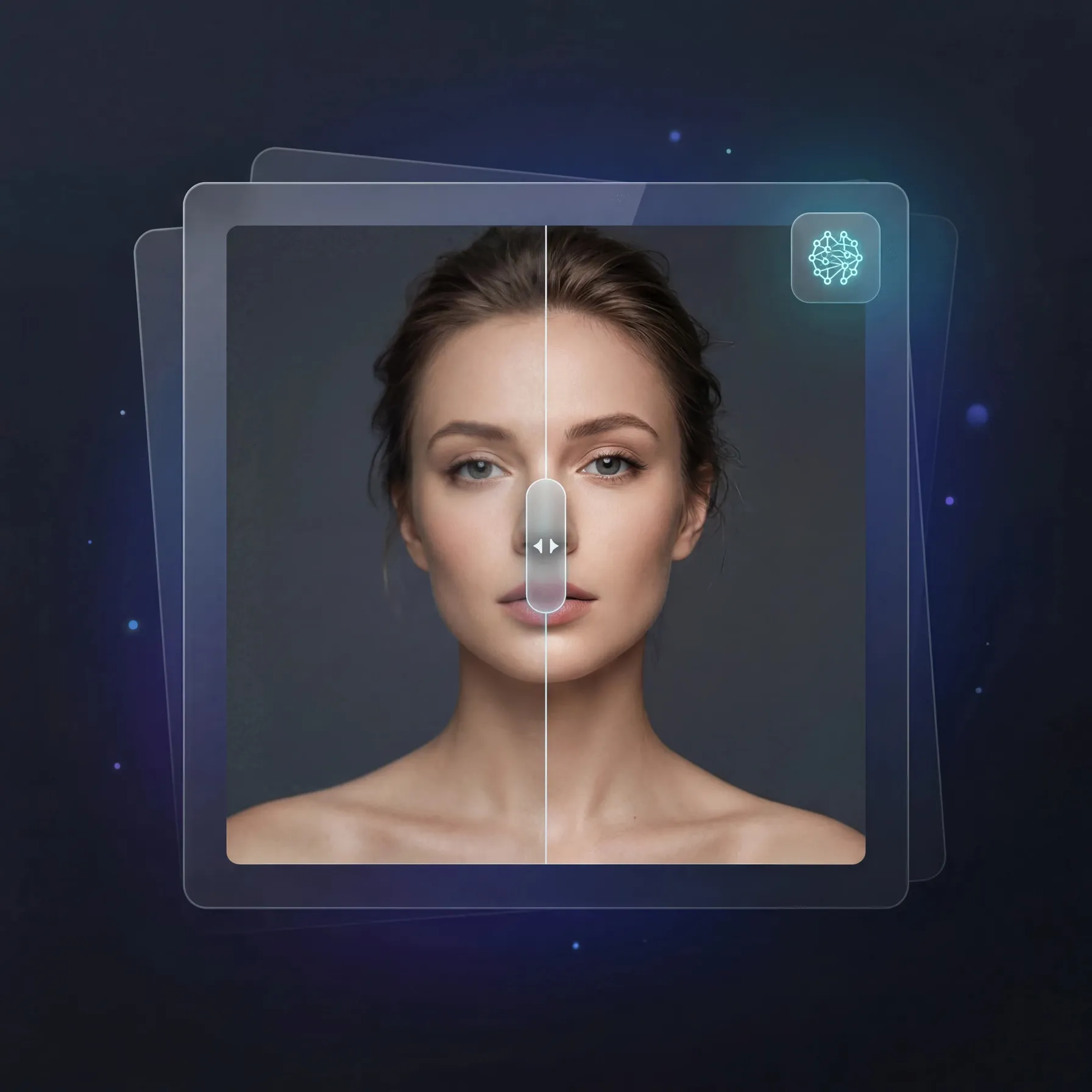
A couple of clicks are all it takes to enhance old photos. With an AI image enhancer you can not only increase resolution, but also restore facial details, remove noise, replace the background, colorize archival photos, and edit images through a free online editor.
Today these functions are increasingly combined into unified tools. For example, GPTunneL is an AI platform with a set of tools for working with images, video, and content generation. GPTunneL lets you run different processing stages in one window without switching between services.
How AI photo enhancement works
An AI photo enhancer often improves photos through multi-stage processing. First, the algorithm analyzes the photo: it detects faces, noise level, sharpness, and the overall quality of the file. Then enhancement kicks in — the process of improving the photo, during which the neural network restores details and increases resolution.
If you upload an old low-resolution photo, the services perform several actions at once:
- Improve photo quality
- Remove digital noise
- Increase image sharpness
- Restore skin textures
- Boost contrast
- Correct the background
- Perform photo colorization
Modern models try not to redraw the frame entirely. Early enhancer services often distorted faces, but newer algorithms work more carefully and better preserve the structure of the original photo.
What tasks AI photo services solve
Use cases have grown far beyond simple free quality improvement. Today, neural networks in online editors help restore archival photos, change frame composition, and generate image details.
AI photo processing is often used for:
- restoring old family photos
- improving the quality of social media photos
- enhancing portrait photos
- removing noise from evening shots
- replacing image backgrounds
- improving black-and-white photos
- improving low resolution images
If requests used to be limited to "enhance my photo," now users want to edit photos with AI, remove unwanted objects, restore facial details, and adapt images to different formats.
GPTunneL tools for working with images
The GPTunneL platform brings together tools that cover the full image workflow — from generation to final processing.
Key features
- Image Enhancer — improves quality, removes noise and blur
- AI Image Colorization — restores color in black-and-white photos
- Background Remover — automatically removes and replaces backgrounds
- AI Image Generation — generates images from text descriptions using Midjourney, Flux, Nano Banana, and other models
- Face Restore / Face Swap 2 — restores faces in old photos and realistic face swapping
- AI Video Tools — tools like Sora, Seedance, and Kling for bringing images to life and generating video from photos
In practice, this looks like a single workflow: you can first enhance an image, then change the background, then restore a face or turn the frame into video — without switching between services and without manual editing.
Examples of image enhancement
The before/after format remains the most illustrative. A source low-resolution image is uploaded with noise and detail loss, and after enhancement with an AI enhancement tool, the image gets higher resolution, sharper textures, and restored elements.
Most often enhanced:
- old black-and-white photos
- low resolution portraits
- blurry phone shots
- scanned images
- frames with heavy JPEG compression
- noisy night photos
Increasing image resolution
The upscale feature in editors remains one of the most in-demand. AI tools use super image resolution to increase resolution 2x, 4x, and beyond without quality loss.
Modern AI tools analyze the structure of an image and restore missing details, making the final image sharper and more detailed.
Black-and-white and color photos
A separate direction of AI processing is colorization of old frames. This tool lets you turn archival photos into color versions while preserving the structure of the scene.
The reverse task is also in demand — making a photo black-and-white through an online editor. This is used for stylization, working with archives, and visually styling content.
Modern models carefully select tones and take scene context into account: face, background, clothing, and lighting.
What to consider when choosing an AI photo enhancer
There are many free photo enhancement services on the market, and they differ noticeably in quality and capabilities.
When choosing, consider:
- speed of enhancer processing
- support for image formats
- availability of a browser editor
- quality of the upscale
- set of AI tools
- ability to work without installation
Some services handle portraits better, others handle product photography and commercial content better.
Summary
AI tools for image processing have become a standard part of working with visual content. Online photo quality improvement, archive restoration, resolution work, and background changes are now performed within a single process.
Platforms like GPTunneL combine image generation, enhancement, and editing in one interface, making working with visual content faster, more convenient, and more consistent.