
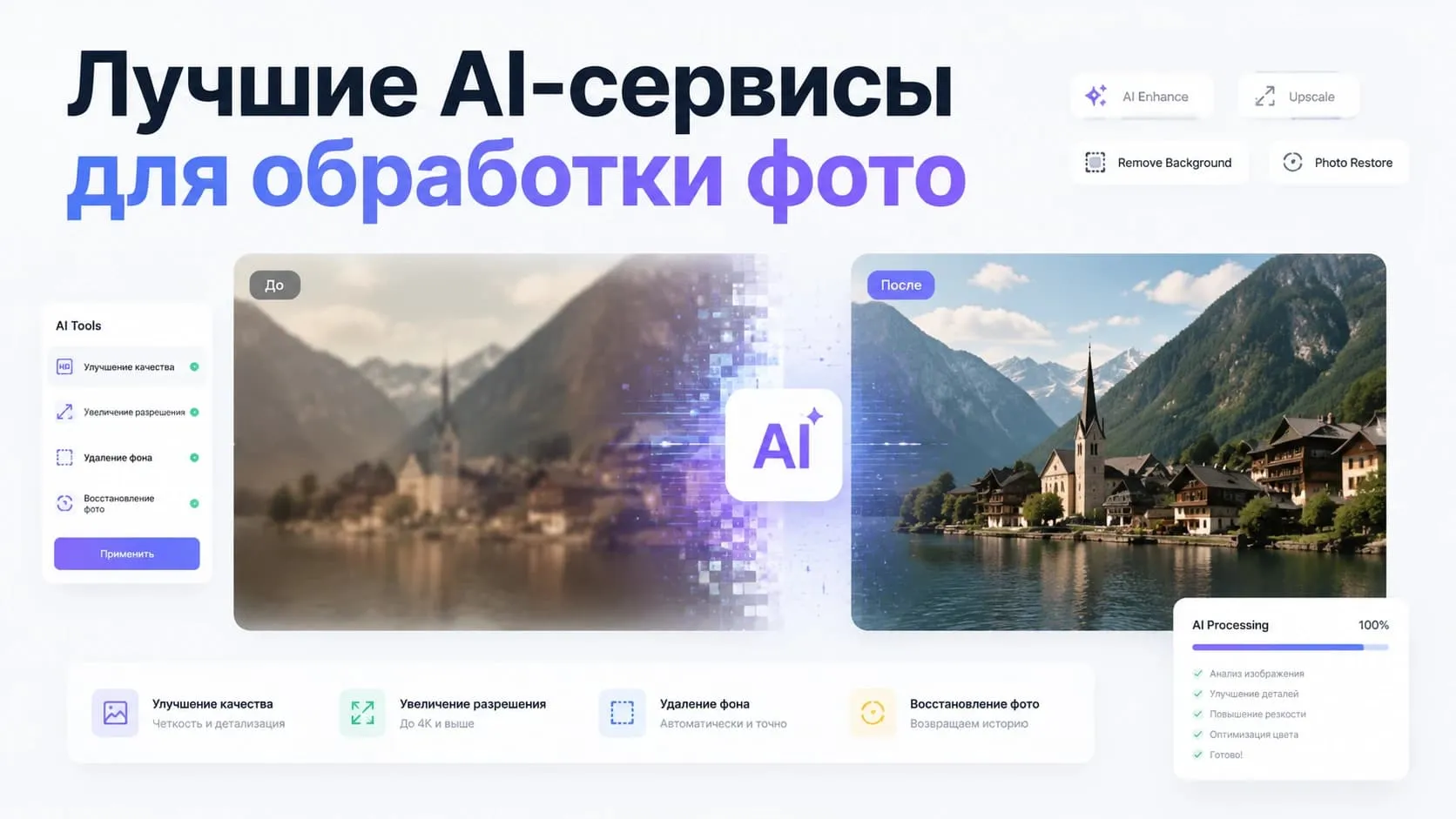
Photos are used almost everywhere - on social media, online stores, blogs, ads, and work projects. Yet not every image looks perfect straight out of the camera. Sometimes you need to sharpen it, remove an unwanted object, restore an old photo, or remove the background.
Today, most of these tasks are handled by AI services. Modern neural networks let you enhance photos in seconds, without any skills in Photoshop or other graphics editors.
Let's look at the best AI tools for photo editing, what they can do, and real-world use cases.
What AI can do for photo editing
Just a few years ago, most of these operations had to be done by hand. Now algorithms analyze the image on their own and figure out which elements can be improved.
With AI you can:
- improve photo quality;
- increase resolution;
- remove the background;
- remove unwanted objects;
- restore old photos;
- colorize black-and-white photos;
- enhance portraits;
- prepare images for a website, marketplace, or social media.
The main advantage of these services is a fast result with no complicated learning curve.
PhotoBooster - image quality enhancement
One of the most common tasks is improving photo quality.
If an image turned out blurry, has low resolution, or lost detail after several rounds of saving, AI can restore fine details and make the shot significantly sharper.
PhotoBooster automatically:
- sharpens the image;
- restores detail;
- increases image quality;
- makes photos crisper.
This kind of tool is especially useful for online store owners, marketers, and anyone who regularly works with large volumes of images.
Photo Remover - background and object removal
Background removal remains one of the most in-demand features.
Where an object used to have to be selected by hand, modern algorithms now do it automatically.
The service lets you:
- remove the background;
- erase random passersby;
- remove unwanted objects;
- prepare photos for marketplaces;
- quickly get an image with a transparent or white background.
Tools like this are widely used by designers, marketers, online store owners, and bloggers.
PhotoColor - restoring old photos
Many family archives still hold black-and-white photographs.
PhotoColor automatically colorizes photos using artificial intelligence. The algorithms analyze the image and pick the most likely colors for clothing, skin, nature, and other objects.
A service like this works well for:
- restoring family archives;
- historical publications;
- museum materials;
- restoration of old photographs.
FaceSwap 2 - working with faces
Another popular area is face processing.
FaceSwap 2 lets you:
- swap a face in a photo;
- restore old portraits;
- improve detail;
- remove image defects.
Tools like this are used for creative projects, working with archival photos, and content preparation.
Generating new images
AI can not only edit photos but also create new images from a text description.
The most popular models:
- Flux;
- Midjourney.
They're used to create:
- ad creatives;
- illustrations;
- images for articles;
- presentations;
- social media posts.
Image generation usually becomes the next step after processing the original photo.
Where AI is especially useful
Online stores
High-quality photos directly affect product card conversion.
AI helps quickly improve image quality, remove the background, and prepare images to meet marketplace requirements.
Blogs and social media
Photos often need a bit of editing before publishing.
AI lets you boost photo quality, remove unwanted objects, and enhance portraits in just seconds.
Family archives
Old photos can be made sharper, damaged areas restored, and black-and-white images colorized.
Marketing and business
Automated processing significantly speeds up the preparation of ad materials and cuts the cost of creating visual content.
How to choose the right service
The choice depends on the specific task.
If you need to improve image quality - PhotoBooster is the right fit.
If you need to remove the background or unwanted objects - Photo Remover is the better choice.
For restoring archival photos - PhotoColor works well.
For face editing and portrait restoration - use FaceSwap 2.
There's no one-size-fits-all solution, so it's best to pick the right tool for the specific task.
Advantages of AI for photo editing
The popularity of these services comes down to a few reasons:
- high processing speed;
- easy to use;
- no need to install complex software;
- saves time;
- the ability to process large volumes of images.
Even free AI tools can now handle tasks that used to require a professional designer.
Limitations
Despite how advanced AI has become, fully automatic processing doesn't always work perfectly.
Complex scenes, poor lighting, or heavily damaged photos may need extra manual correction.
It's also worth considering data storage policies when uploading sensitive images.
Where it's convenient to use several AI tools at once
In practice, people rarely rely on just one service. One task might call for image quality enhancement, another for background removal, restoring an old photo, or generating new graphics.
It's more convenient when all the tools live in one place.
The GPTunneL platform offers services for improving photo quality, removing backgrounds, restoring images, and generating images, text, video, and music. This lets you handle different tasks without constantly switching between separate services.
Conclusion
AI stopped being a tool just for designers a long time ago. Today, neural networks help you quickly enhance photos, restore old shots, and prepare images for websites, marketplaces, and social media.
If you need quality image editing without complex editors, modern AI services let you handle most tasks in just a few minutes.