
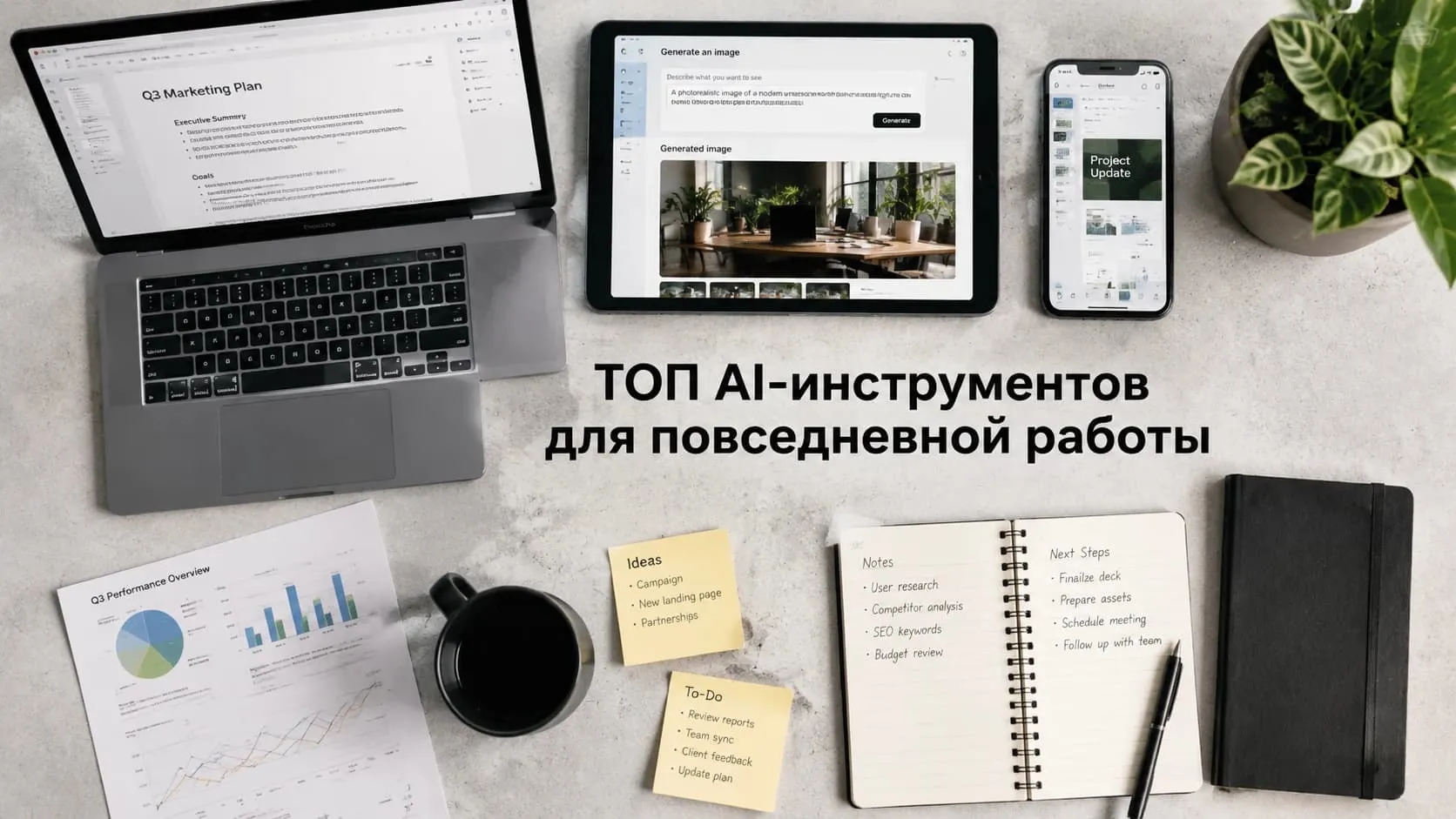
Just a few years ago, writing text, creating images, editing video, and putting together presentations took hours or even days. Today, a large share of these tasks can be done much faster with AI tools.
The problem now isn't a lack of services — it's the sheer number of them. New models and platforms appear every month, making it harder to choose the right solution. Many people still use AI only for simple requests, even though modern tools can handle a much wider range of tasks.
This article rounds up the best AI services for working with text, images, video, music, and photos, along with tips for picking the right tool for each task.
How to Choose an AI Tool for Work
Before testing services, it's worth defining a few key parameters:
- What tasks you need AI for: text, images, video, audio, or editing existing material.
- How much budget you're willing to allocate.
- How important quality language support is for you.
- Whether there are data privacy requirements.
- Whether the service is available in your region without extra hurdles.
Answering these questions helps you pick the right toolkit faster and avoid wasting time on services that don't fit.
Best AI Tools for Text
Text-based AI models remain the most in-demand category. Marketers, editors, entrepreneurs, students, and specialists across nearly every field rely on them.
ChatGPT
ChatGPT remains one of the most versatile tools for working with text and information.
Good for:
- writing articles and posts;
- drafting business emails;
- building content plans;
- analyzing documents;
- preparing reports;
- brainstorming ideas and solutions.
Example prompt:
Create a one-month content plan for a Telegram channel about personal finance. 12 posts, alternating educational material, case studies, and short tips. State the goal of each post.
Claude
Claude handles large volumes of information and long context especially well.
It's often used for analyzing contracts, technical documentation, research, and reports. The model helps quickly highlight key points and structure data.
Example prompt:
Read the attached contract and highlight the key risks for the contractor: deadlines, penalties, termination terms, and rights to the deliverable.
Gemini
Gemini is well suited for finding information, comparing data, and handling everyday work tasks.
The service helps analyze options, build tables, and quickly surface the information you need.
Example prompt:
Compare three CRM systems for small businesses by price, features, and reviews. Present the result as a table.
Grok
Grok is often used for idea generation and brainstorming.
The model helps find unconventional solutions, develop project concepts, and take fresh approaches to familiar tasks.
Example prompt:
Suggest 10 unconventional ideas for an ad campaign for a food delivery service targeting students.
Which AI Model to Choose for Text
- ChatGPT — a versatile solution for most tasks.
- Claude — working with large documents and analysis.
- Gemini — search and comparison of information.
- Grok — idea generation and creative concepts.
Best AI Tools for Image Generation
Visual content is needed by nearly every business, from blog illustrations to ad campaigns and social media.
Midjourney
Midjourney is one of the most popular tools for image generation.
Good for:
- blog illustrations;
- ad creatives;
- social media content;
- product concepts;
- presentations.
Example prompt:
A minimalist illustration of a freelancer's desk: laptop, coffee mug, notebook, soft morning light, flat illustration style.
Flux
Flux is focused on creating realistic images.
It's used for generating product shots, still-life photography, characters, and scenes that closely resemble real photographs.
Example prompt:
A photo of a ceramic mug on a wooden table by a window, natural lighting, morning, soft shadows, high quality.
Which AI to Choose for Images
- Midjourney — for creative and artistic tasks.
- Flux — for realistic commercial images.
AI for Photo Editing
Beyond generating images, there are services that help enhance existing photos.
PhotoBooster
Improves image quality, increases detail, and restores fine elements.
Good for online stores, archival material, and old photographs.
PhotoColor
Automatically colorizes black-and-white photos.
Useful for restoring historical images and family archives.
Background Remover
Automatically removes the background from an image.
The tool is popular among marketplace sellers, designers, and online store owners.
Face Swap 2
Swaps faces in photos while preserving the lighting and overall style of the image.
Used for creating ad materials, creatives, and social media content.
Best AI Tools for Video Creation
Video remains one of the most in-demand content formats, and the popularity of AI video generators keeps growing.
Kling
Kling creates video from a text description.
Example prompt:
A woman walks down a morning city street, camera tracking her, soft sunlight, realistic style, 5 seconds.
Sora
Sora became widely known for its generation quality and realistic scenes.
The model can produce complex video clips with detailed objects and natural camera movement.
Veo
Veo excels at precisely following user instructions.
Good for commercials, presentations, and social media content.
Seedance
Seedance helps create dynamic video clips from text prompts and images.
The tool is often used for fast content production.
Which AI to Choose for Video
- Kling and Seedance — for quickly producing clips.
- Sora and Veo — for maximum quality and realism.
AI for Music and Audio Generation
AI models let you create musical content even without any audio experience.
Suno
Suno generates full musical tracks from a text description.
You can specify the genre, mood, and style and get a finished track within minutes.
Example prompt:
A calm lo-fi track with guitar and light drums for background use in a video, 1.5 minutes long.
Mureka
Mureka is well suited for creating music for presentations, ad clips, and social media content.
What to Choose for Music Generation
- Suno — for full songs and musical compositions.
- Mureka — for background music and commercial content.
How to Use Several AI Tools Together
Imagine you need to prepare an article for a corporate blog.
- ChatGPT or Claude help gather information and draft the text.
- Midjourney or Flux create the illustrations.
- PhotoBooster or Background Remover polish the images.
- Kling or Sora generate a video for the announcement.
- Suno or Mureka create the musical accompaniment.
This approach lets you finish the work in a few hours instead of several days.
Which AI Tools Should a Beginner Choose
If you're just starting out with AI, a basic set is enough:
- ChatGPT — for text.
- Midjourney or Flux — for images.
- Kling — for video.
- Suno — for music.
This set covers most everyday tasks and lets you quickly get familiar with what modern AI services can do.
Where It's Convenient to Use Several AI Models at Once
In practice, you rarely end up working with just one model. Text needs one tool, images another, video a third.
To avoid switching between dozens of services, many people use GPTunneL. The platform brings together popular AI models for text, images, video, and music in a single interface. This makes it faster to test models and pick the best result for a specific task.
What to Keep in Mind When Working with AI
Despite rapid technological progress, AI models don't always deliver a perfect result on the first try.
A few recommendations:
- Describe the task in detail.
- Check facts and calculations.
- Run several iterations for images and video.
- Don't upload confidential documents or personal data to public services.
AI helps speed up work, but final control over the result still rests with the person.
Conclusion
AI tools have already become part of the daily work of millions of people. They help create text, images, video, music, and edit photos without specialized skills.
You don't need to adopt dozens of services at once. It's far more effective to choose a few tools for your daily tasks and use them consistently. For most professionals, one strong text model, one image generator, and one video tool are enough.
This kind of toolkit lets you get the most out of modern AI without unnecessary complexity.