
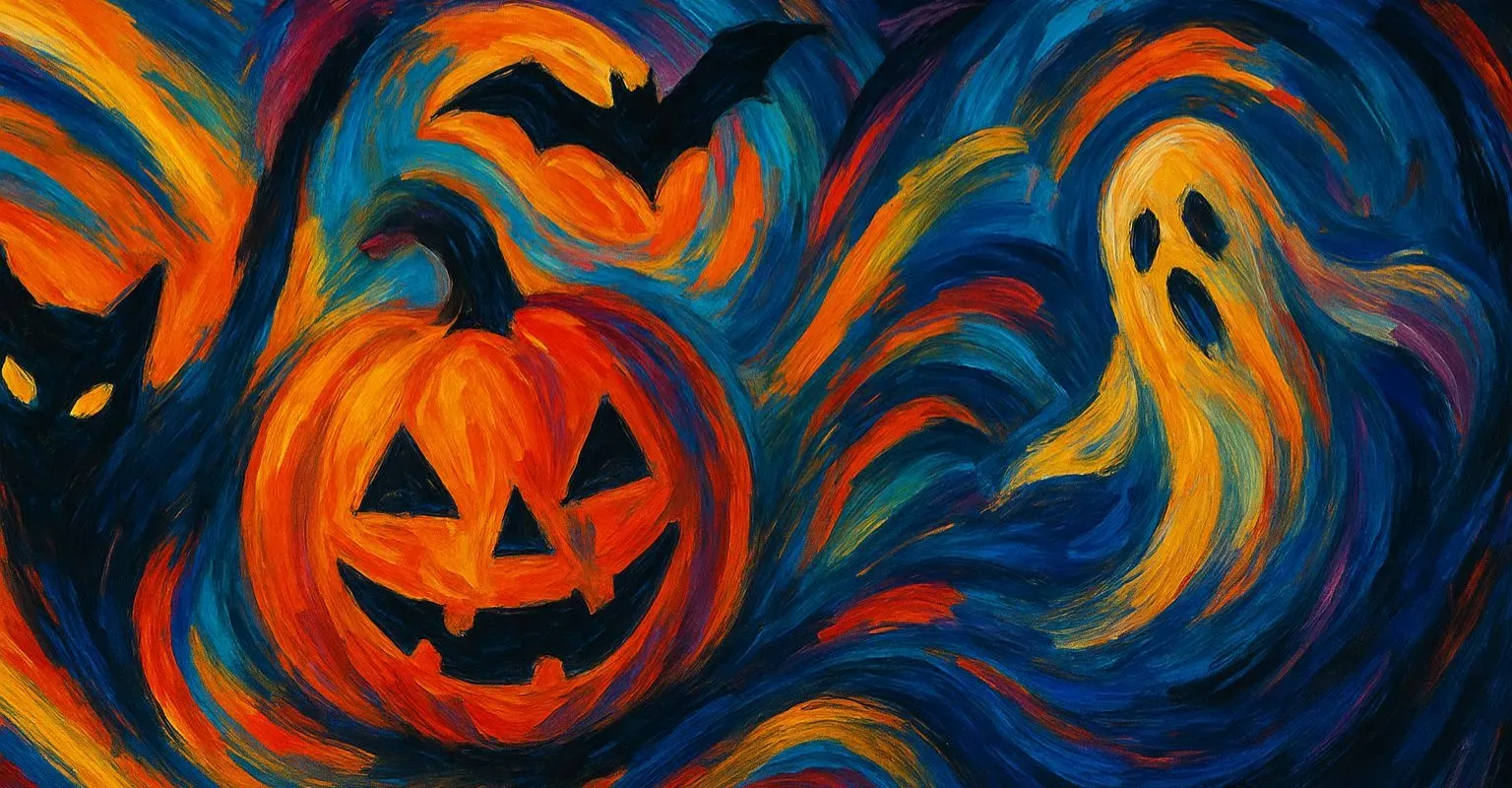
Ahead of the year's spookiest holiday, GPTunneL has launched an effects section in Creative Lab that turns ordinary photos into scenes from classic horror movies. The neural network transports you into a world of horror in just a couple of clicks, letting you try on the looks of iconic characters and create themed content for social media.
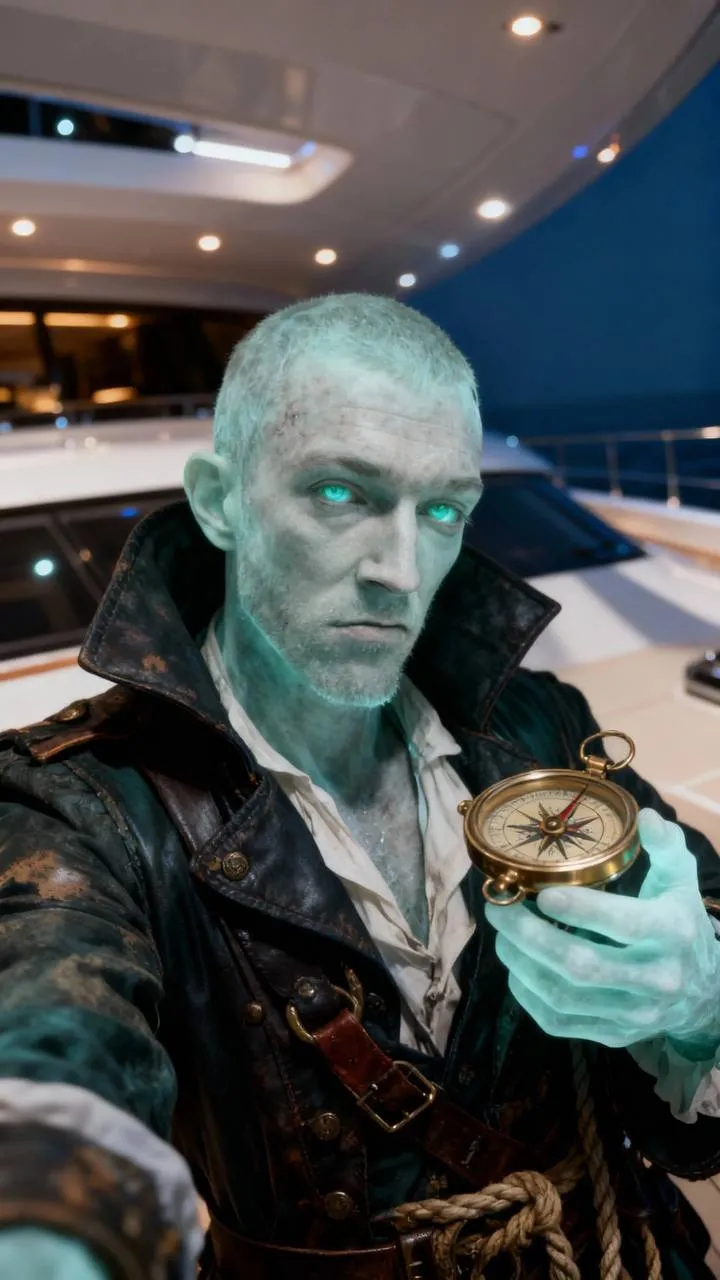
The update is available to all users with no extra setup required — just upload a photo and pick an effect. The section brings together dozens of styles based on characters from iconic horror films, from classics to modern hits, letting you not only transform an image but also instantly turn it into a short animated video. It's the perfect tool for anyone who wants to add a bit of mystery to their content or simply have fun with friends ahead of Halloween.
Key takeaways
- The Halloween section in Creative Lab offers instant photo-to-horror transformation powered by a neural network, with no technical skills required.
- You can choose from dozens of looks inspired by iconic horror movies and apply them to any photo with a clearly visible face.
- After processing, the photo can easily be turned into a short video that amplifies the effect and works great for posting on social media.
- For the best results, use photos with good lighting and minimal filters, and try out different effects to find the perfect look.
What's new in the Halloween section of Creative Lab
This update marks a shift from simple filters to full-fledged AI-powered image transformation. The "Halloween" section in effects becomes the go-to hub for anyone who wants to dive into the holiday atmosphere through visual content. Here's what you need to know about the new feature:
- The update is built around a collection of dozens of looks, each inspired by characters from iconic horror films.
- The neural network analyzes facial features in the uploaded photo and transfers them into the chosen style, keeping the person recognizable while adding horror elements — from classic vampires and zombies to more modern looks from psychological thrillers.
- Effects are sorted by popularity, making it easy to quickly find the most sought-after options and get inspired by other users' examples.
One of the key features is video generation directly from the processed photo. After applying an effect, you can create a short animated clip that adds motion and drama to a static image. This is especially useful for content on TikTok, Telegram, or Stories, where dynamic visuals grab more attention. All the processing happens on GPTunneL's side, so you don't need a powerful device or any special software.
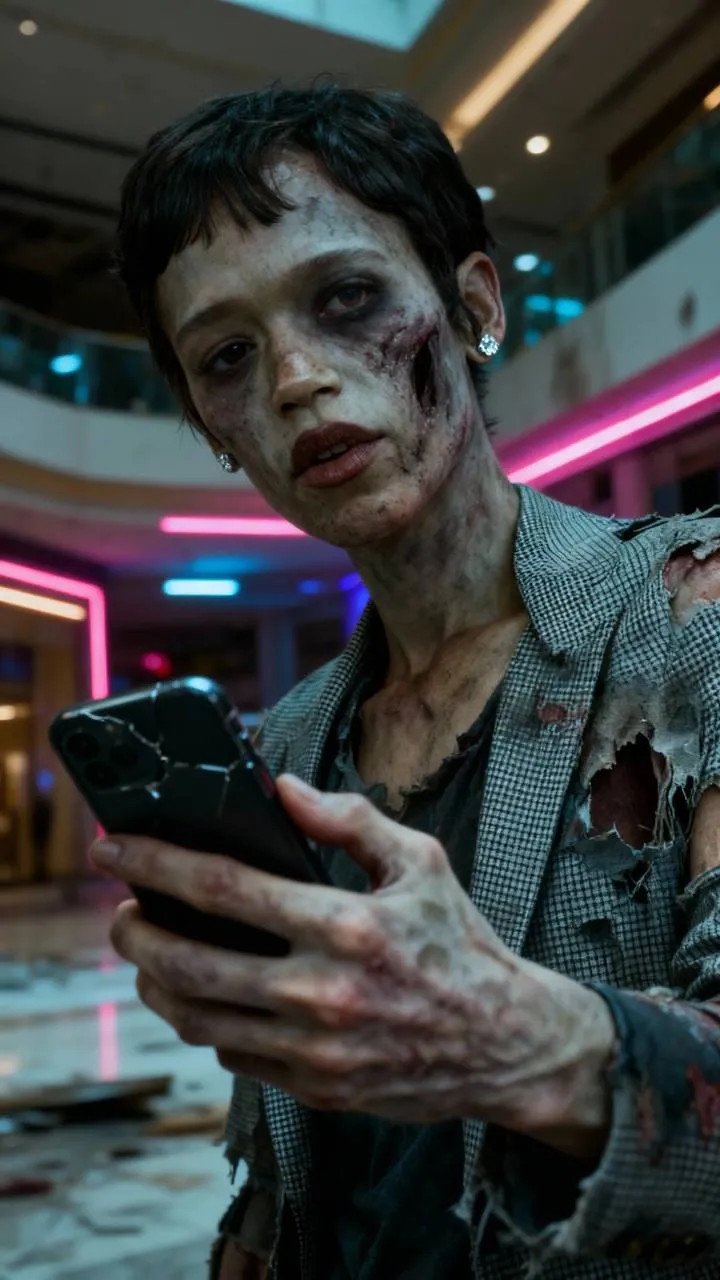
The neural network integration delivers realistic style transfer, accounting for lighting, camera angle, and facial expression. The AI works with every element of the image, adapting textures, colors, and details so the result looks organic rather than a simple mask overlay. Access to the section is open to all GPTunneL users, and you can start experimenting right now via this link, with no need for complicated setup or registration.
How to use the Halloween effects: tips for the perfect result
Applying an effect takes literally a minute, but the quality of the final image depends on how well you prepare your source material. Follow a few simple recommendations to get the most realistic and impressive result.
Step 1: Go to the section. Open Creative Lab and select the "Halloween" category in the effects section. All themed looks are gathered in one place, sorted by popularity, and shown with previews so you can immediately see what the final style will look like.
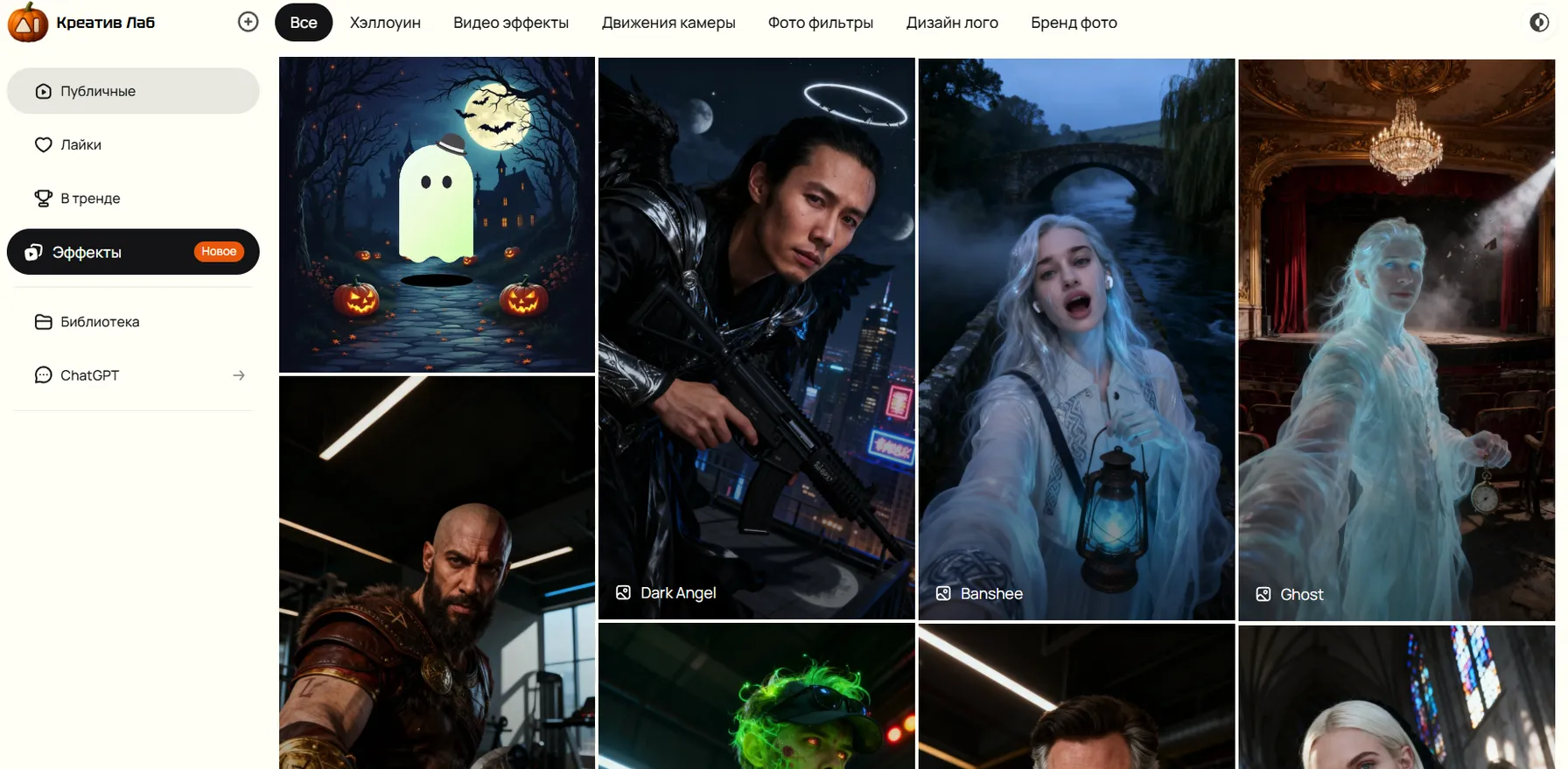
Step 2: Choose and apply an effect. Browse the available looks and click on the one you like.
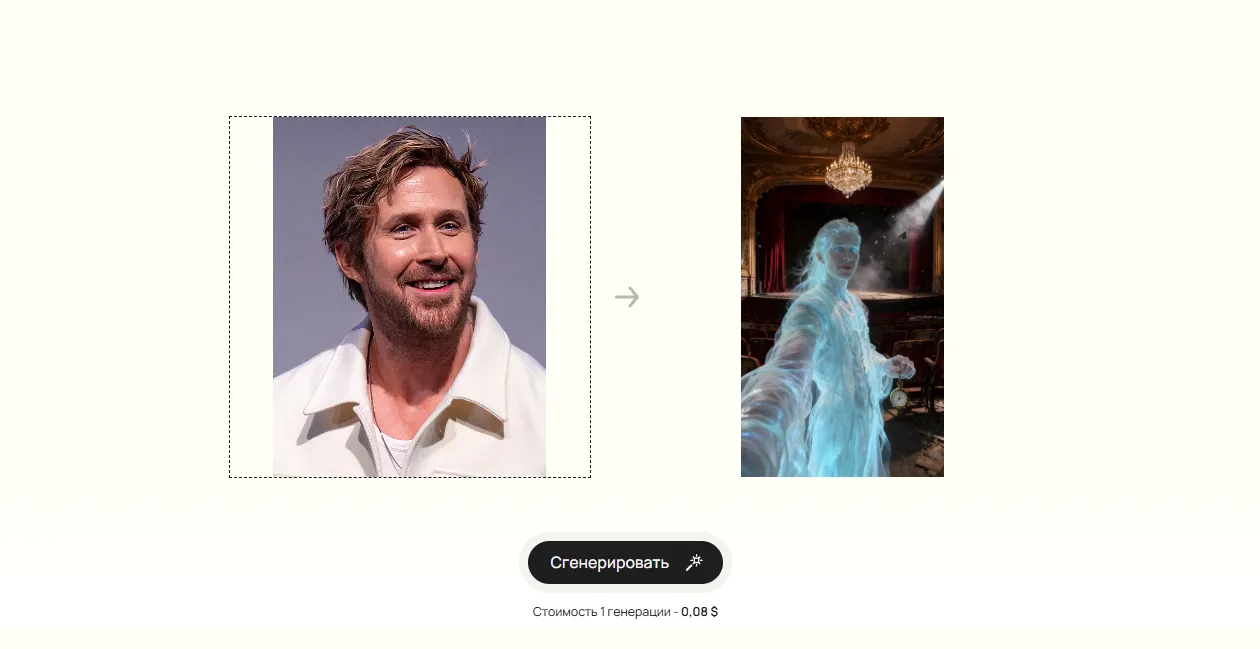
Step 3: Upload a photo. Pick a snapshot where the face is well lit, in focus, and takes up a good portion of the frame.
Step 4: Preview the result. The neural network will process the photo in a few seconds, and you'll see a preview of the result. If you don't like the effect, you can instantly try another one — there's no limit on the number of attempts.
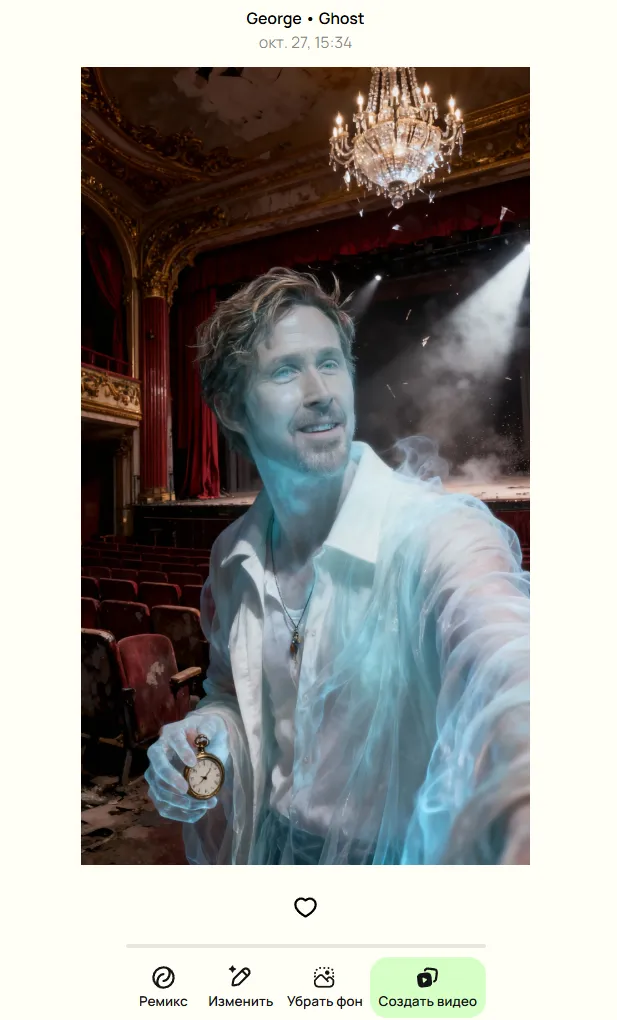
Step 5: Create a video. Once you have a shot you like, click the video generation button. The system will automatically add animation based on your prompt — a subtle movement, a flicker, or a zoom effect that turns the static image into a short clip. You can download the video and post it straight to social media, adding hashtags and music to enhance the mood.
A few extra tips to take your horror content to the next level:
- Keep distractions to a minimum. Remove bright objects, text on clothing, or complex patterns from the frame that could clash with the applied style.
- Experiment with lighting. Soft frontal light works for most effects, but side or backlighting can add drama and highlight the details of the look.
- Try different styles. Even if you like the first effect, try 2–3 more options — sometimes an unexpected look turns out to be the most striking.
- Share and gather feedback. Post your results to Stories or groups to see which looks resonate with your audience and adjust your approach for future creations.
- Upload neutral photos. Avoid photos with heavy filters, blur, or a busy background that could distract the neural network from the main subject.
- AI works best with high resolution. The sharper the facial features, the more precisely the AI can transfer them into the horror style.
Portraits with a neutral expression and a direct gaze into the camera work best, though experimenting with emotions is fun too — sometimes a slight smile or a thoughtful look adds extra depth to the effect.
Get inspired by Halloween in GPTunneL!
What's next? Try different looks, experiment with lighting and composition, create photo series with friends or colleagues, and keep an eye on new updates in Creative Lab. GPTunneL continues to expand what neural networks can do for visual creativity, and Halloween is just the beginning of seasonal themed sections designed to help you stay on trend and surprise your audience with fresh ideas.
Head to the section via this link and start generating your own horror scenes right now. Turn an ordinary selfie into a scene from a cult classic horror film, create a video that racks up likes and comments, and dive into the Halloween atmosphere with GPTunneL. The portal to a world of horror is already open — all that's left is to step inside.