
Creative Lab is now available in GPTunneL!
GPTunneL now has Creative Lab - a creative studio for producing unique visual content! We've brought the most powerful image and video generation neural networks together in one place and made working with them as convenient as possible.
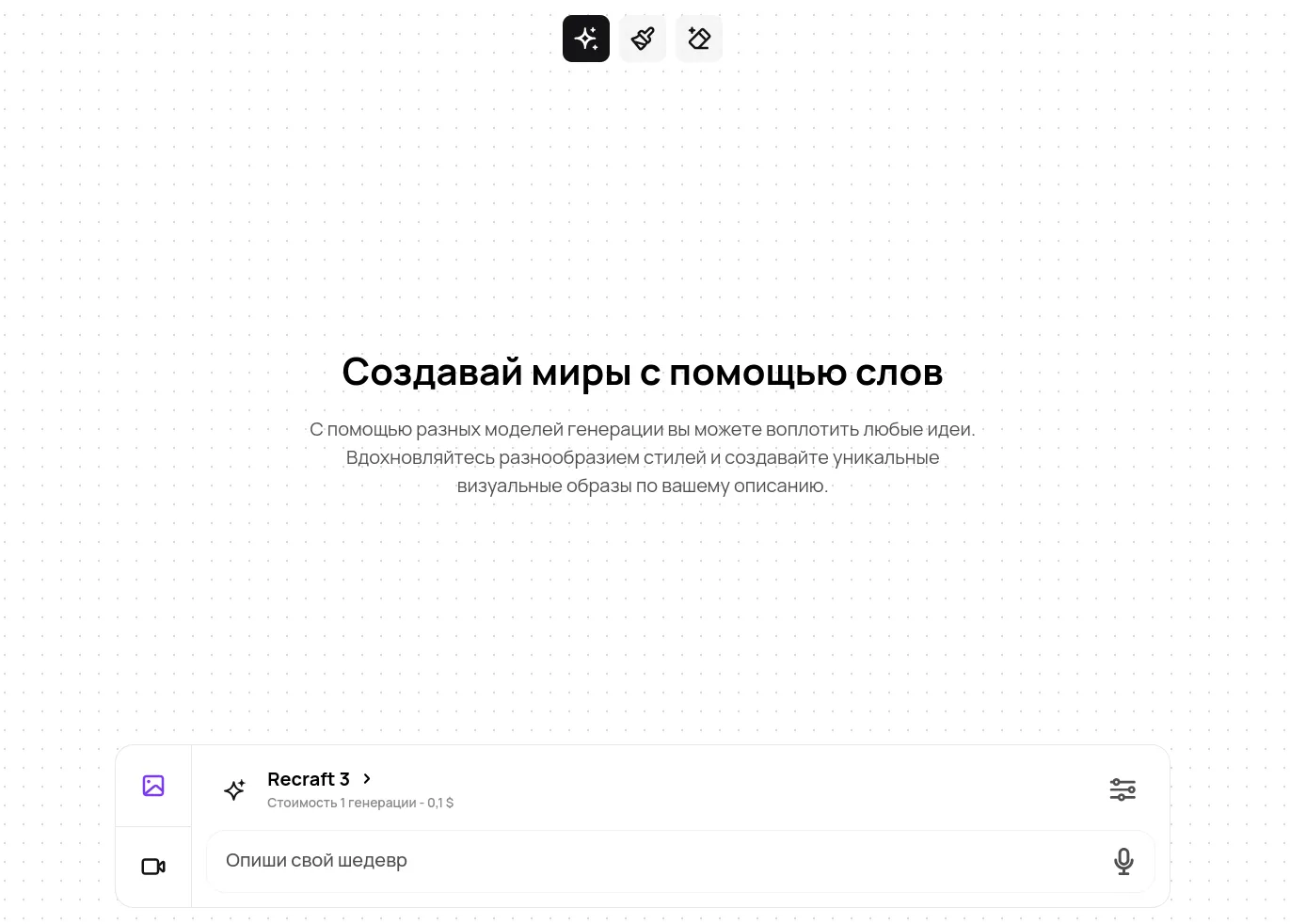
What the neural networks can do
- Recraft (v1, v3) – a professional graphic design tool. V1 is especially good at illustrations and photorealistic images. V3 shines with high-quality text rendering.
- FLUX 1.1 (Ultra, Pro, Dev) – a powerful image generator with different versions for any task. Ultra produces the highest-quality images, Pro is optimized for speed, and Dev is great for experimenting.
- Yandex Art – a fast and intuitive image generation tool. Excels at photorealistic work.
- Stable Diffusion (3, XL) – a versatile assistant with advanced capabilities. The XL version supports high resolution and handles complex prompts well.
- Playground v2.5 — a budget-friendly neural network capable of creating high-quality, detailed, and realistic visuals from your descriptions. It gives you control over composition, style, lighting, and other parameters.
- Minimax — a versatile video generation neural network suited for both professionals and beginners. It can generate short videos up to 6 seconds long at 1280×720 resolution and 25 frames per second based on your descriptions.
Smart settings wizard for images
Create exactly the images you need with intuitive settings:
- Text description – write what you want to see in the image. You can describe your request in your own language, and the prompt will be automatically translated into English;
- Flexible proportions – choose the optimal aspect ratio for your needs. The default is a 1024×1024 pixel square;
- Style library – from anime and watercolor to minimalism and fantasy, with visual examples for each style;
- Negative prompts – specify what shouldn't appear in the image to get exactly the result you want.
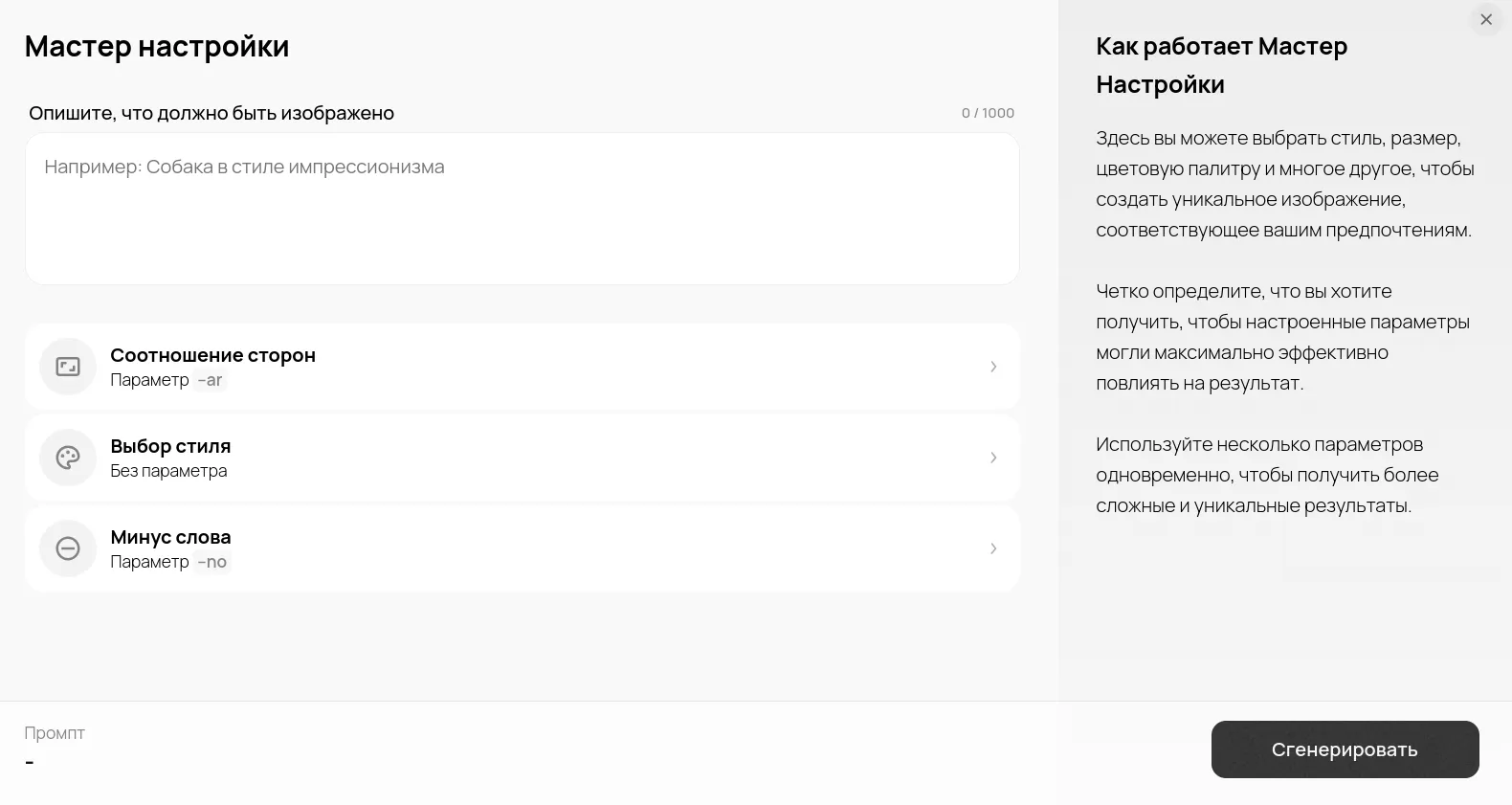
Image generation settings wizard in GPTunneL
Inspiration gallery
In the "Fresh" and "Trending" sections, you'll find plenty of examples and inspiration for your own creations. All your masterpieces are automatically saved in the "Mine" section.
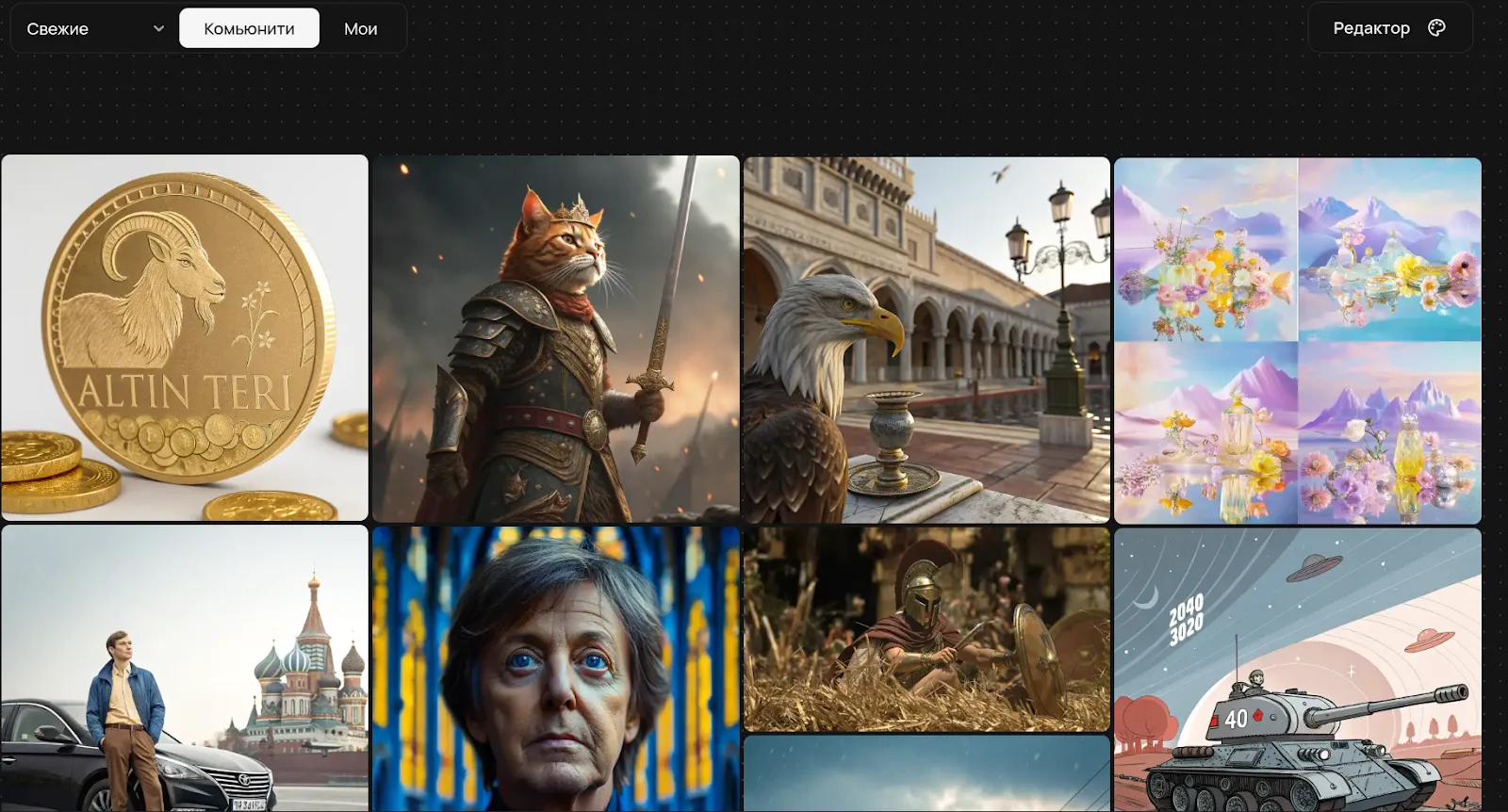
Image editing tools
Besides generating images, we've added tools for editing them. You can work with illustrations you've just created or upload your own photos and pictures. Here's how it works:
- The "Brush" tool lets you select specific areas for further editing or touch-ups.
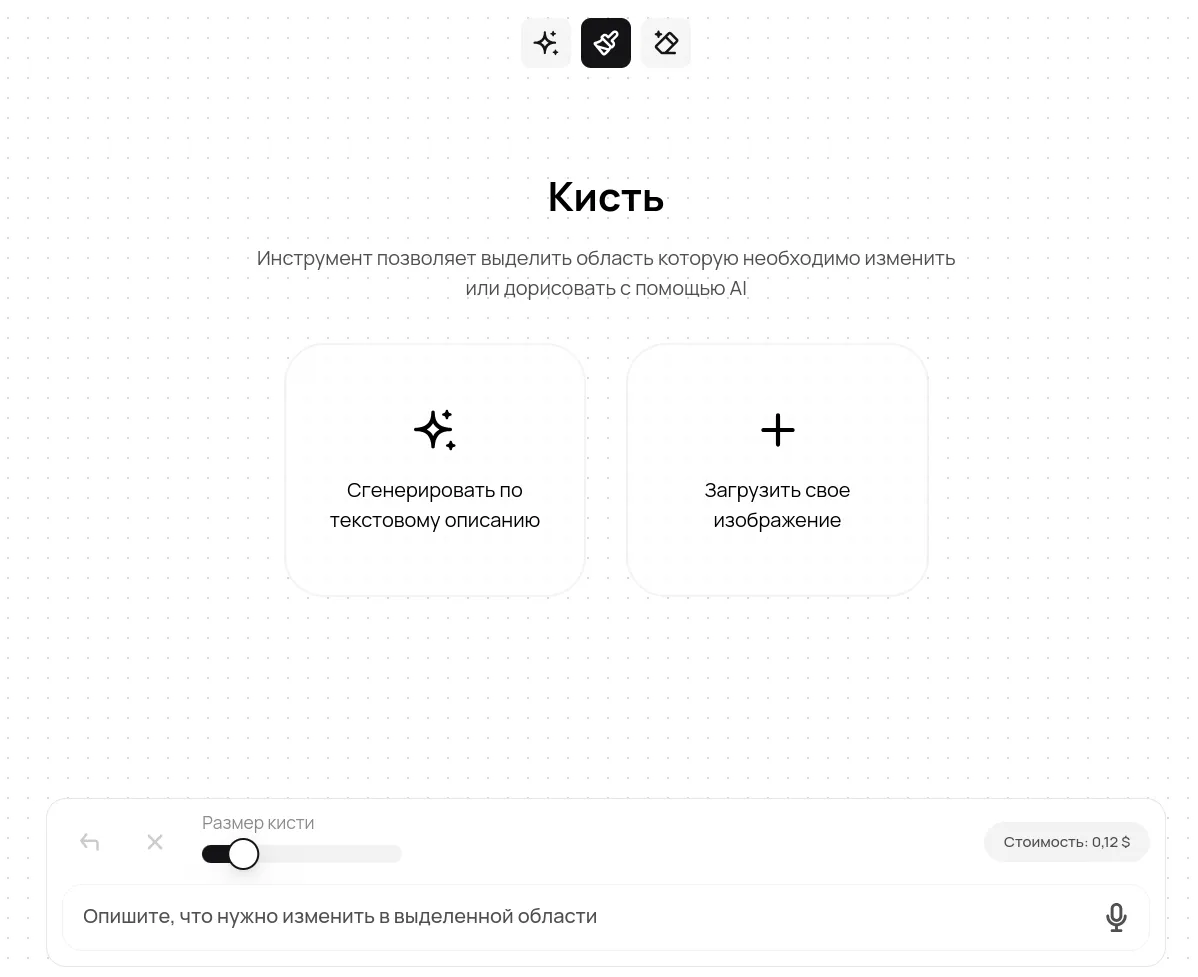
Select and edit objects in an image with the "Brush" tool
- The "Eraser" tool is designed to easily remove elements from an image, such as objects or people. Generate a replacement for the removed element based on a text description.
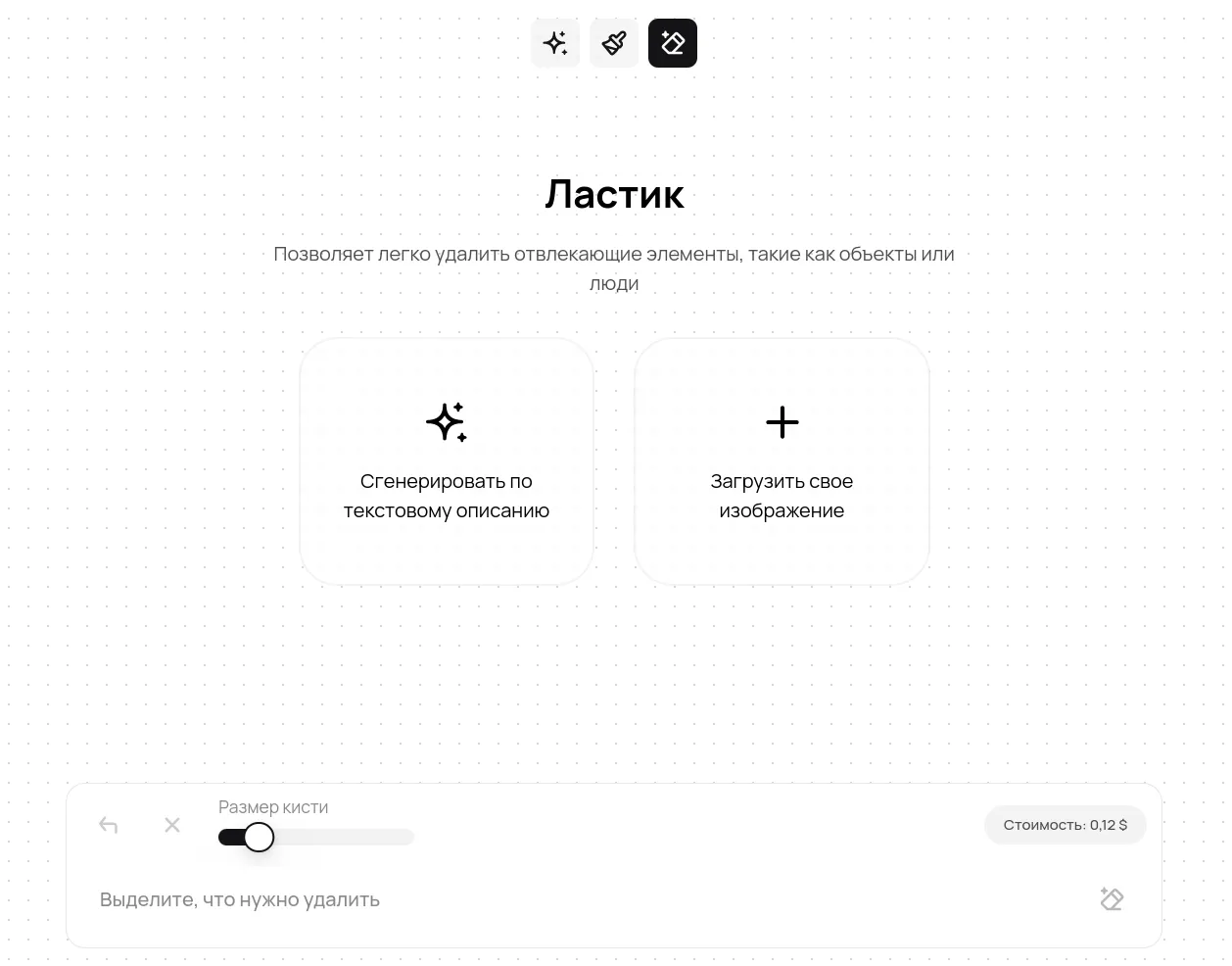
Remove objects from an image with the "Brush" tool
Create your masterpiece!
Try creating something unique right now – all the tools are waiting for you in Creative Lab. And we keep improving the service and preparing exciting new updates!