
Today’s AI image generators can produce images that are hard to tell from real photographs at first glance. Most of the generated images in this quiz came from a first attempt.
Look through all 11 images and decide which ones were taken with a camera. After you choose, you’ll see the answer and can reveal the original prompt for each AI-generated image.
Image 1. Portrait with a Fan
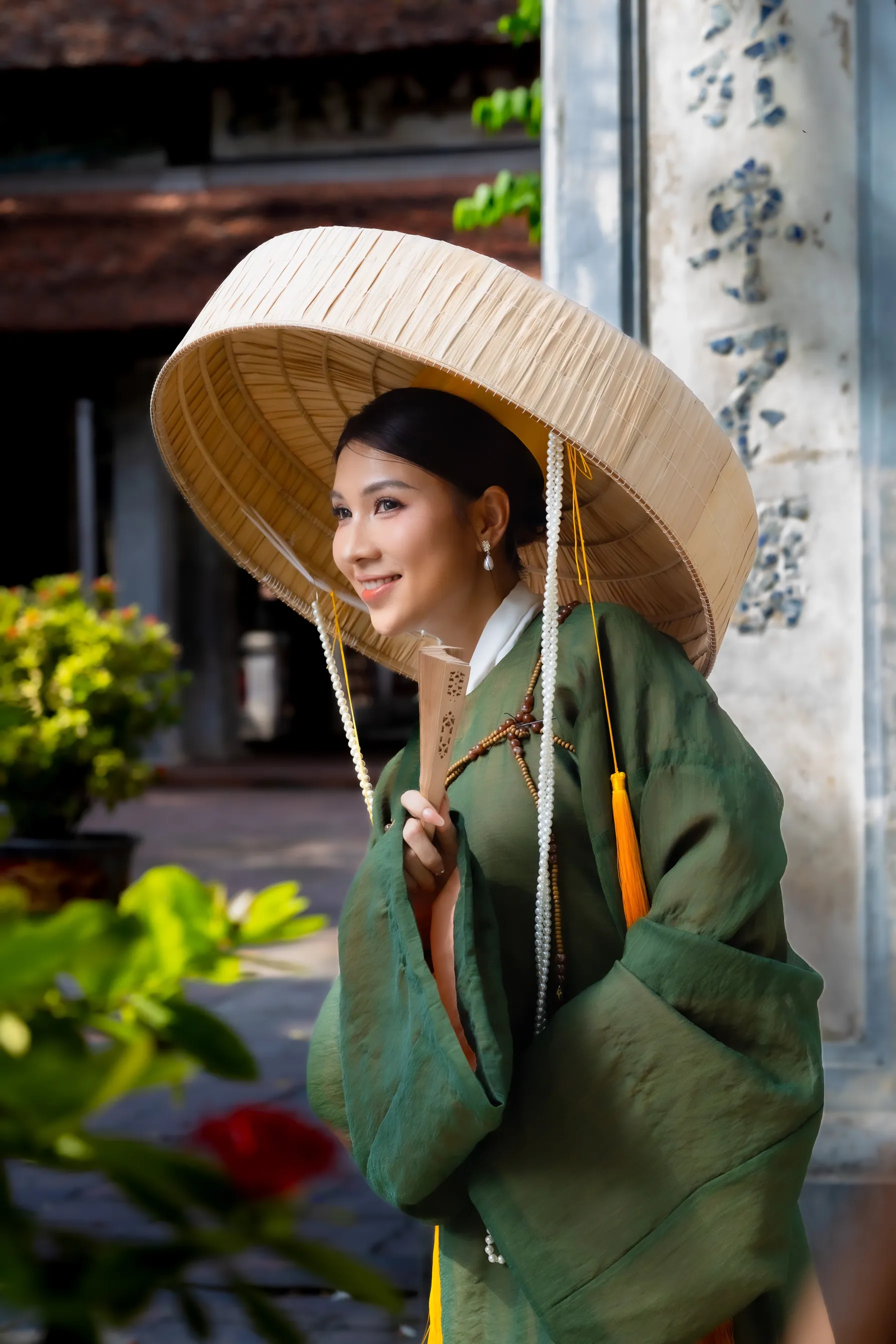
Image 2. Fishing Cabin by the Lake
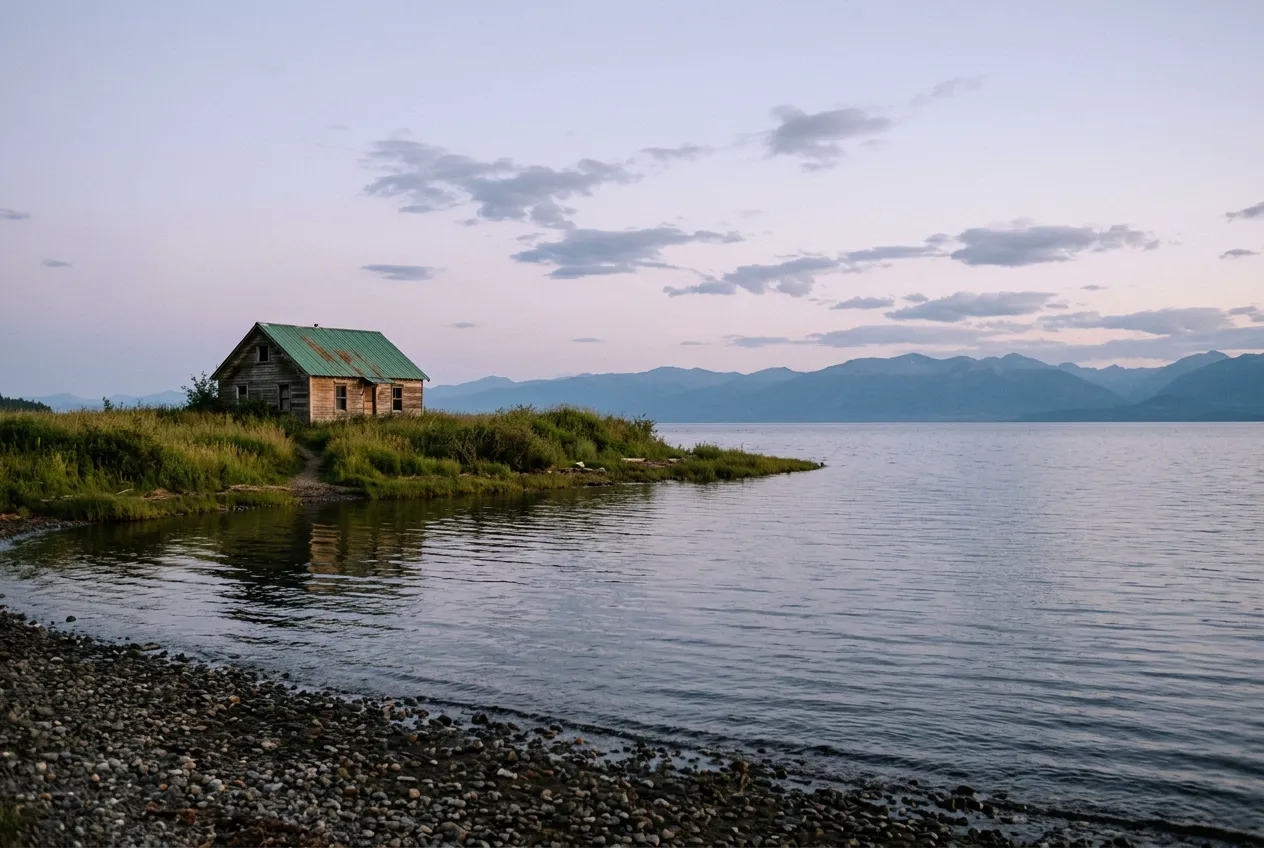
Image 3. Cathedral Vaults
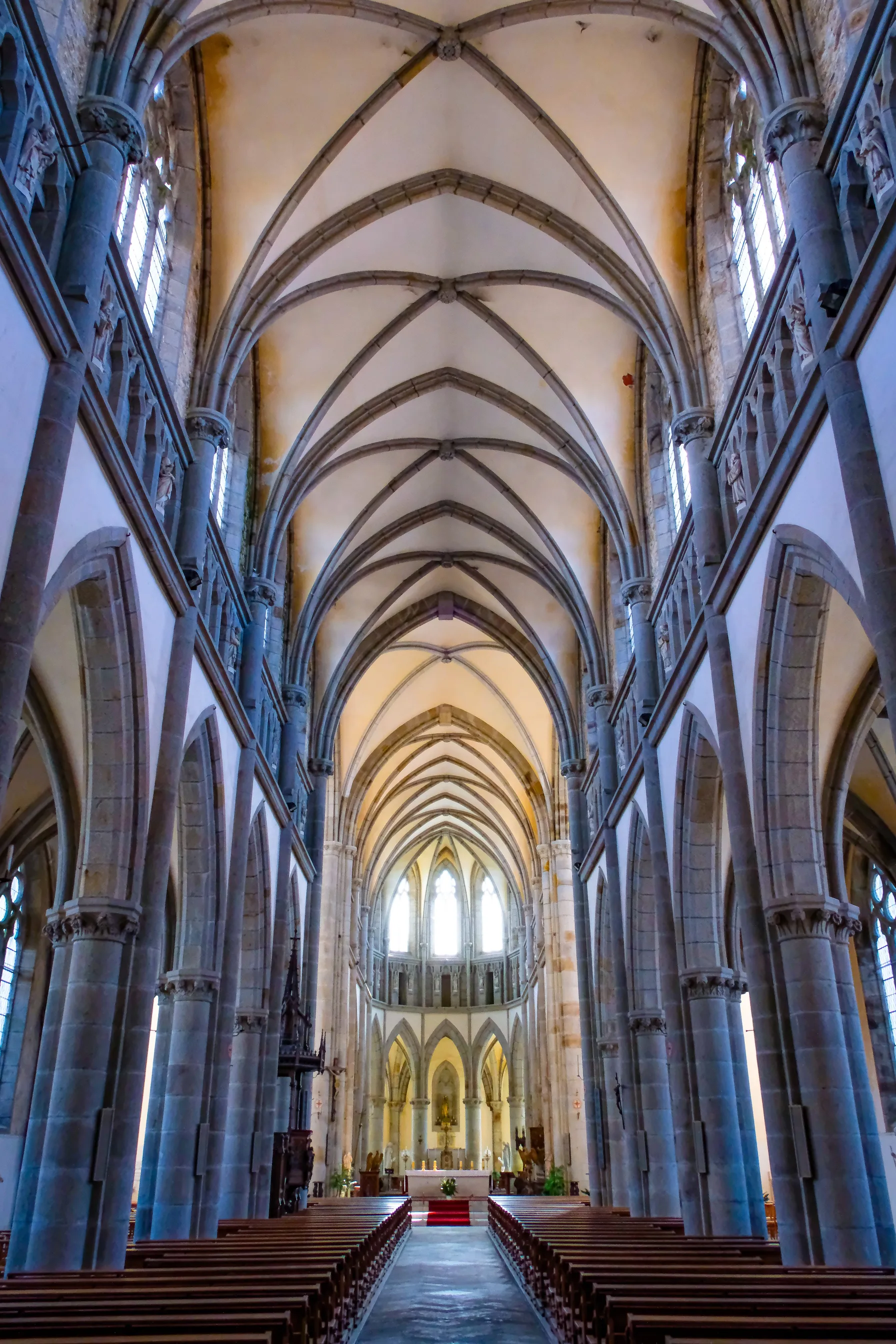
Image 4. Garden at Dusk
Image 5. Football Match
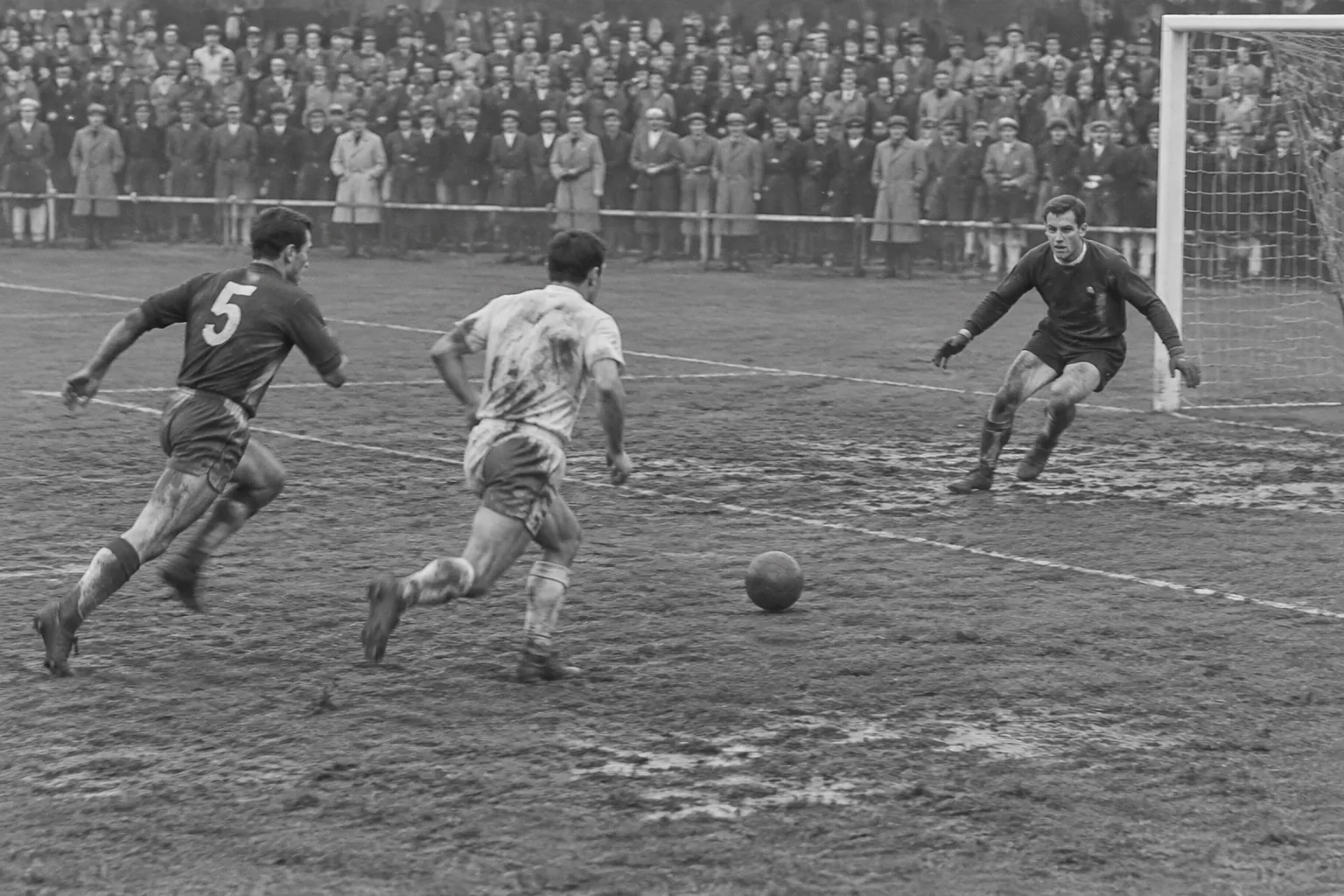
Image 6. Espresso in Paris
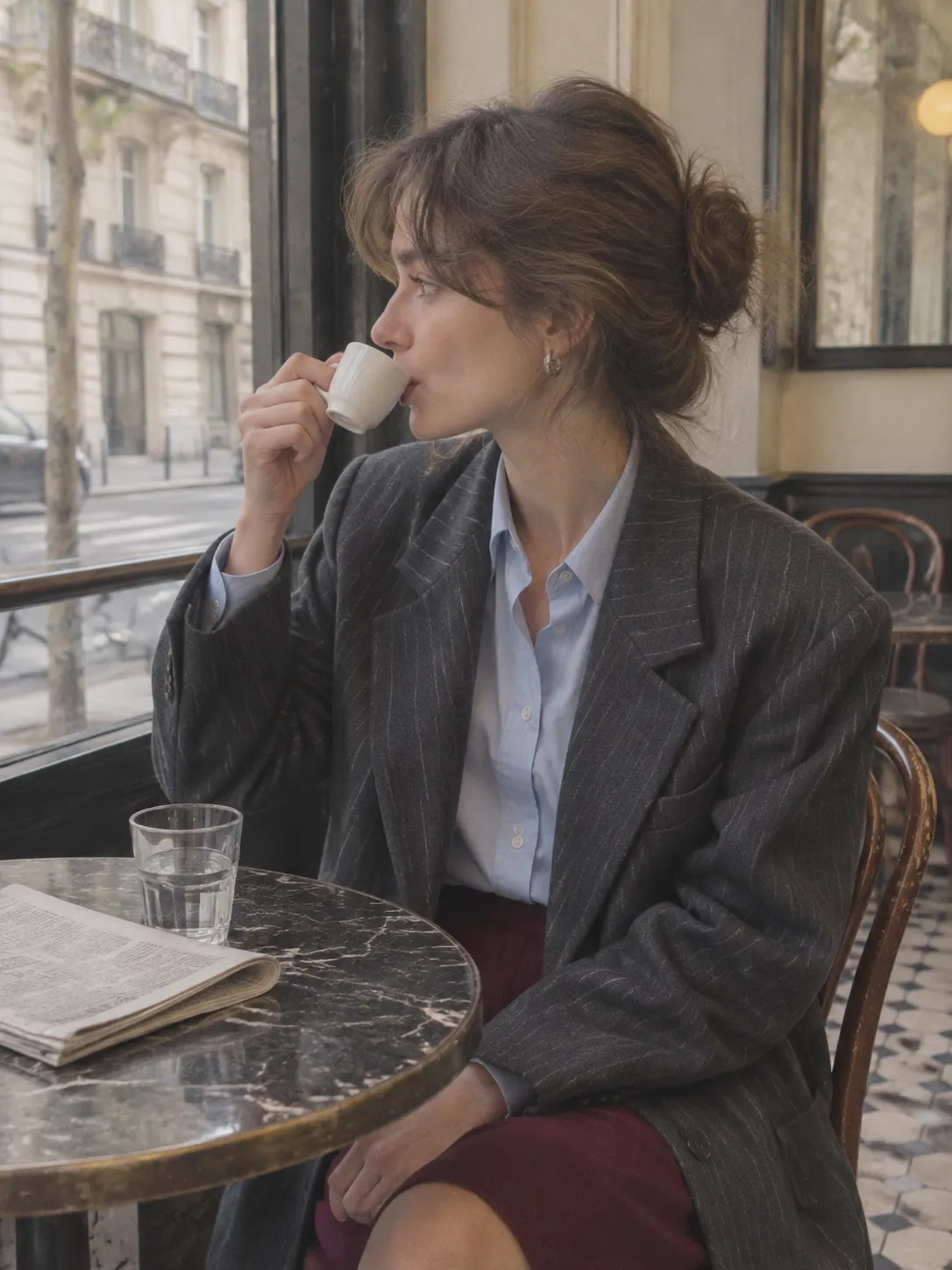
Image 7. Mountain Sunset
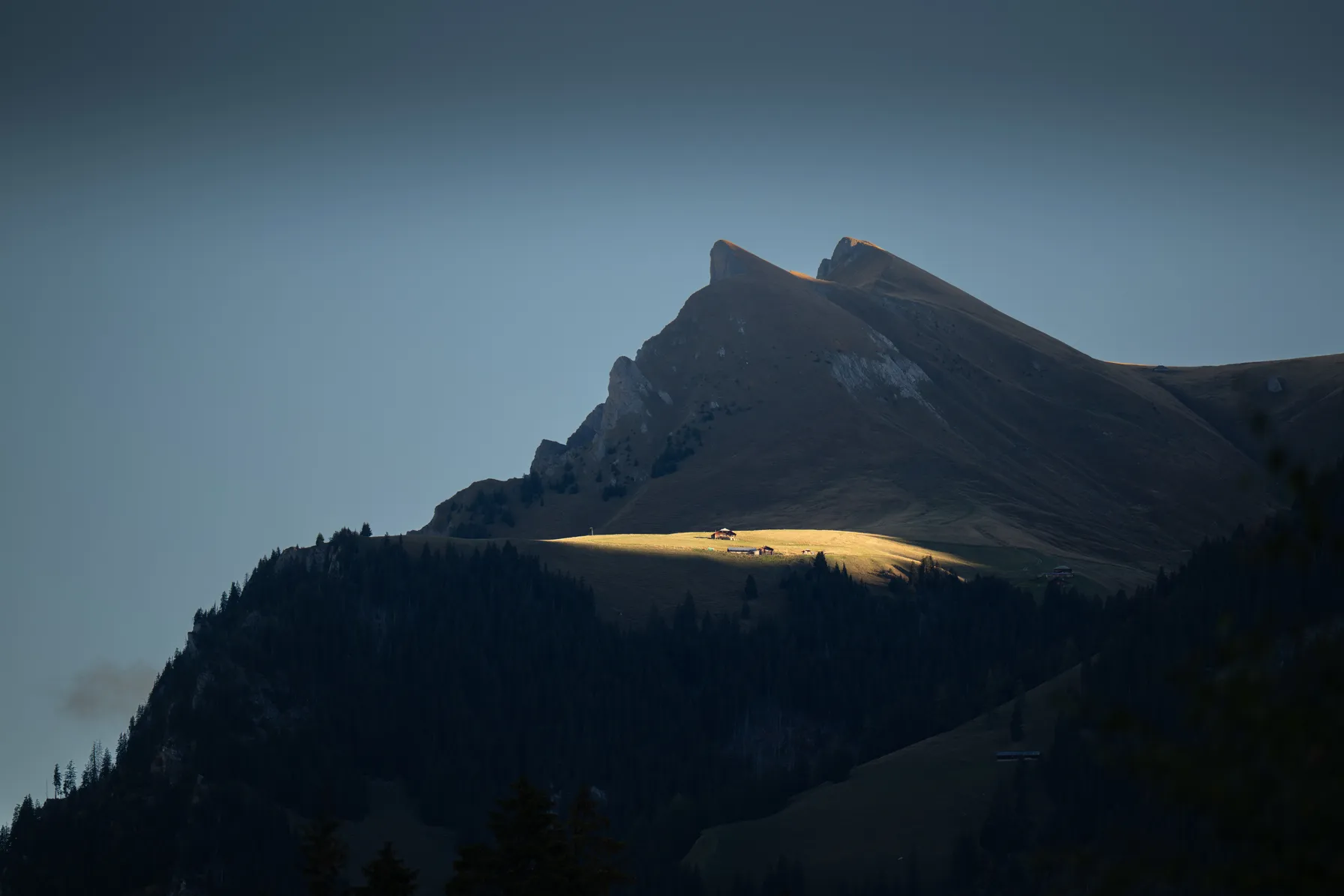
Image 8. Tree in the Lake
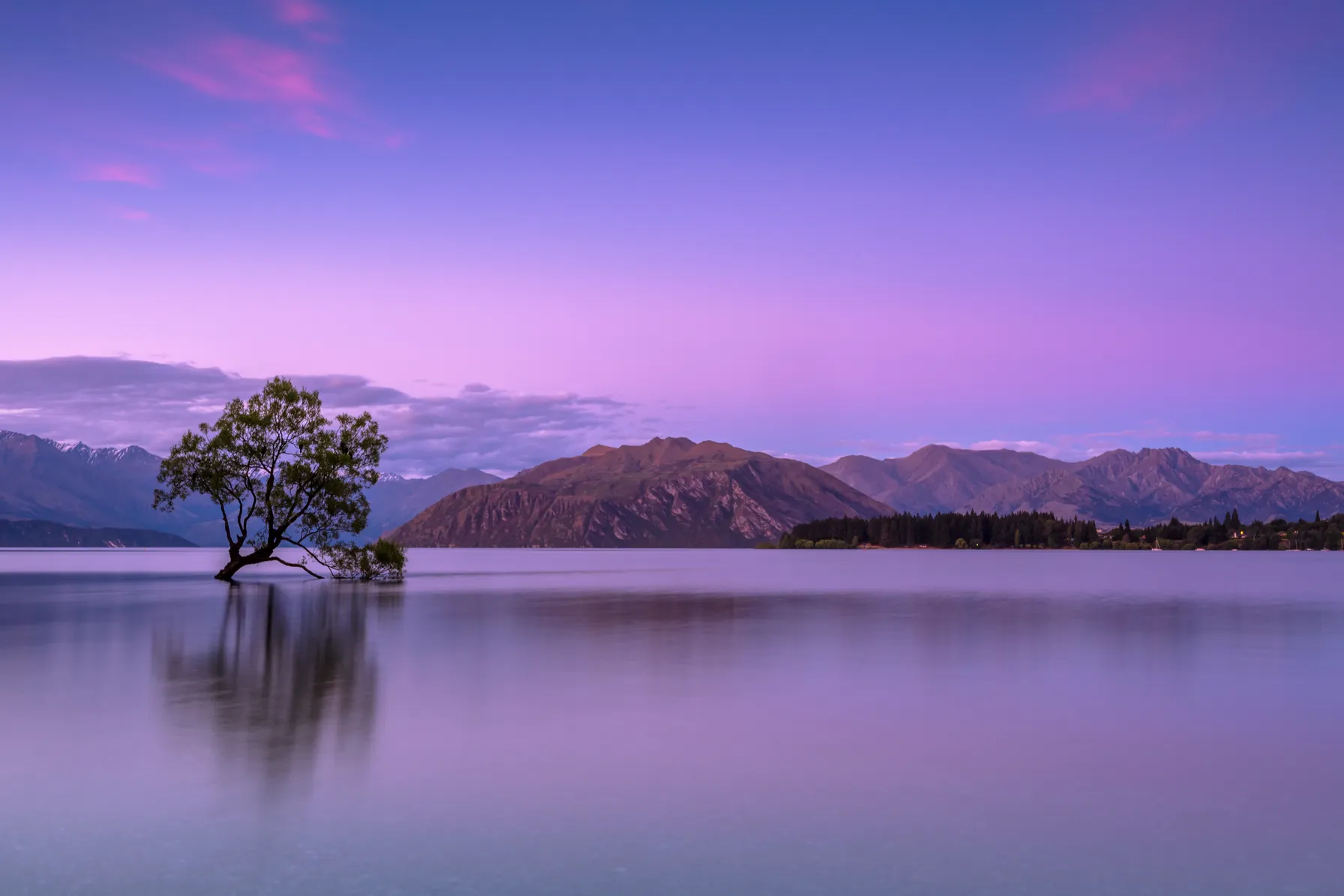
Image 9. Florist at the Market
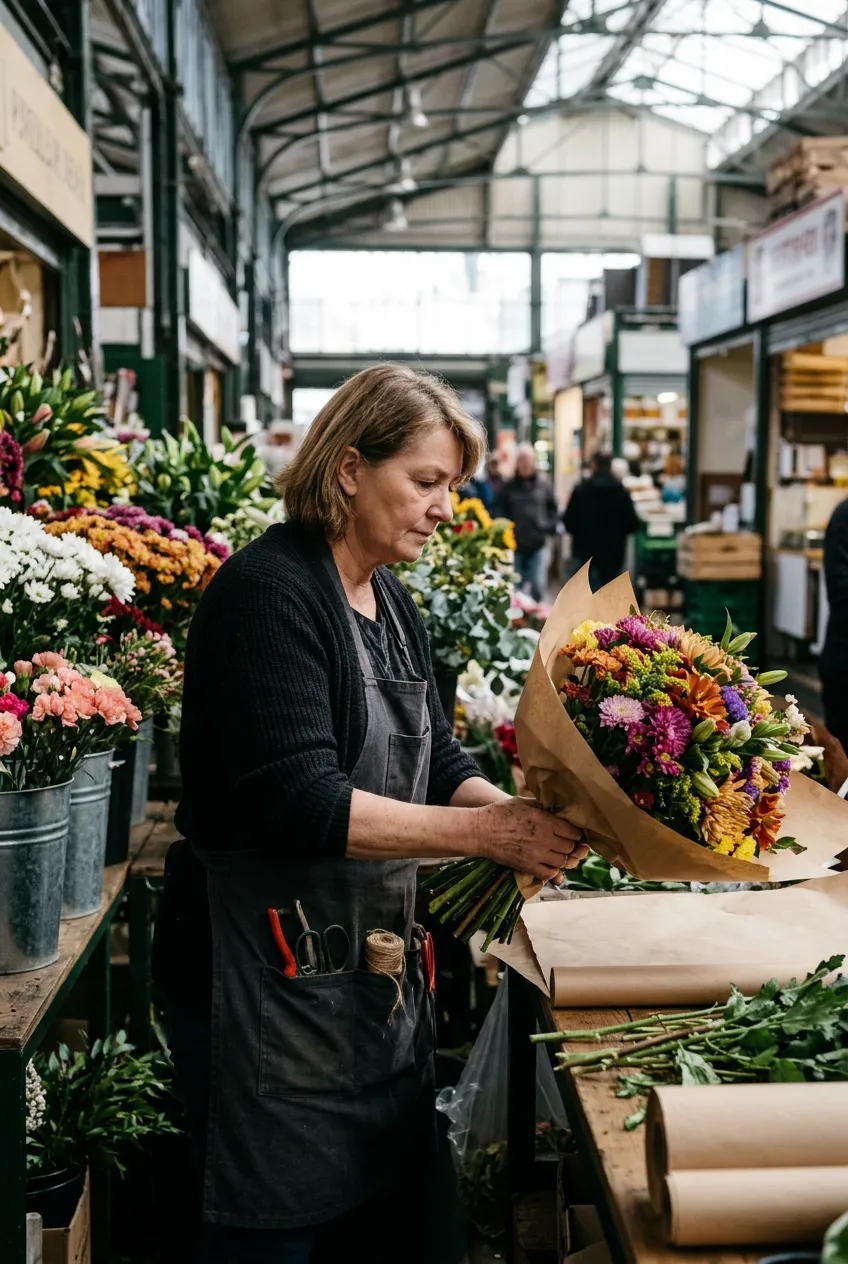
Image 10. Fisherman by the River
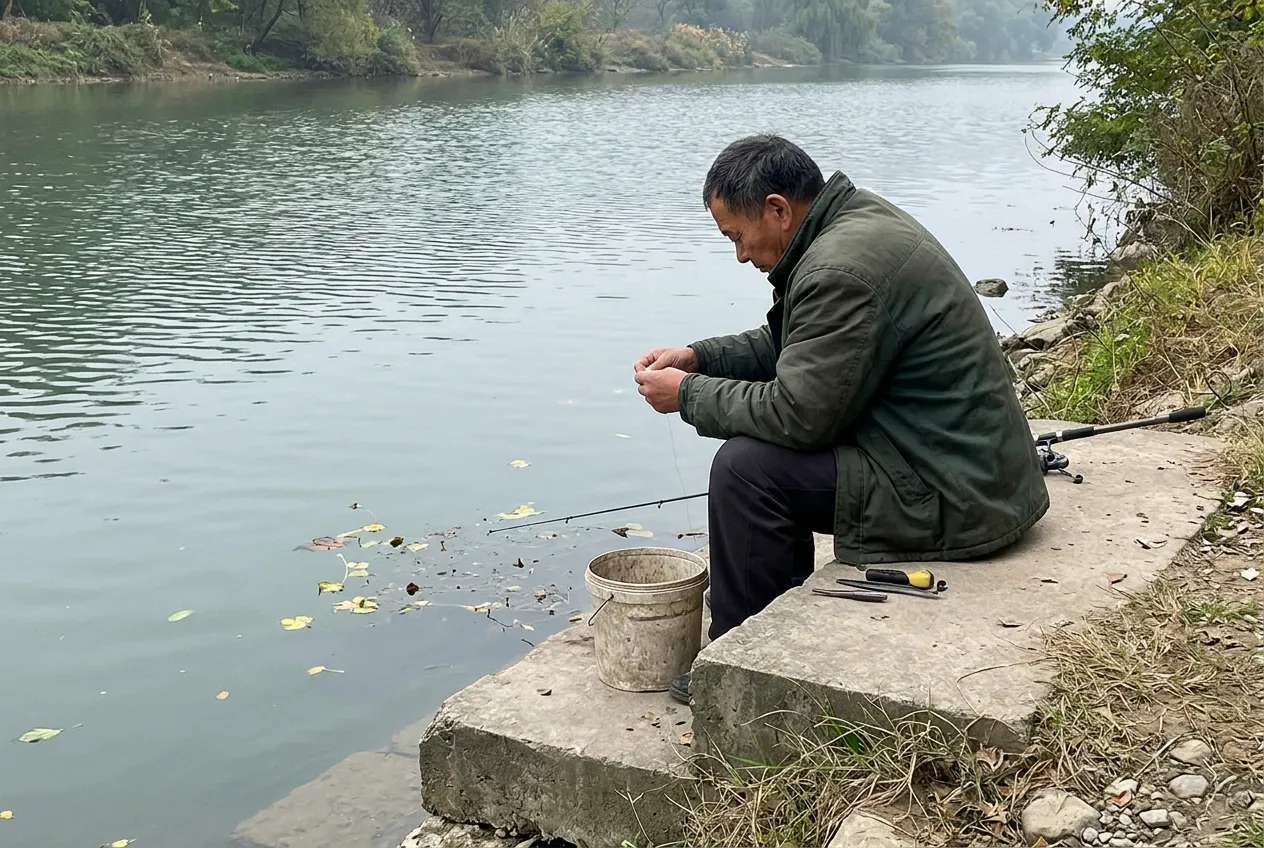
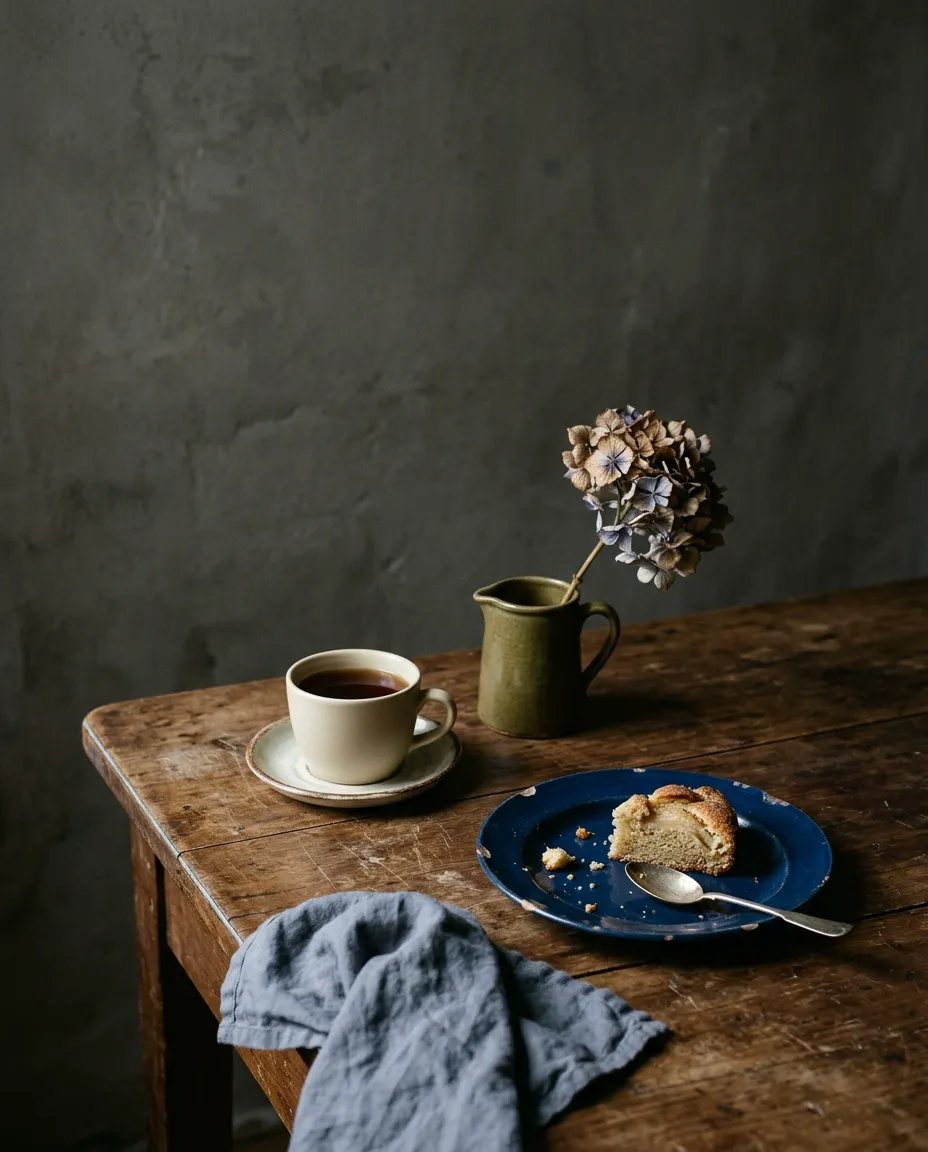
Image 11. Pear Cake and Tea
How to tell a real photo from an AI image
- Zoom in on small details and the background. Check fingers, numbers on shirts and lettering on distant signs. See whether a bag strap suddenly stops at the shoulder.
- Compare shadows and reflections. Check whether the highlights on glasses and reflections in puddles fit the lighting in the scene.
- Look at texture and sharpness. When you zoom in, skin can look plastic, and fabric or fur may lose fine detail. Look for odd changes in sharpness, too.
- Look for the source. A reverse image search can help you find an earlier publication and identify the photographer.
A single suspicious detail proves little on its own. Check several details and look for the source.
Want to make a similar image? Try Nano Banana 2.1 in GPTunneL. Pick a prompt from the quiz and change one detail to see how it changes the scene.