
Meet the new Vector tool — a way to turn images into SVG vector format, available right inside GPTunneL. It's a handy helper for designers, illustrators, and anyone who works with graphics. Powered by Recraft, vectorization is now fast and effortless.
What is vector graphics and why does it matter?
Vector graphics represent images using mathematical formulas that describe lines, curves, and shapes. Unlike raster images made of pixels, vector images can be scaled without any loss of quality. That matters especially for:
- Logos and branding;
- Illustrations and infographics;
- Print materials of any size;
- Web graphics and interfaces.
Key features of the Vector tool
- Simple, intuitive interface
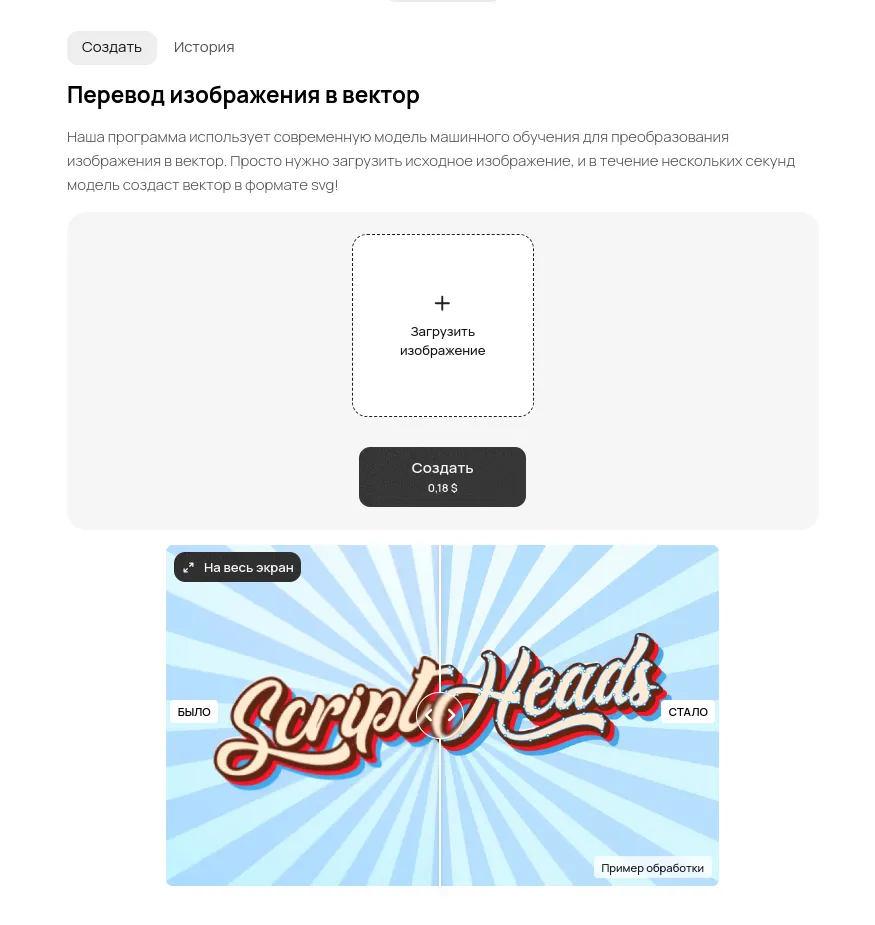
The tool keeps conversion as simple as it gets: upload an image and hit "Create." No complicated settings, no special skills needed. You can check the results anytime in the "History" section.
- High processing speed
Thanks to optimized machine learning algorithms, vectorization takes just a few seconds, so you spend less time waiting and more time creating.
- High-quality results
The model precisely detects contours, colors, and gradients, producing clean vector images ready for use in any project. You can view the final result via a link right after generation. Check the processing cost for a single image on the pricing page.
Start using Vector right now!
See what the tool can do today! A simple interface, fast processing, and professional results — all just a couple of clicks away. Convert your images to vector format and unlock new ways to use them. Try the Vector tool in GPTunneL and see how easy working with vector graphics can be!