
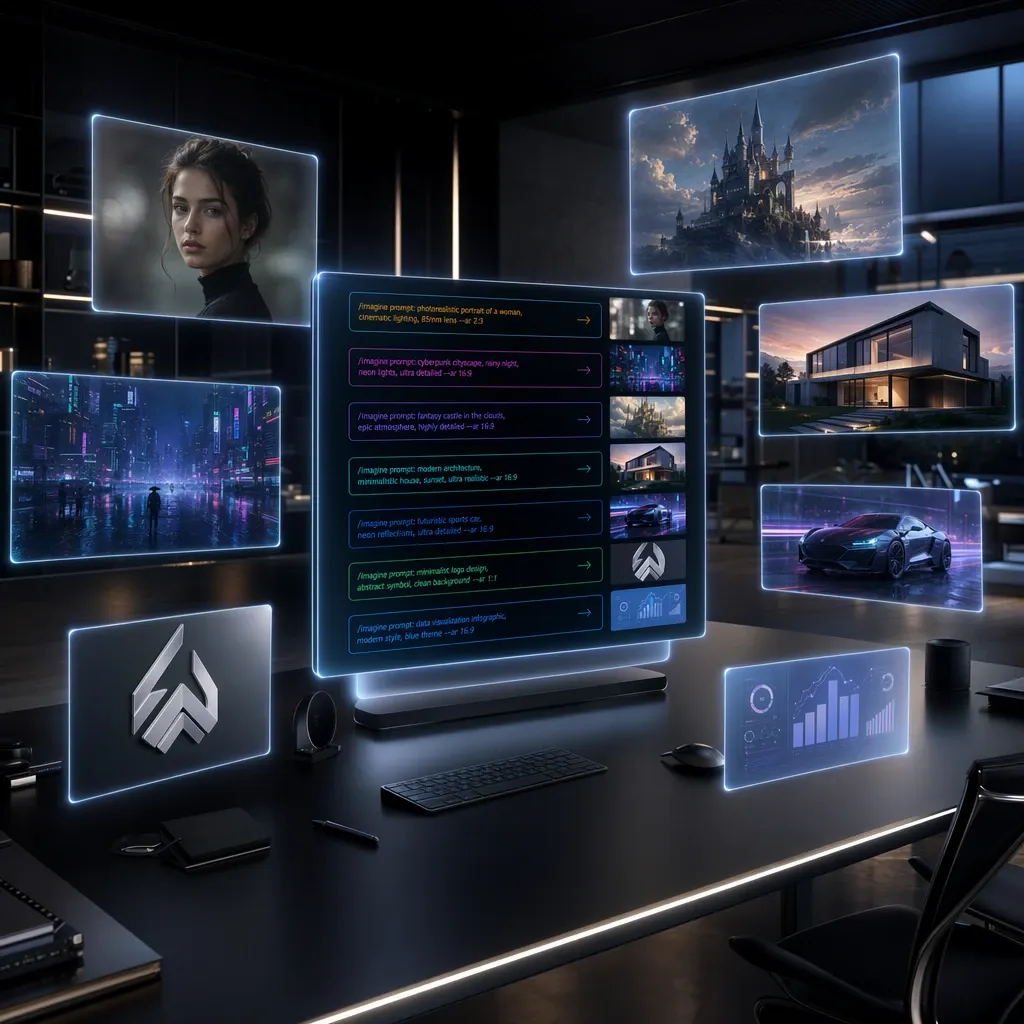
To get a truly high-quality image from Nano Banana, it's not enough to just write a few words about the scene you want. The final result largely depends on how detailed and clear your prompt is. The more precise the description, the higher the chance the model will create exactly the image you had in mind.
This article gathers the best Nano Banana prompts for a variety of tasks: from photorealistic portraits and concept art to ad banners, logos, infographics, and photo editing. We'll also cover the principles of writing effective prompts, common mistakes, and techniques that help you get better results.
What a prompt is in Nano Banana
A prompt is a text description of the image the neural network should create. It defines the scene's content, artistic style, composition, lighting, object materials, and many other details.
If the request is too short, the model fills in the missing information on its own. Sometimes this produces a good result, but more often the output differs from expectations. A detailed prompt makes generation more predictable.
For example, the request:
Red sports car
versus the description:
Red Ferrari F40 driving along a coastal highway during sunset, cinematic photography, warm golden light, realistic reflections, motion blur, 35mm lens, ultra detailed, HDR, 8K
will produce very different levels of detail.
How to write good prompts for Nano Banana
Almost any successful prompt consists of several elements.
Main subject
First, describe the main subject of the image.
For example:
- a person;
- a car;
- a robot;
- an interior;
- a cityscape;
- an animal.
The more specific the description, the easier it is for the model to understand the task.
Environment
Next, add the setting.
For example:
- a modern office;
- a Japanese street at night;
- snow-covered mountains;
- a space station;
- a tropical island;
- an ancient castle.
The environment helps shape the composition of the future image.
Artistic style
The next step is choosing a style.
Commonly used ones include:
- photorealistic;
- cinematic;
- anime;
- watercolor;
- oil painting;
- cyberpunk;
- concept art;
- Pixar style.
Style defines the overall look of the image.
Lighting
Lighting significantly affects the mood.
Popular options:
- golden hour;
- soft studio lighting;
- dramatic lighting;
- neon lighting;
- moonlight;
- overcast weather;
- sunset.
Even the same scene will look different when the lighting changes.
Shooting parameters
Nano Banana interprets common photography terms well, using them as reference points when building the image.
For example:
- 35mm lens;
- 50mm lens;
- 85mm portrait;
- macro photography;
- wide angle;
- aerial view.
Image quality
At the end, detail parameters are usually added.
For example:
- ultra detailed;
- highly detailed;
- HDR;
- realistic textures;
- volumetric lighting;
- sharp focus;
- 8K.
This approach helps produce a more predictable result compared to short prompts.
A universal formula for a good prompt
For most tasks, a simple structure works:
Subject + action + environment + style + lighting + camera parameters + detail level.
For example:
Young architect working inside a futuristic office overlooking a cyberpunk city, cinematic lighting, photorealistic, 35mm lens, realistic reflections, HDR, highly detailed.
This structure fits almost any type of image.
Best prompts for Nano Banana
Photorealistic portrait
Ultra realistic portrait of a young woman with natural skin texture, soft studio lighting, green eyes, subtle makeup, 85mm lens, shallow depth of field, highly detailed, HDR, 8K
This prompt works well for realistic portraits, avatars, or promotional images.
Cyberpunk
Cyberpunk warrior standing on a rainy futuristic street, neon lights, holographic signs, cinematic lighting, realistic armor, volumetric fog, highly detailed, science fiction, 8K
Prompts like this produce vivid images with plenty of lighting effects.
Fantasy
Floating medieval castle above the clouds, waterfalls, dragons flying around, magical atmosphere, fantasy concept art, dramatic lighting, highly detailed, epic composition
This option works well for game illustrations and concept art.
Realistic car
Black Porsche 911 GT3 RS driving through mountain roads during sunrise, cinematic photography, wet asphalt reflections, dynamic motion blur, HDR, 35mm lens, ultra realistic, 8K
A good example of a prompt for automotive subjects.
Product photography
Luxury mechanical wristwatch on black marble, premium product photography, soft studio lighting, realistic reflections, macro lens, luxury advertising style, highly detailed
Suitable for product cards and advertising materials.
Architectural visualization
Modern minimalist villa surrounded by pine forest, panoramic windows, Scandinavian architecture, morning sunlight, architectural visualization, realistic rendering, highly detailed
This prompt can be used to present architectural projects.
Interior
Minimalist Scandinavian living room, natural wood furniture, beige palette, soft daylight, realistic textures, interior photography, wide angle lens
Suitable for interior designers and furniture makers.
Anime
Anime girl standing on a rooftop during sunset, expressive eyes, detailed hair, vibrant colors, cinematic anime style
Works well for creating stylized illustrations.
Space station
Massive futuristic space station orbiting an icy planet, cinematic lighting, realistic materials, epic science fiction concept art, ultra detailed
Images like these are often used for presentations and game projects.
Article illustration
Minimalistic flat illustration explaining artificial intelligence workflow, blue and white palette, clean vector style, infographic design
Suitable for blogs, presentations, and educational materials.
Ad banner
Premium coffee beans flying through the air with roasted coffee particles, dramatic lighting, realistic textures, luxury advertising photography
Used to create advertising images and banners.
Logo
Minimalistic geometric logo for AI startup, premium branding, monochrome design, clean lines, vector style, white background
This prompt helps quickly generate ideas for brand identity.
Prompts for generating text in images
One of Nano Banana's notable strengths is handling short text within an image. The model can create signs, logos, posters, and headlines with fairly high legibility. Errors are still possible when generating long paragraphs, so for large amounts of text it's better to use a graphic editor after generation.
3D text
Large chrome 3D text saying "NANO BANANA", futuristic metallic typography, realistic reflections, black background, cinematic lighting, premium style, ultra detailed, 8K
This prompt works well for YouTube thumbnails, ad banners, and presentations.
Neon sign
Bright neon sign saying "Open AI Lab", rainy cyberpunk street at night, glowing letters, cinematic lighting, realistic reflections, highly detailed
Images like these are often used for website and social media design.
Vintage poster
Vintage typography poster saying "Coffee House", retro print style, textured paper, warm color palette, classic illustration, highly detailed
This style suits cafes, restaurants, and clothing brands.
Best prompts for infographics
Nano Banana can be used not only for artistic illustrations but also as a foundation for presentations.
AI infographic
Minimalistic infographic explaining artificial intelligence workflow, clean vector style, modern layout, blue and white palette, readable labels, professional presentation design
After generation, the image can be refined in any graphic editor.
Business diagram
Professional business workflow diagram, clean corporate design, white background, modern icons, minimalistic layout, presentation style
This prompt helps quickly prepare a foundation for a presentation.
Best prompts for storyboards
Nano Banana is well suited for creating storyboards for commercials, films, and animation.
Cinematic storyboard
Six-panel storyboard showing detective entering an abandoned warehouse, cinematic camera angles, dramatic lighting, black and white sketch style, consistent character design
Commercial storyboard
Eight-panel commercial storyboard showing a person preparing coffee at home, product close-ups, emotional reactions, cinematic composition, clean storyboard layout
Images like these help plan out the composition of a future video ahead of time.
Best prompts for photo editing
Nano Banana supports local image editing. Instead of creating a new picture, you can change specific elements of an existing photo.
Background replacement
Replace the background with a modern office while preserving the person, realistic lighting, natural shadows, photorealistic result
Day to night
Transform daytime photo into realistic nighttime scene with moonlight, illuminated windows, street lights, natural shadows
Summer to autumn
Change the season from summer to autumn while preserving composition, orange leaves, warm lighting, realistic textures
Outfit replacement
Replace casual clothing with elegant black business suit while preserving pose, lighting and facial expression, photorealistic
Prompts like these let you quickly prepare different variations of the same image without complex manual editing.
Prompts for improving image quality
Nano Banana can also be used to enhance existing images.
Detail enhancement
Enhance image quality, restore fine details, realistic skin texture, remove compression artifacts, improve sharpness, preserve natural colors
Image upscaling
Upscale image to 4K resolution, preserve realistic textures, increase detail, reduce digital noise, professional quality
Old photo restoration
Restore old damaged photograph, remove scratches, restore colors, improve facial details, high resolution, realistic restoration
These prompts help improve images before publishing or printing.
Advanced prompt-writing techniques
Once you've mastered the basics, you can move on to more detailed scene descriptions.
For example, instead of a short prompt like:
Beautiful forest
it's better to write:
Ancient mystical forest at sunrise, giant trees covered with moss, golden light passing through the leaves, soft fog, fantasy atmosphere, cinematic composition, realistic textures, highly detailed, 8K
A more detailed description helps the model reproduce the intended scene more accurately.
Another useful technique is combining artistic style with photographic terms.
For example:
Futuristic city skyline, concept art, cinematic lighting, 35mm lens, realistic reflections, volumetric fog, ultra detailed architecture
This approach produces a more expressive composition and more natural lighting.
Practical tips
If the image didn't turn out as expected, there's no need to rewrite the whole prompt. Often it's enough to change just one or two parameters:
- add a lighting description;
- change the image style;
- swap the camera lens;
- refine the environment;
- reduce the number of objects in the frame;
- increase the level of detail.
This approach helps you get to the result you want faster and avoid excessive regenerations.
Common prompt-writing mistakes
Even experienced users don't always get the result they want on the first try. In most cases, the issue isn't the model's capabilities but the prompt itself.
The most common mistakes:
- too short a scene description;
- missing lighting information;
- no artistic style specified;
- contradictory instructions in a single prompt;
- too many objects;
- trying to describe dozens of details at once;
- repeating words like masterpiece, best quality, or ultra realistic without a concrete description of the image.
If a generation turns out poorly, try changing just one element of the prompt — lighting, composition, or style, for example. This approach helps you quickly figure out what's actually affecting the result.
How to improve a failed generation
Sometimes an image comes out almost exactly as intended but needs a small adjustment. In these cases, there's no need to rewrite the whole prompt.
For example, if the image looks too dark, you can add:
soft natural lighting, balanced exposure, realistic shadows
If it lacks detail:
highly detailed, realistic textures, sharp focus, HDR
If the composition feels too cramped:
wide angle composition, more negative space, balanced framing
Changes like these help gradually improve the result without a complete prompt rewrite.
Advantages of Nano Banana
Nano Banana suits a wide range of tasks — from creating illustrations to editing photos. Among its key strengths are several notable features.
High level of detail
With a well-crafted prompt, the model can produce images with well-developed materials, reflections, textures, lighting, and fine scene elements.
Handling short text
Nano Banana generates short words, logos, and signs quite reliably. Long paragraphs of text may require additional editing.
Support for different artistic styles
The model can create realistic photos, digital painting, concept art, anime, pixel art, minimalist illustrations, and many other styles.
Image editing
Nano Banana supports changing individual elements of an image. You can replace the background, clothing, time of day, weather conditions, or adjust specific objects while keeping the overall composition.
Versatility
The same model works for designers, marketers, game developers, online store owners, architects, bloggers, and advertising specialists.
Limitations of Nano Banana
Despite its wide range of capabilities, the model does have some limitations.
Long text
When generating large amounts of text within an image, individual words may come out with errors. For complex typography, it's better to use specialized editors after creating the image.
Very complex scenes
If a prompt describes dozens of objects, several actions, and different artistic styles all at once, the resulting generation may differ from expectations.
Small details
Sometimes intricate decorations, large numbers of identical objects, or tiny details require several generation attempts.
The result depends on the prompt
Even a powerful model can't create a precise image without a sufficiently detailed description. That's why a well-crafted prompt remains one of the main factors behind a successful generation.
Where you can use Nano Banana
The model's capabilities let you apply it across many different areas:
- illustrations for articles and blogs;
- ad banners;
- product cards;
- presentations;
- concept art;
- storyboards;
- logos;
- product packaging;
- social media images;
- YouTube thumbnails;
- mobile app interfaces;
- interior visualization;
- architectural projects;
- game concepts;
- marketing material design.
Thanks to this, Nano Banana works well for both personal projects and commercial use.
Where to try Nano Banana
If you want to try Nano Banana and compare its results with other modern models, it's convenient to use services that bring several neural networks together in one interface.
For example, you can use GPTunneL, where popular models for text, images, video, and code are all available. This lets you use different AI tools without setting up multiple subscriptions and switch between services within a single account.
This approach is especially convenient if you regularly work with image generation and want to find the model that best fits a specific task.
Conclusion
A good prompt is a clear and consistent description of the image you want. The more precisely the request is formulated, the higher the chance of getting a result that matches your expectations.
Don't be afraid to experiment with lighting, styles, composition, and detail level. Even small changes in wording can noticeably affect the final generation. Over time, you'll be able to build your own library of successful prompts and adapt them to different projects.
The ready-made examples from this article can be used as a starting point, gradually adding details for your specific task. This approach helps you master Nano Banana's capabilities faster and get high-quality images without a long process of trial and error.