
Imagine: a character from a drawing, picture, or any photo suddenly starts moving, waving a hand, or dancing. This is photo animation powered by AI, and now you can do it right in GPTunneL with the "Photo Animation" tool.
Drop a photo or a drawing hereJPG or PNG, up to 5000×5000 pixelsCreate videoHow does "Photo Animation" work in GPTunneL?
The Minimax neural network analyzes the image you upload (a drawing or photo without text works best) and figures out on its own how to make the character on it move. The result is a short but very charming little cartoon.
Want more control? No problem. Add a short prompt to set a specific action for the character. For example, "jumping" or "waving."
How to bring your drawing to life:
- Take a photo of the drawing (or use any photo with a person).
- Go to GPTunneL, section "AI Tools / Photo Animation."
- Attach the image.
- (Optional) Add a prompt describing the action.
- Click "Done" and wait for the generation to finish.
The clip is ready in a few seconds and stays in your profile history — download it whenever you want.
Examples: what to animate and what to write in the prompt
The tool doesn't guess your intent — it does what you describe. Here are ready-made scenarios: first what to do with the shot, then a prompt you can copy as is.
An old family photo
The most common case, and the most demanding one: album scans have soft edges, grain, and often no color at all. The order matters — fix the frame first, animate second.
- Enhance photo quality — raise the sharpness and resolution of the scan so the face doesn't fall apart in motion.
- Colorize a black-and-white photo — if the shot came off film and you want color.
- Only then — "Photo Animation."
Prompt: "the person in the photo slowly turns their head toward the camera and smiles slightly, the camera pushes in almost imperceptibly."
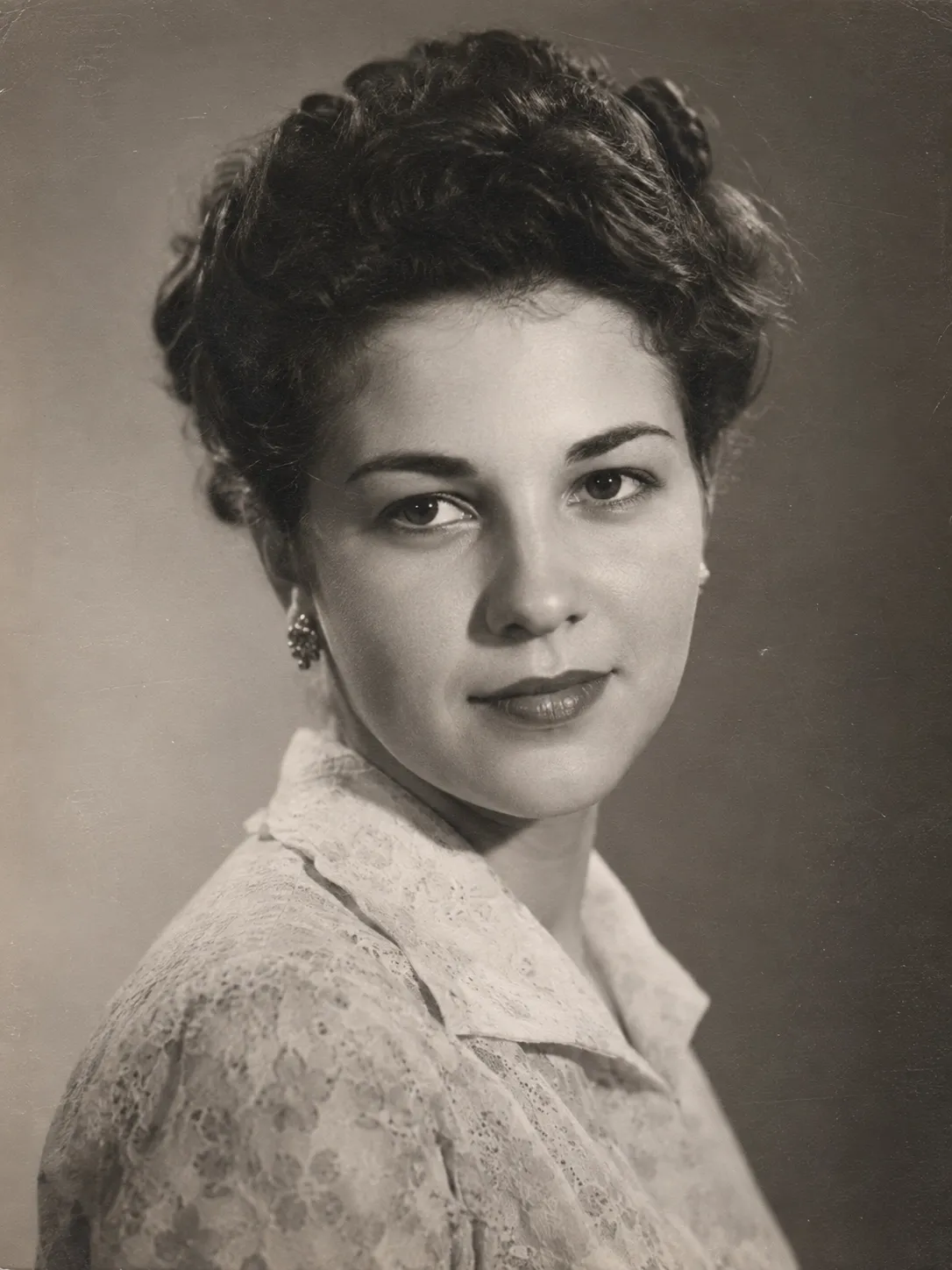
The source is an ordinary black-and-white scan: one person, a large face, an even backdrop, nothing extra around the edges. Five seconds of motion out of a single frame.
If there are several people in the frame, ask one of them to move — "the woman in the center turns her head." A blanket "everyone moves" reads as permission to move all of them at once, and the faces drift.
A child's drawing
Here the source matters more than the prompt. Shoot the sheet from above in daylight, with no glare and no shadow from your hand; crop the edges so only the drawing is left in frame.
Prompt: "the drawn character waves a hand and jumps up, the background of the drawing stays still."
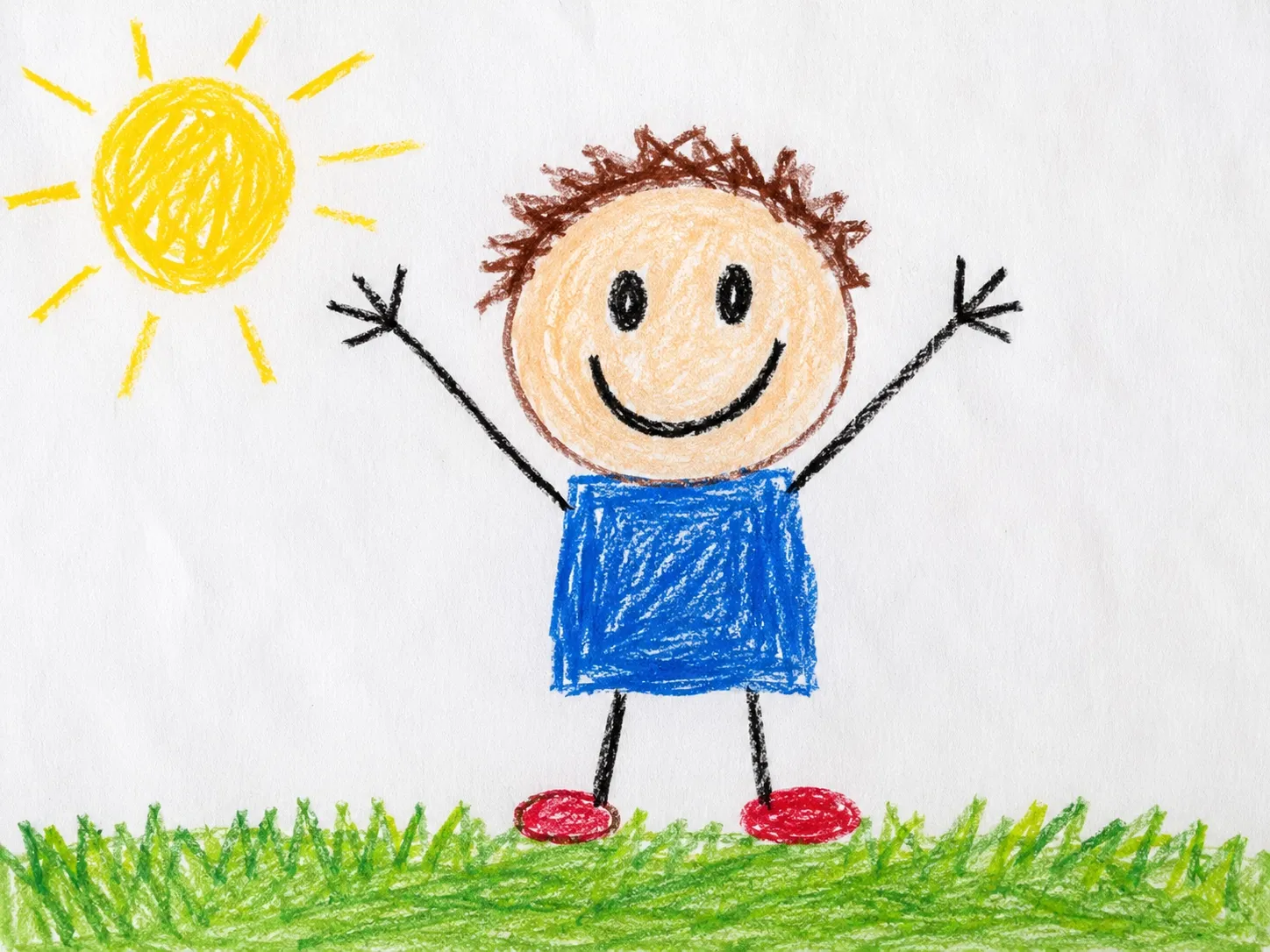
A simple figure with its arms up animates better than a busy scene: the model can tell where the character is and what should move. The drawing style survives too — same crayons, same paper.
It works with clay figures, paper collages, and kindergarten crafts too — anything you can photograph. Your child (and you too) will love seeing their creation come to life on screen.
A portrait or avatar
Prompt: "the person blinks, turns their head slightly, hair moves in the wind, the background stays unchanged."
Keep the face large — at least a quarter of the frame. On small faces the model fills in the features its own way, and in motion that shows.
A pet
Prompt: "the cat turns its head toward the camera, blinks, and slowly moves its tail."
A landscape or holiday shot
There may be no people in the frame at all — water, clouds, and leaves will carry the motion.
Prompt: "clouds drift to the right, the water flows, leaves sway in the wind, the camera slowly pushes in."
A social-media creative
A static banner or product shot turns into a short video for stories and ads — no editing involved.
Prompt: "the camera slowly orbits the object, soft light travels across the surface, the background stays still."
What helps you get a good result
- One action per clip. "Waves a hand" comes out clean; "waves a hand, walks forward, and turns around" does not — none of that fits into a few seconds of video.
- Describe what moves, not what's pictured. The model already sees the image; it needs a verb, not a description.
- Say what should stay put. The phrase "the background stays unchanged" noticeably lowers the odds of the whole scene drifting.
- No text, no collages. Captions, watermarks, and stitched-together photos all get animated too — the result is a mess.
- Source format — up to 5000×5000 pixels; a large frame beats a small one.
Try it right now
Upload a shot to "Photo Animation" and see what comes out: the price of a clip is shown on the button before you start, and you only pay for the generations you run — no subscriptions, pay per use.