
The FLUX family includes image generation models built around fine detail, anatomical accuracy and deep customisation for creative professionals. These models are useful for:
- Graphic designers;
- Illustrators;
- Photographers;
- Copywriters;
- Marketers;
- Social media specialists;
- Artists and many others.
Below is an overview of what each model is good at, along with generation examples and their prompts. Pay attention to the language. You can write prompts in any language, but the models will translate them into English automatically. That is because they were trained primarily on English-language examples and work best in that language.
If you do not speak English but need maximum control, draft your prompts with Claude 3.7 Sonnet or other models and ask them to expand your instructions into the FLUX format. Most neural networks are trained to write and extend prompts.
FLUX 1.1 Ultra
Flux 1.1 Ultra was built to deliver the highest possible image quality. This model offers:
- Resolution up to 4 megapixels. In practice this means even the most complex scenes keep their saturation, brightness and a sharpness comparable to 2K.
- Advanced text handling. The tool supports long text inserts with high legibility and precise integration into the image. We compared how FLUX 1.1 Ultra generates text with how other models handle the same task. Read it here.
- Style control. The developers focused on making the model more responsive to your prompts. As a result, you can control parameters in depth through prompts, from shadows to colour grading and the number of people and objects.
- High accuracy of human anatomy and object placement in complex scenes. The model can correctly generate crowded city streets during festivals, café interiors packed with objects, fantasy battle scenes and much more. The examples below show that the model produces a minimal number of artefacts when depicting people and objects.
How to generate images with FLUX
To work with the FLUX models, follow these steps:
- Sign up and log in.
Register with GPTunneL and open the Creative Lab section — it holds every image generator, including FLUX, as well as the video models.
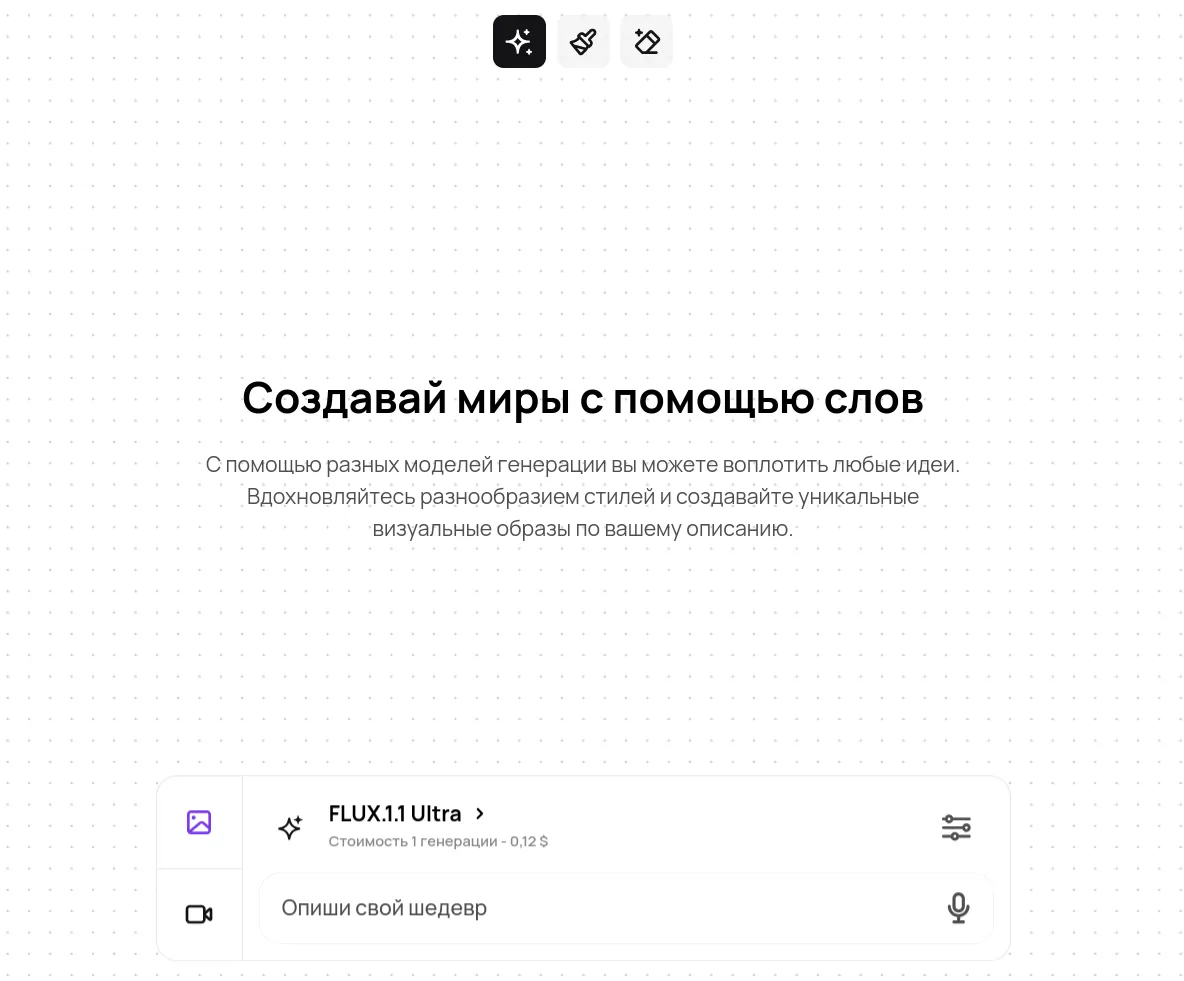
- Pick a model.
Choose one of the three versions from the model list:
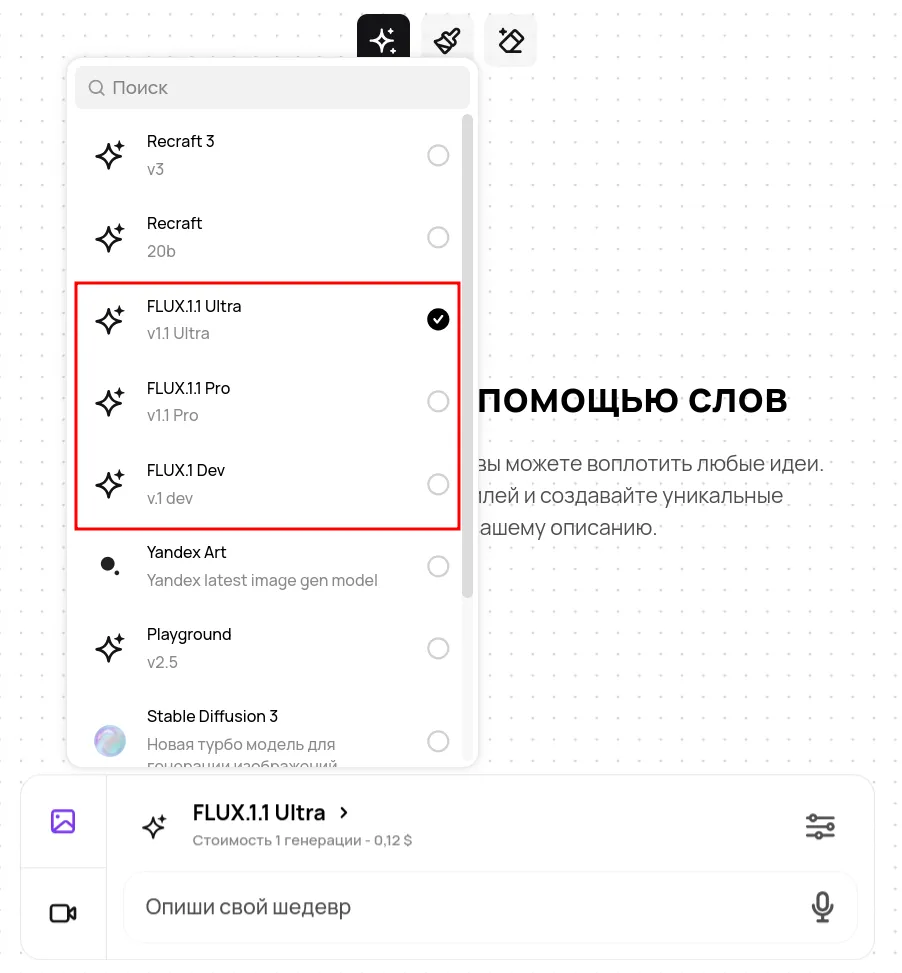
- Write the prompt.
Enter a text description of the image you want. The more precise the description, the better the result.
- Adjust the settings.
Open the settings wizard and set the extra parameters: image style (realism, abstraction, vintage and so on), aspect ratio (16:9, 4:3 and so on), and negative words that exclude unwanted elements ("bad anatomy", "low resolution"). Flux 1.1 Ultra also has a RAW mode. It was added specifically for close-up portraits and still lifes.
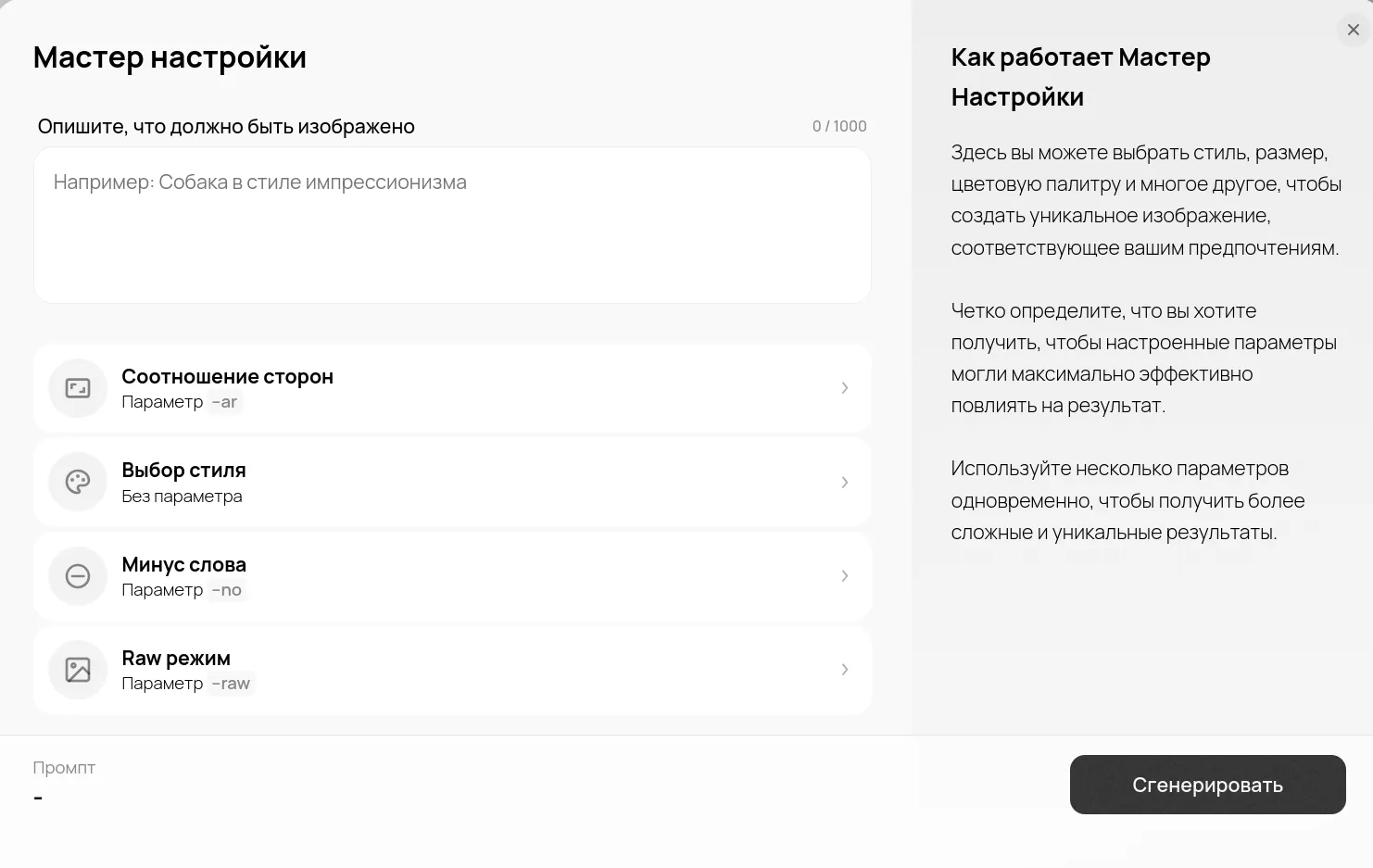
- Run the generation and edit the result.
Click "Run generation". Once the result is ready you can use the Eraser to remove or correct individual elements, or the Brush tool to refine, change and paint in details. Both tools sit at the top of the screen.
- Saving and history.
Generated images are saved automatically. You can always go back to the "Gallery" section to review and re-edit them.
Generation examples:
Surreal canyon:
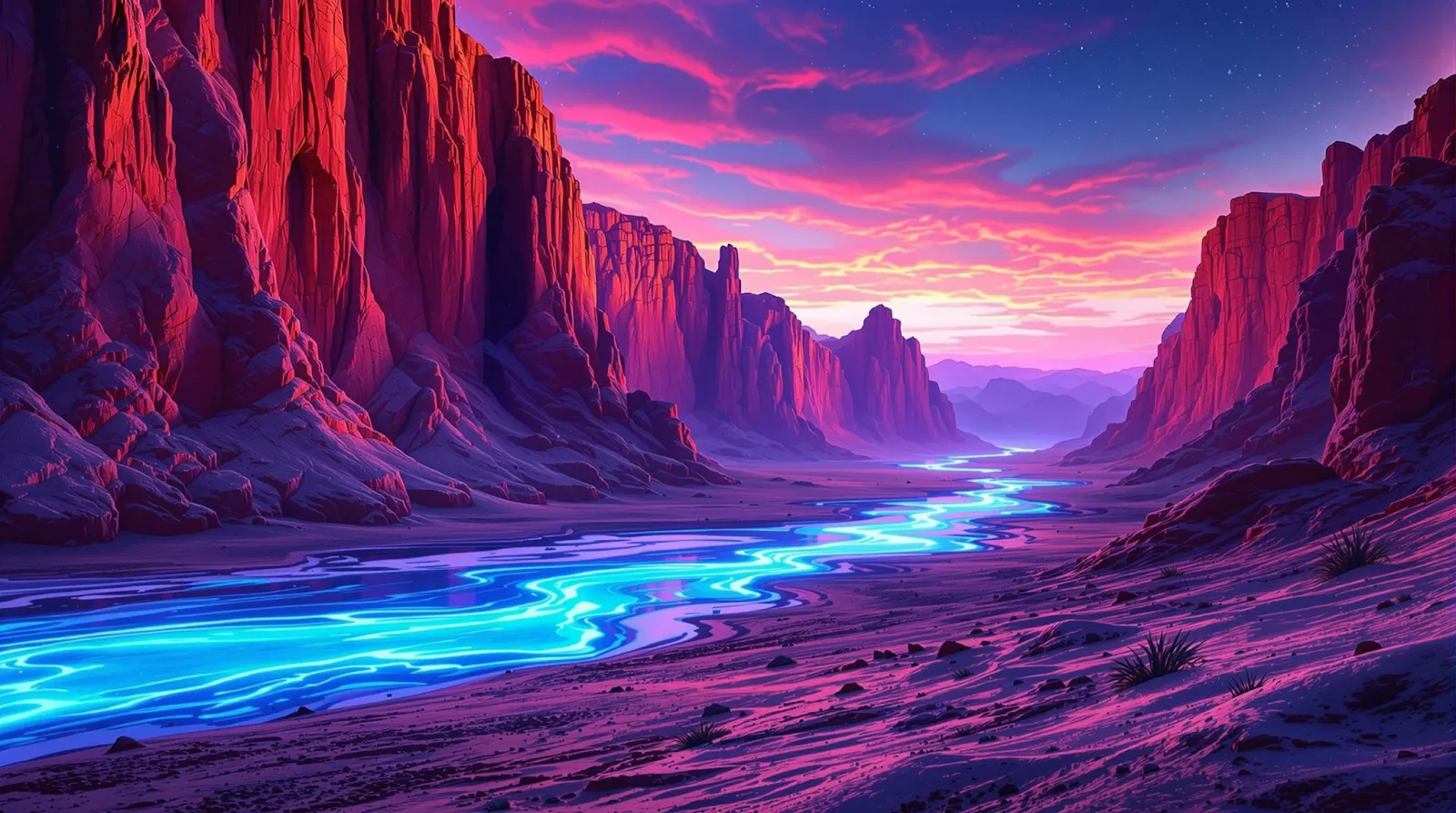
A surreal desert canyon under a twilight sky, where vibrant, iridescent rock formations rise dramatically amid shifting sands and a meandering river that glows with phosphorescent light. Intricate shadow play and reflective water surfaces create a dreamlike, ultra-high resolution tableau. --ar 16:9
A lavish banquet for guests:
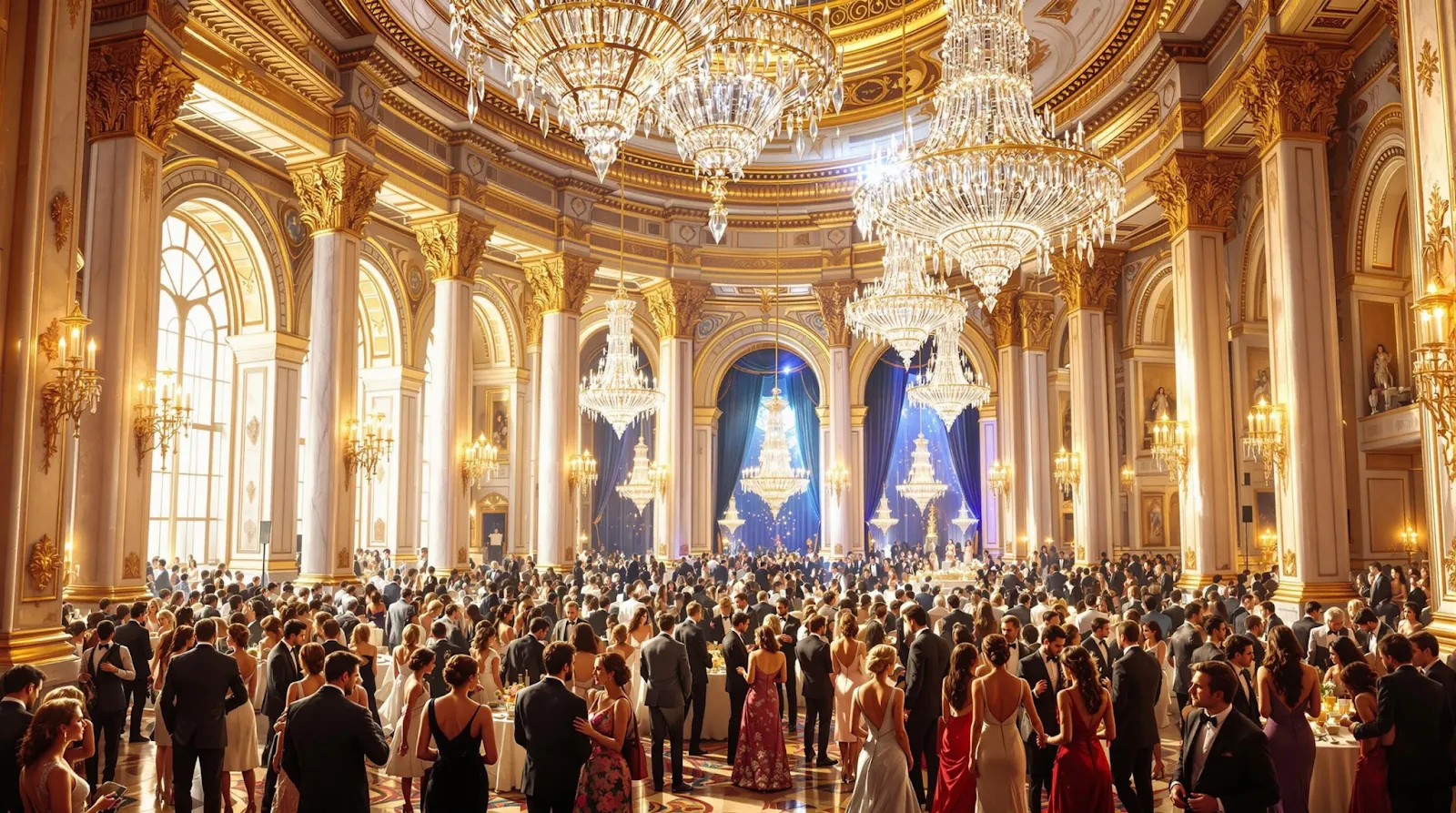
A sumptuous, ultra-detailed interior scene of a grand banquet hall bustling with a vibrant crowd. The expansive space is adorned with intricately carved marble pillars, gilded moldings, and towering crystal chandeliers that cast a warm, ambient glow across the room. Elegant guests in lavish attire engage in animated conversation, their every gesture and expression rendered with breathtaking precision. The interplay of soft natural light and striking artificial highlights accentuates the rich textures of luxurious fabrics, polished surfaces, and ornate decorative details, culminating in a dynamic composition captured in ultra-high resolution. --ar 16:9
Magic forest:
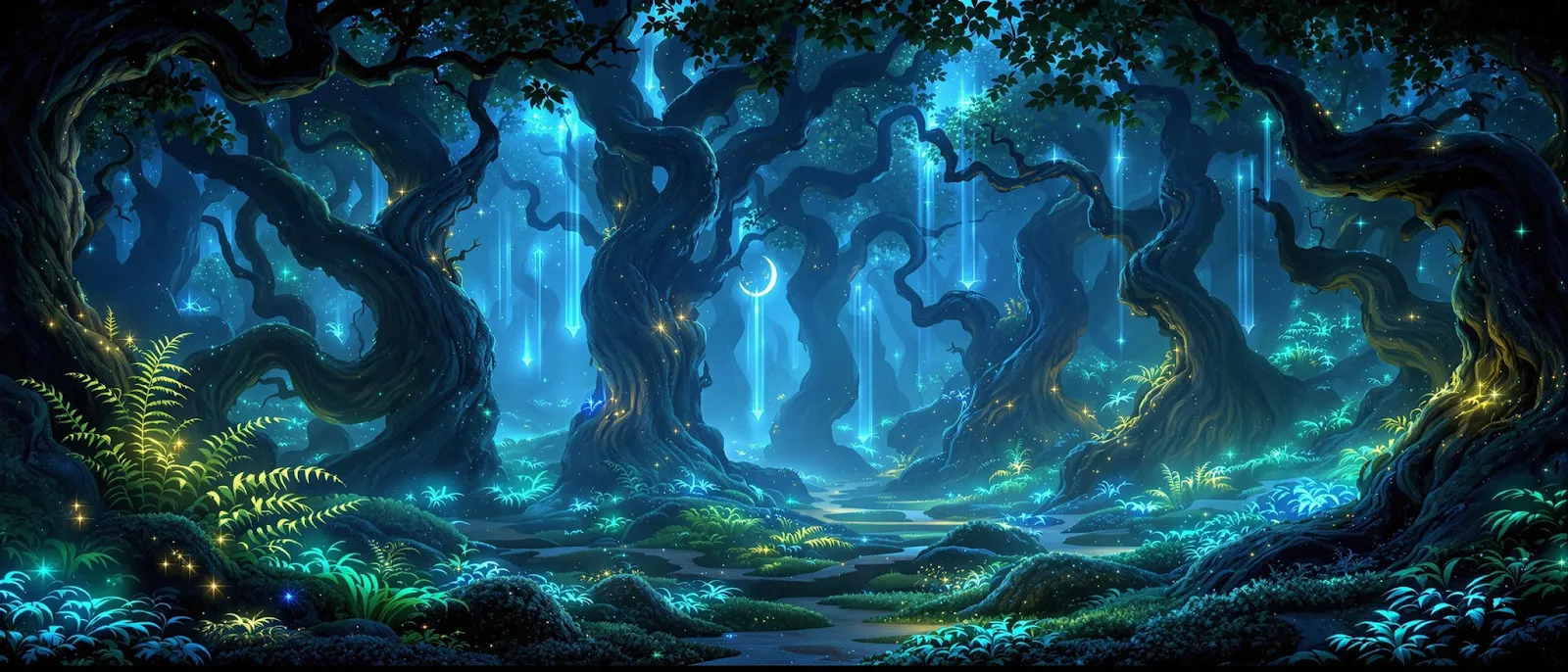
An ancient, enchanted forest illuminated by bioluminescent flora, where gigantic, twisting trees and luminous ferns form a mystical maze. Ethereal beams of moonlight pierce the dense canopy, revealing hidden woodland creatures and sparkling dew drops. -- ar: 21:9
Futuristic seaport:
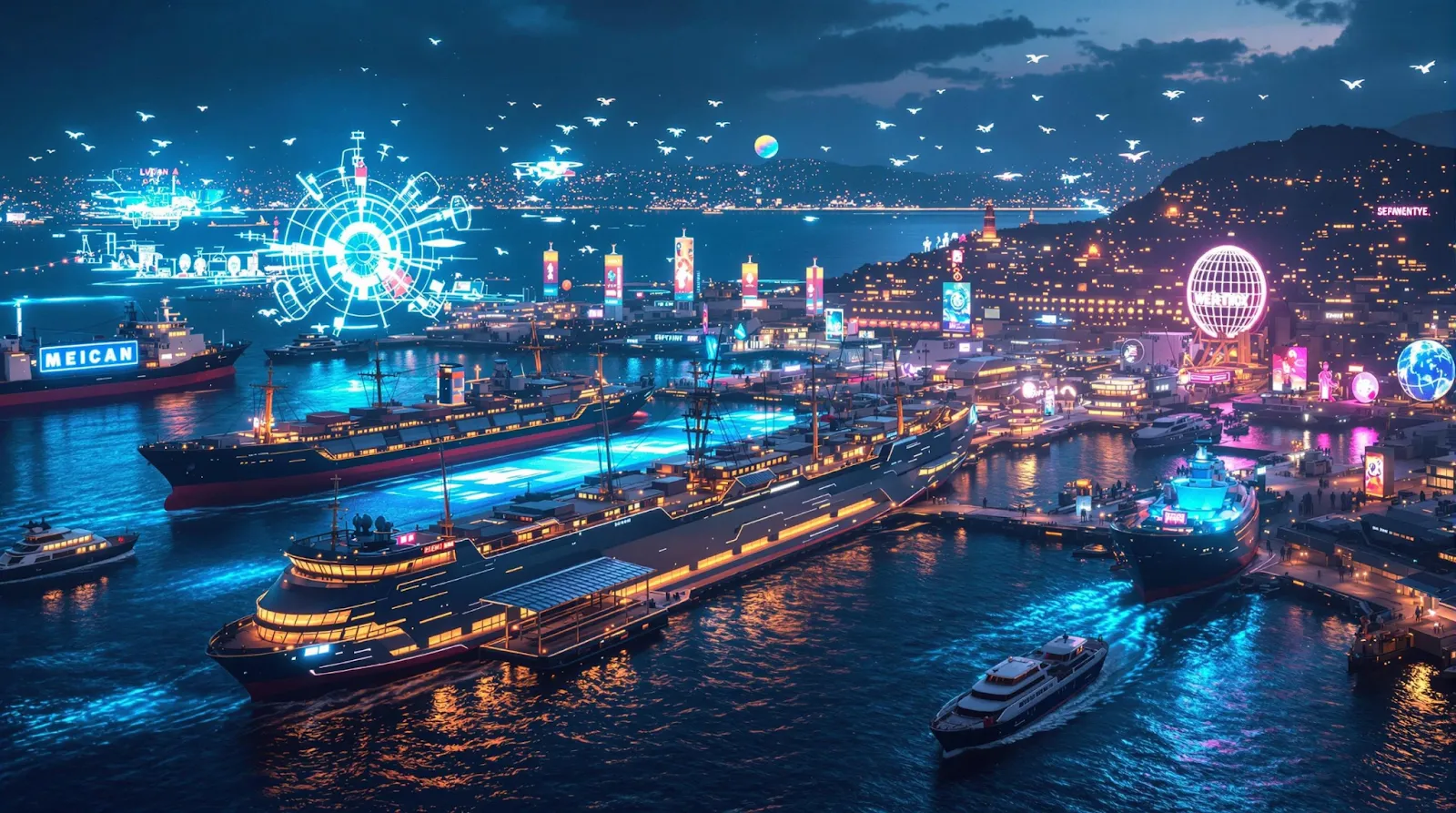
A futuristic seaport at night, blending traditional maritime charm with advanced holographic projections. Massive cargo ships and sleek ferries navigate neon-lit waters as animated advertisements and dynamic drones add a layer of sci-fi narrative, captured in stunning ultra-high definition. --ar 16:9
Café Lumière
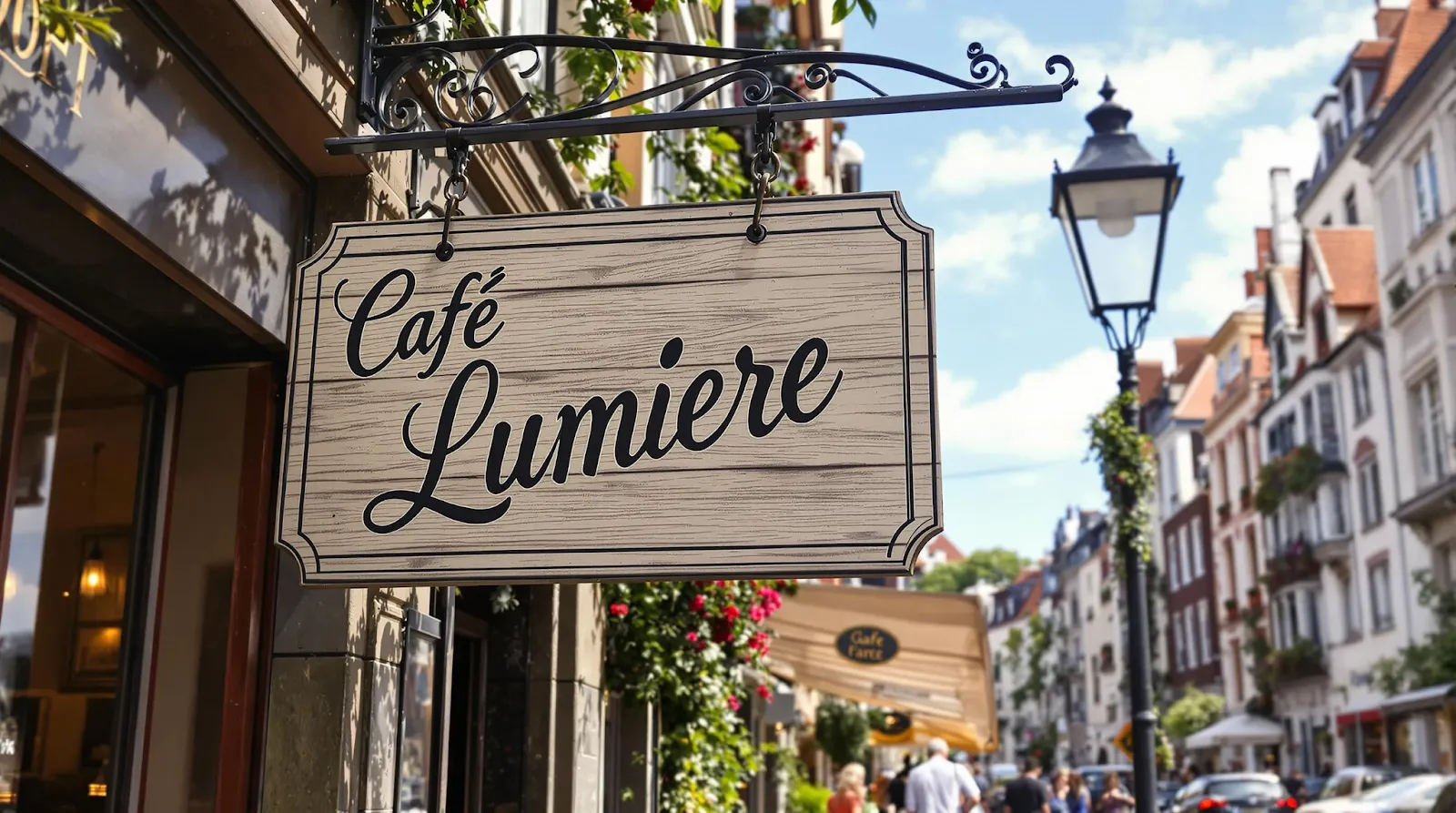
A lively, urban scene in a historic European district, where bustling streets are lined with charming cafes and boutiques. Among these, a prominent hand-painted sign adorns the façade of a quaint storefront. The sign prominently displays the message 'Café Lumière' in an elegant, vintage script, with each letter rendered in crisp detail and seamlessly integrated into the weathered wood texture of the sign. Capture the interplay of natural daylight and soft shadows, ensuring that the text remains legible and becomes a captivating focal point that enriches the narrative of the scene. --ar 16:9
Friendly robot in a workshop:
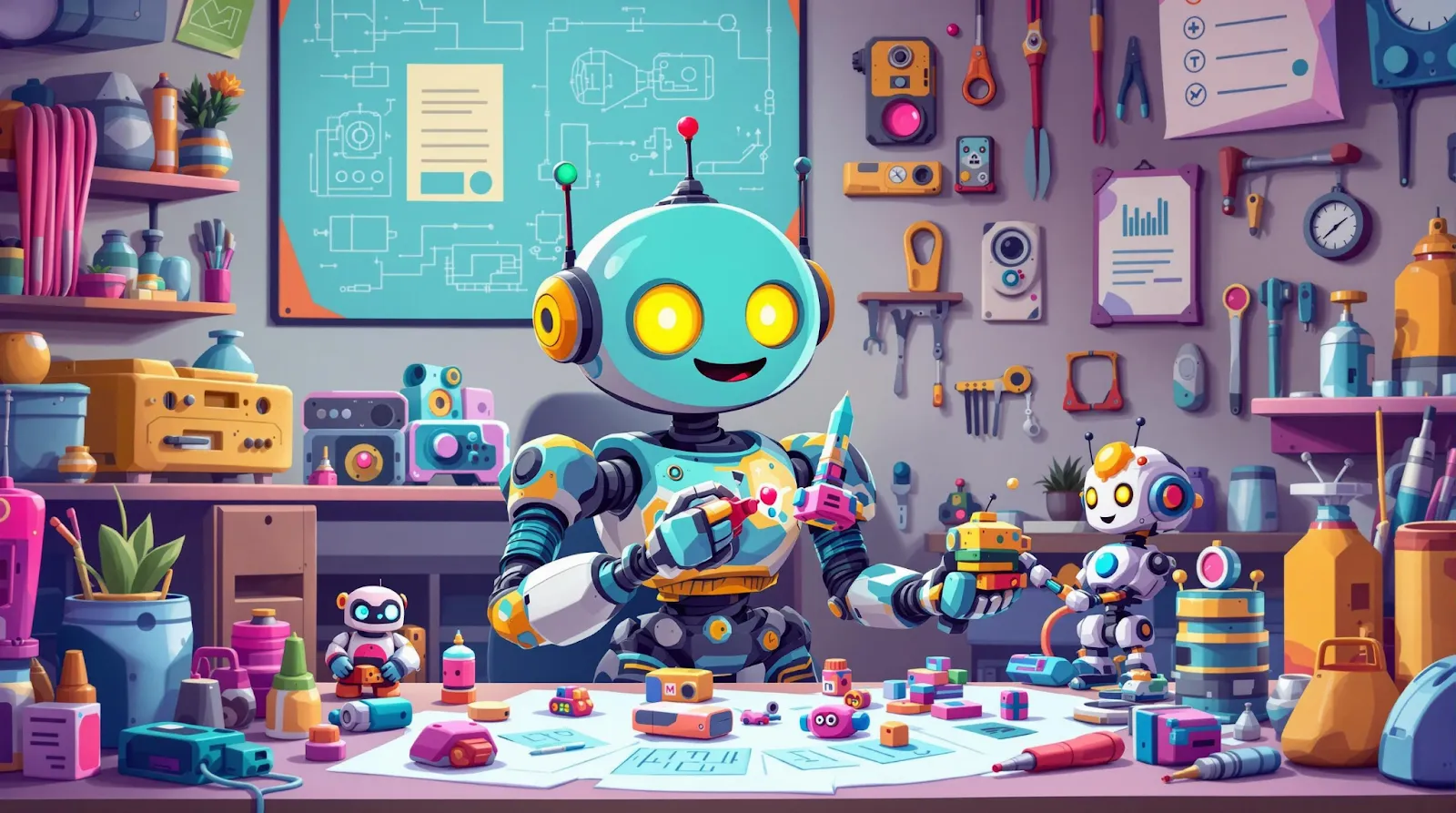
A friendly, retro-futuristic robot with a round body and expressive LED eyes, happily assembling tiny gadgets in a cozy workshop. The setting is filled with colorful tools, blueprints, and half-finished inventions, giving the space a warm and creative feel. The robot’s arms are multi-jointed, each holding a different tool, and a small robotic companion hovers nearby, offering assistance. The art style is playful and charming, with soft shading, smooth outlines, and a vibrant pastel color palette. The scene feels inviting, capturing a sense of curiosity and joyful creativity. --ar 16:9
Flux 1.1 Pro
Flux 1.1 Pro is an all-round option for professionals that balances generation speed against output quality. Its key features:
- Standard text generation. Text elements are integrated correctly, but with less flexibility than in Ultra. If you start generating images with text, or city scenes, defects can appear, especially in complex cases.
- Good style control. The model handles basic and moderately complex requests. You can create attractive concept art for a video game, a portrait of a person or a preview image for your blog, but prompt comprehension may be lower than in Ultra. You will notice it in specific elements such as sharpness and blur effects. FLUX 1.1 Pro sometimes forgets to add them to the image.
- Solid anatomy and object placement. The model suits most commercial and creative tasks where you need to depict busy scenes with people and objects. Still, coffee cups may take odd shapes, and characters in the corner of the room may end up with an unusual number of fingers.
Generation examples:
Traveller at the station:
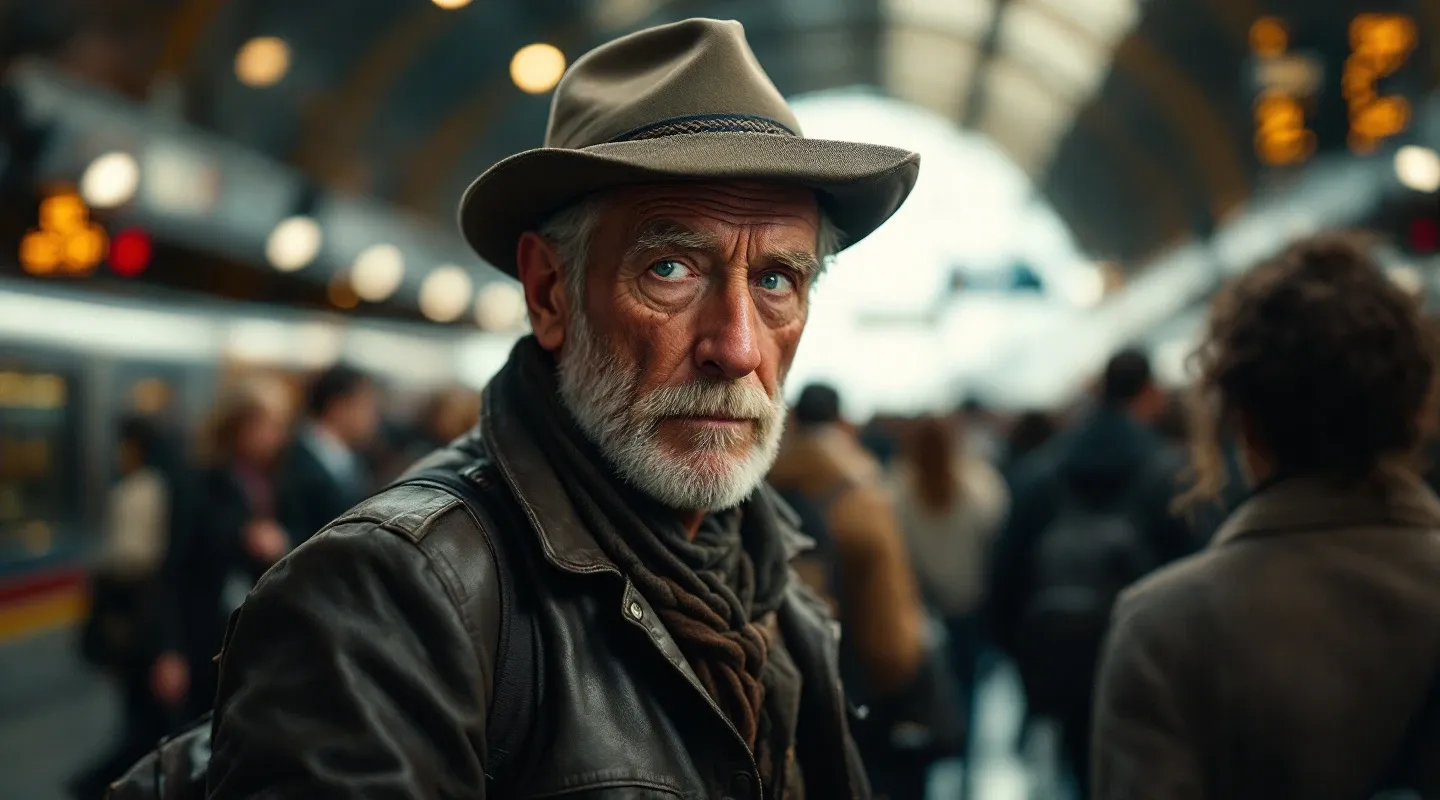
A dynamic, cinematic portrait of a seasoned traveler in a bustling international train station, where intricate details of worn leather, expressive eyes, and ambient travel artifacts merge with the blur of hurried commuters. Emphasize depth of character and the interplay of natural and artificial light for a realistic narrative portrayal.
Street festival:
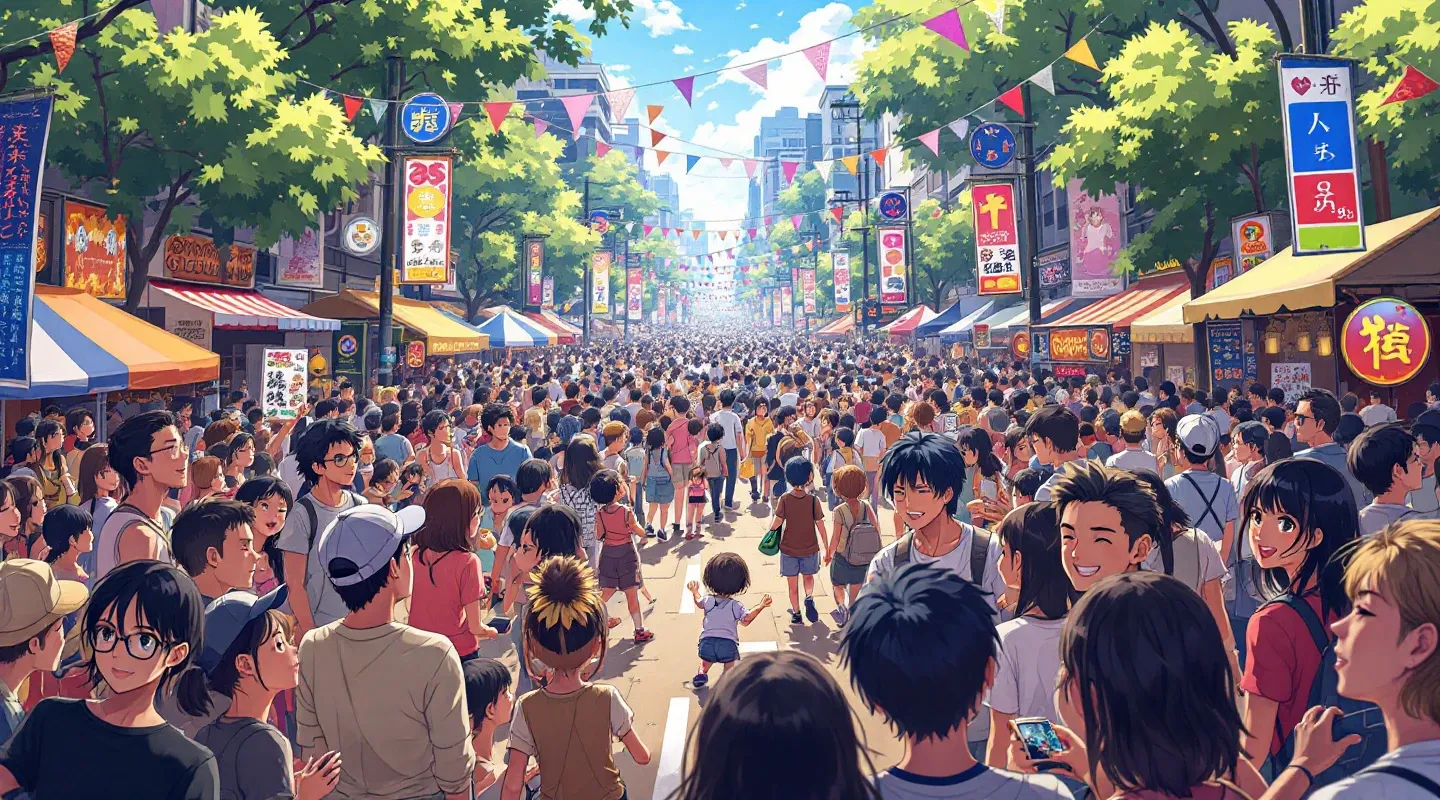
Anime A vibrant portrayal of a contemporary street festival, where diverse groups of people celebrate amidst an array of colorful decorations, live music, and spontaneous performances. Capture the energy, cultural details, and festive chaos with fine attention to facial expressions, dynamic motion, and ambient light effects.
Morning in the village:
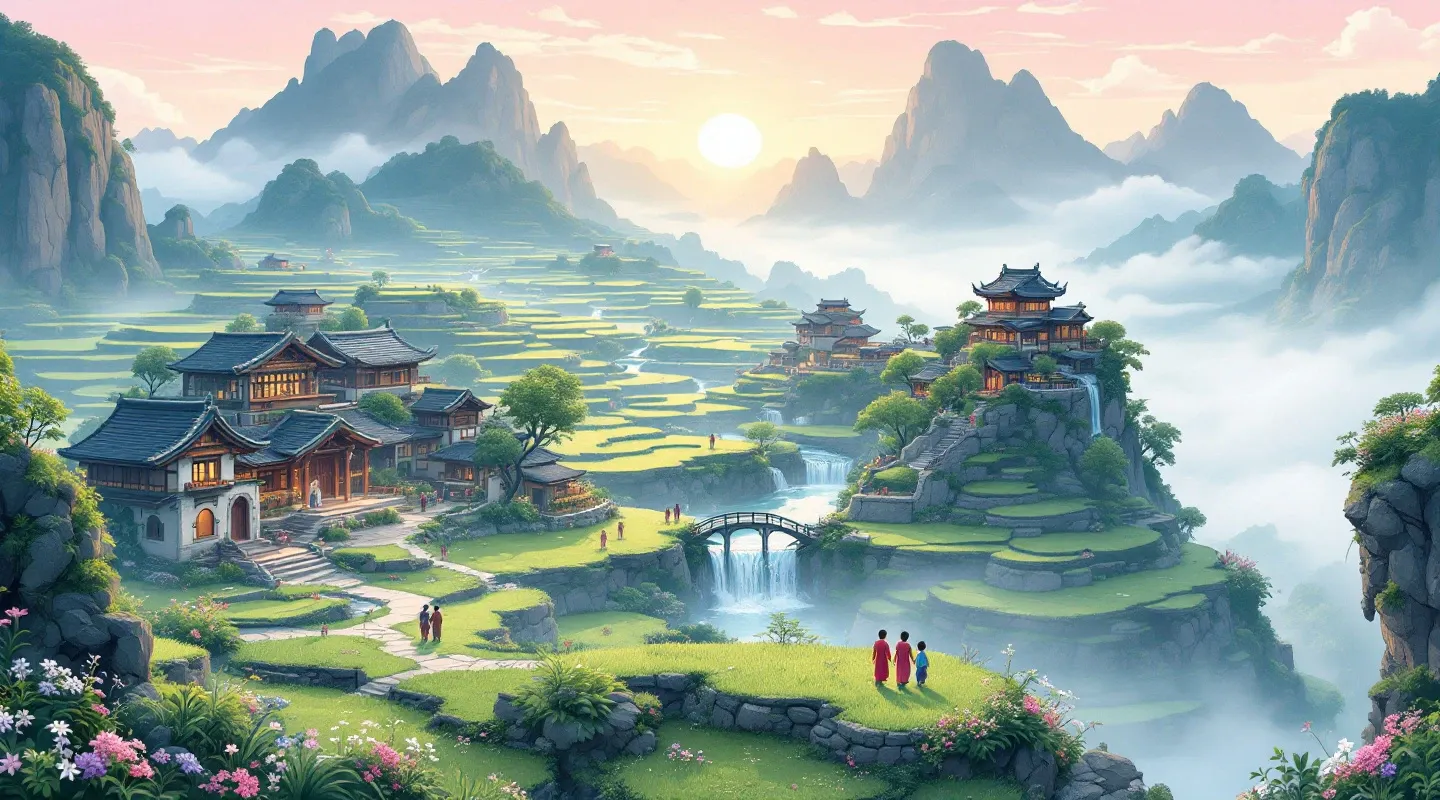
A cartoon whimsical composed landscape of a hidden mountain village at dawn, where terraced fields, ancient stone structures, and meandering streams converge amidst a misty, pastel sky. Include intricate details such as villagers beginning their day, delicate floral patterns on traditional garments, and the serene glow of the rising sun.
Outside the Sunny Days store
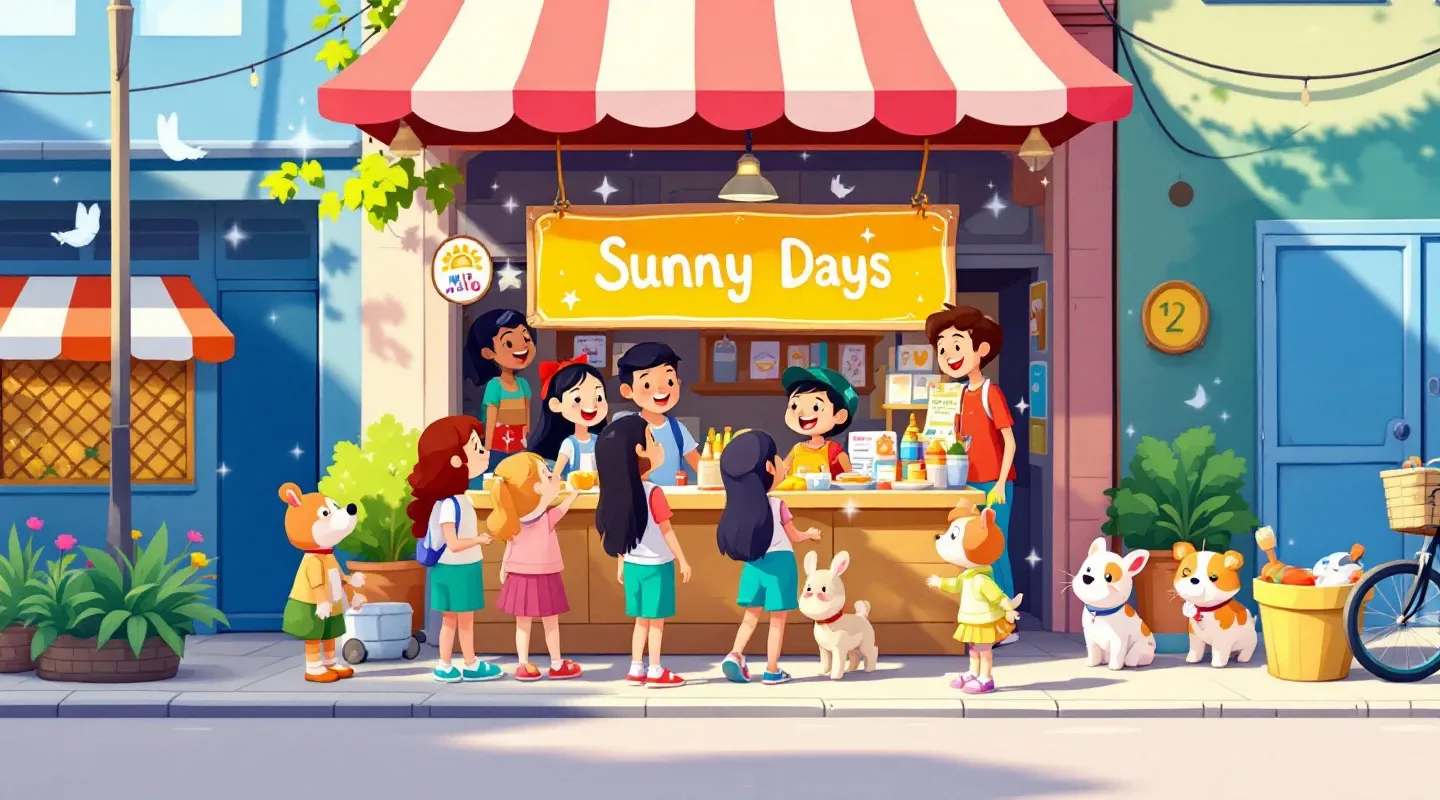
A quirky street scene in a playful, cartoon-like style. A small crowd of cheerful people gathers around a colorful market stall, where a bright, hand-painted sign reads 'Sunny Days'. The scene features gentle pastel colors, simple shapes, and a hint of magic in the air, capturing a light-hearted moment in clear, high-resolution detail. --ar 16:9
Knight fighting a dragon
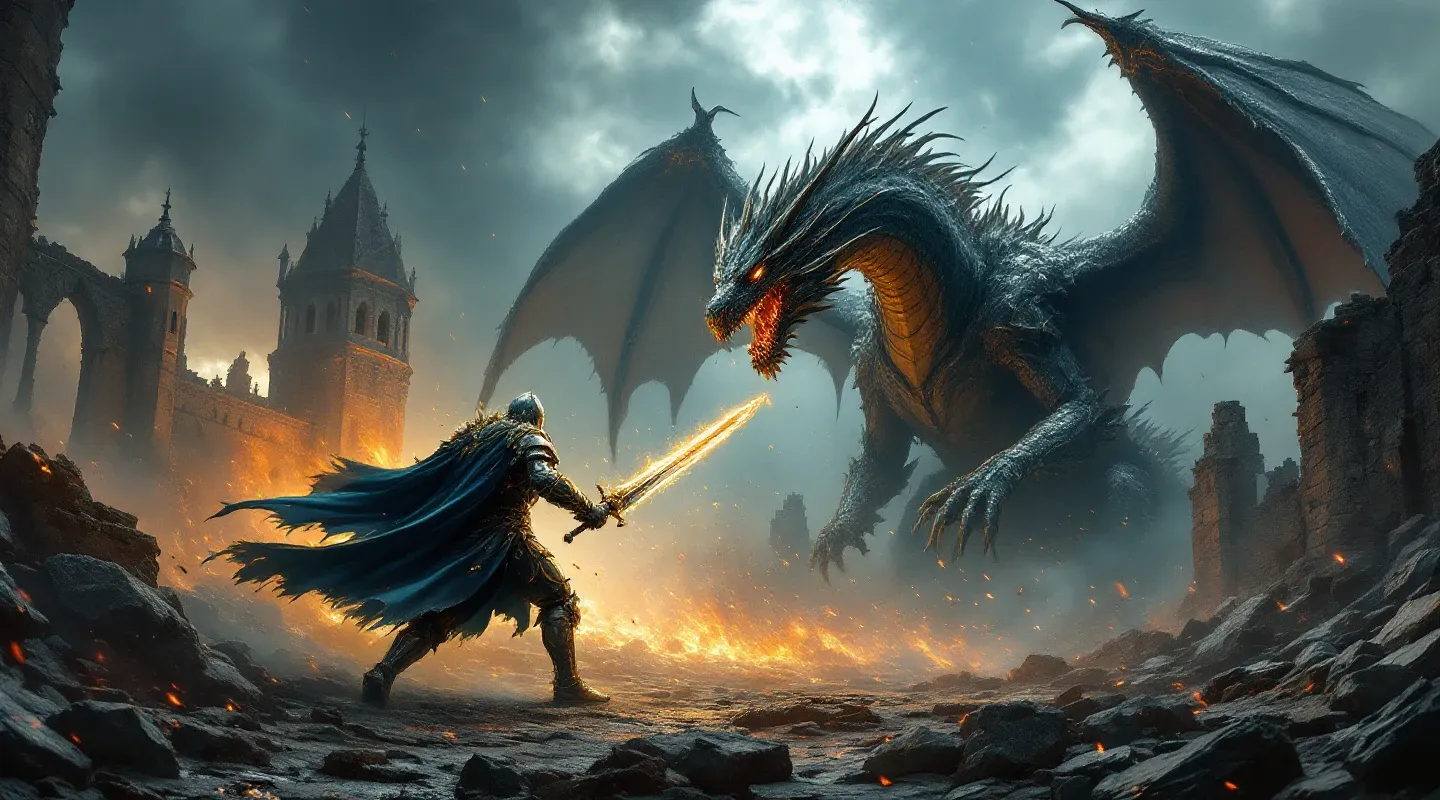
In an epic fantasy showdown, a fearless knight and a colossal dragon clash amidst the ruins of an ancient castle under a stormy, ominous sky. The knight, adorned in intricately detailed armor and wielding a gleaming enchanted sword, charges forward with unwavering determination. The dragon, its scales shimmering like molten metal, unfurls massive, tattered wings and unleashes torrents of fiery breath that light up the darkened battlefield. Sparks, magical energy, and swirling mists fill the air, as each dramatic moment is rendered in ultra-high resolution, capturing the raw intensity and mythic grandeur of the legendary battle. --ar 16:9
Flux 1. Dev
Flux 1. Dev is an experimental version aimed at newcomers and enthusiasts. This model:
- Gives access to the basic features for exploration. It is useful for testing unconventional ideas and prompts, but not for constant workloads.
- Has variable quality. Although the final result with any AI tool depends mostly on your prompts, this model is at its best when generating examples and references rather than ready-to-use pictures. Details and text may occasionally come out unstable, which is part of the testing process.
- Was designed for feedback in the first place. The developers created this model to demonstrate the capabilities and collect feedback. It is not as good as some competitors, but it also comes at a more affordable price.
This version suits researchers who want to explore the potential of AI in image creation more deeply.
Generation examples:
Fisherman in a boat
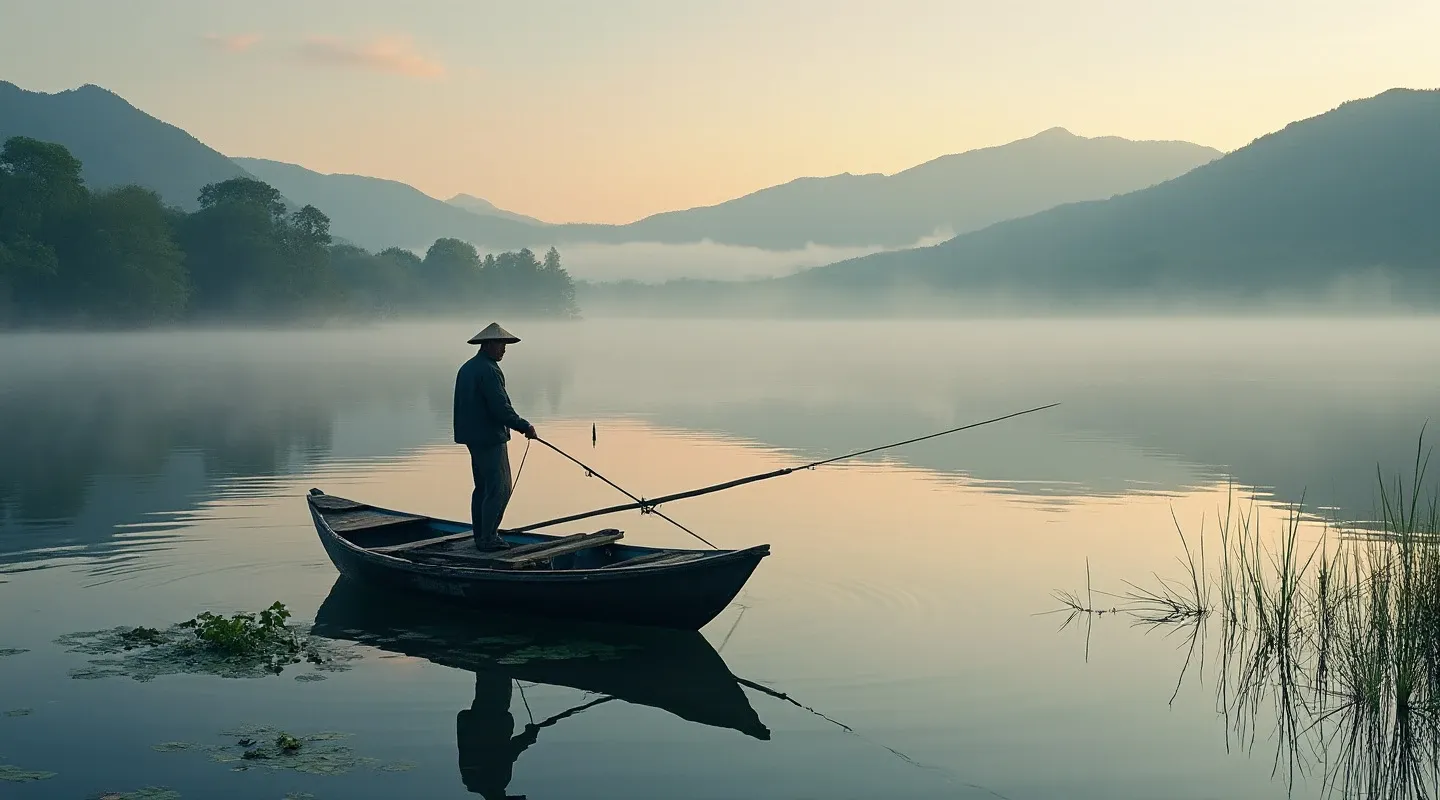
A tranquil waterfront scene in the early morning, where a solitary fisherman prepares his modest boat on a serene lake surrounded by misty hills and reflective waters. The composition highlights the gentle interplay of soft dawn light and delicate natural textures, rendered in high resolution.
House in the countryside:
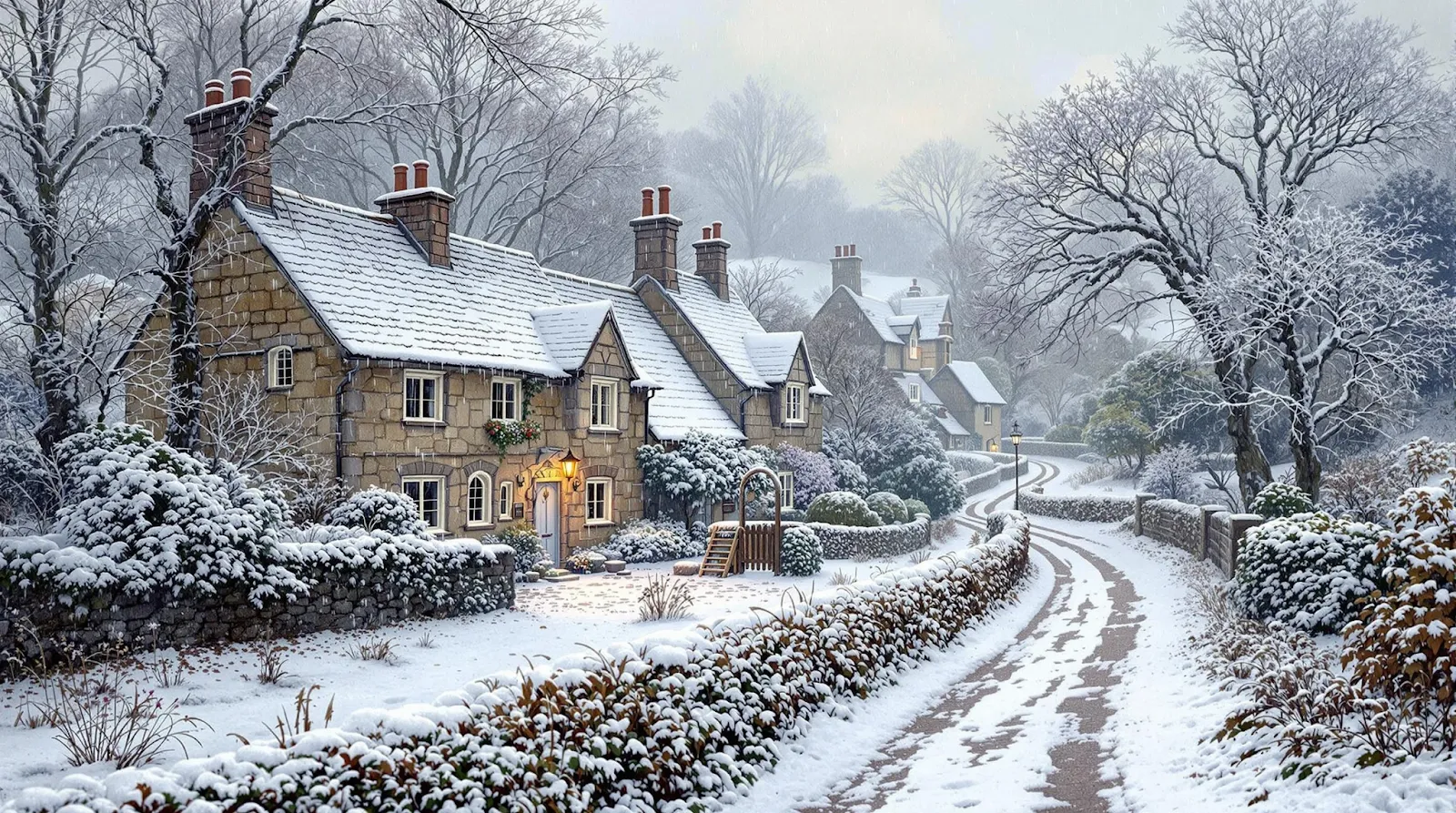
A picturesque rural scene depicting a quaint village during a gentle snowfall, where historic stone cottages and winding paths are softened by a blanket of fresh snow. The scene emphasizes the rustic charm and atmospheric nuances with careful attention to light diffusion and texture.
Back alleys of the city:
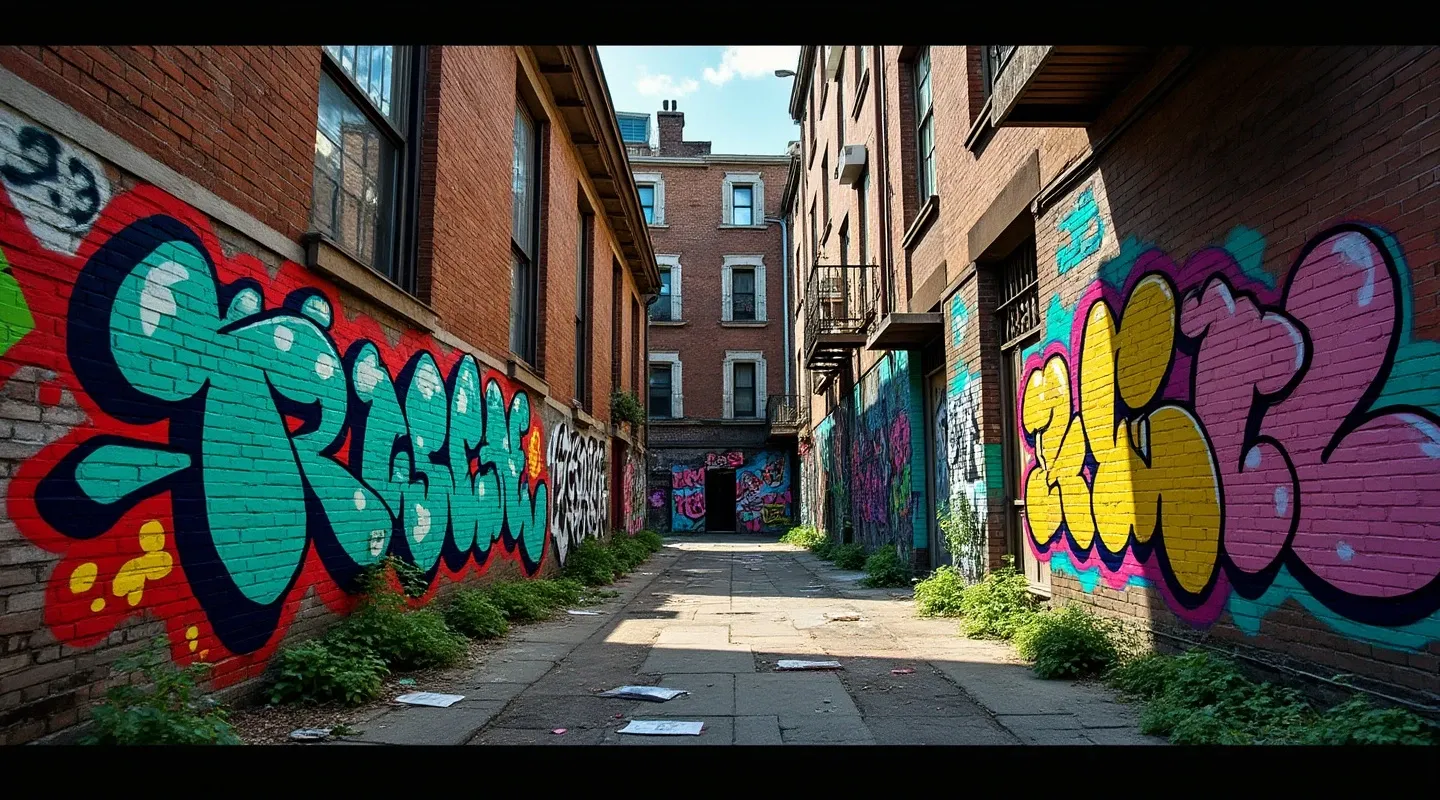
An intricately detailed depiction of a vibrant urban mural in an alleyway, where street art meets urban decay. The composition captures bold graffiti, weathered brick textures, and scattered urban elements like discarded objects and ambient light reflections, rendered in high-definition clarity.
A traveller's desk
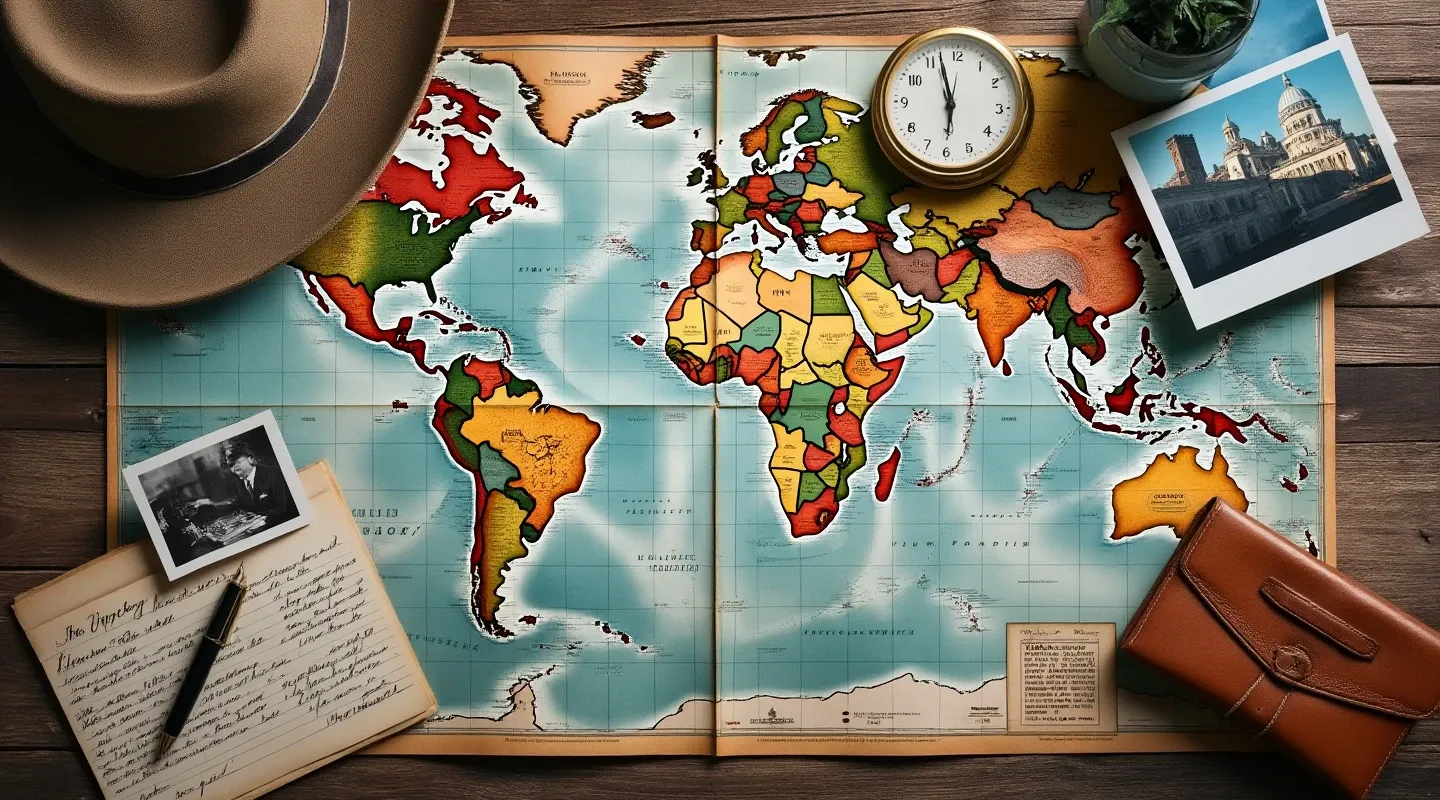
A compelling narrative featuring a collection of vintage travel memorabilia arranged on an aged map spread over a wooden table. Include intricate details such as handwritten notes, faded photographs, and subtle reflections that evoke a sense of nostalgia and adventure, captured in ultra-high resolution.
You can check the image generation prices for every FLUX model on the pricing page.
Comparing the FLUX models
table { border-collapse: collapse; width: 100%; font-family: Arial, sans-serif; } th, td { border: 2px solid black; padding: 8px; text-align: left; vertical-align: top; } th { font-weight: bold; } caption { font-weight: bold; font-size: 1.2em; margin-bottom: 10px; }
| Feature | Flux 1.1 Ultra | Flux 1.1 Pro | Flux 1. Dev |
|---|---|---|---|
| Text generation | Supports long and complex text elements with high legibility and precise placement. | Standard text handling with good legibility. | Experimental generation, errors are possible. |
| Style control | Deep customisation — from tuning the contrast of engines in a battle scene to subtle stylistic nuances such as blur effects. | Generates images that show the main elements of the concept, but does not match the Ultra version in terms of detail. | Off-spec effects you never mentioned in the request (a blur effect, for instance). Detailed instructions are needed for effective generation. |
| Anatomical accuracy | Maximum realism — accurate proportions, the right number of limbs, facial expressions. | Reliable, suitable for most tasks, but can still make mistakes. | Experimental anomalies are possible — part of the testing process |
| Object placement | Precisely matches the parameters you set. | Correct, but may need prompt refinement in complex scenes. | The model sometimes places objects in random positions, giving them unnatural shapes, poses or quantities. |
Fixing common problems
table { border-collapse: collapse; width: 100%; font-family: Arial, sans-serif; } th, td { border: 2px solid black; padding: 8px; text-align: left; vertical-align: top; } th { font-weight: bold; }
| Problem | Description | How to fix it |
|---|---|---|
| Distorted proportions | Anatomy errors, a wrong number of elements or incorrect poses are possible. | Use negative words: "bad anatomy", "extra limbs", "bad proportions". |
| Illegible text | Text elements may be shifted or hard to read. | Refine the prompt: "legible font", "clear text placement", "centered text". |
| Wrong placement | Objects in the image may not be positioned as expected. | Add clarifications to the prompt: "object centered", "aligned to grid". |
| Blurred details | In complex scenes details may not be sharp enough. | Specify "high detail textures", "sharp focus", avoid "low resolution". |
| Experimental anomalies | The Pro and Dev versions may generate unusual defects that do not always match expectations. | Test your requests, adjust the prompts and leave feedback for the developers. |
Vector graphics
To create vector images, use the ToVector tool — it is built on another GPTunneL model, Recraft. Just upload an image generated in FLUX or another neural network, run the vectorisation and download the finished file. All generated images are available in the "History" section.
So
The choice between the models depends on your goals:
- FLUX 1.1 Ultra is ideal for projects that demand fine detail and ultra-high resolution, and for creative experiments where you want the most natural-looking image.
- FLUX 1.1 Pro is the optimal choice for commercial and professional work where speed, prompt accuracy and high quality matter, despite the comparatively high cost.
- FLUX 1 Dev works well for non-commercial research, local development and experimental projects, offering a good balance of quality and flexibility even though it trails the Pro version in some respects.
Apply these recommendations and you will get the most out of each Flux model for creating images of the highest quality.