
Recraft is a family of artificial intelligence models for creating and editing images that sets new standards in the industry. The model is a great fit for anyone who works with images:
- Graphic designers;
- Copywriters;
- Marketers;
- Social media managers;
- Artists;
- …and many others.
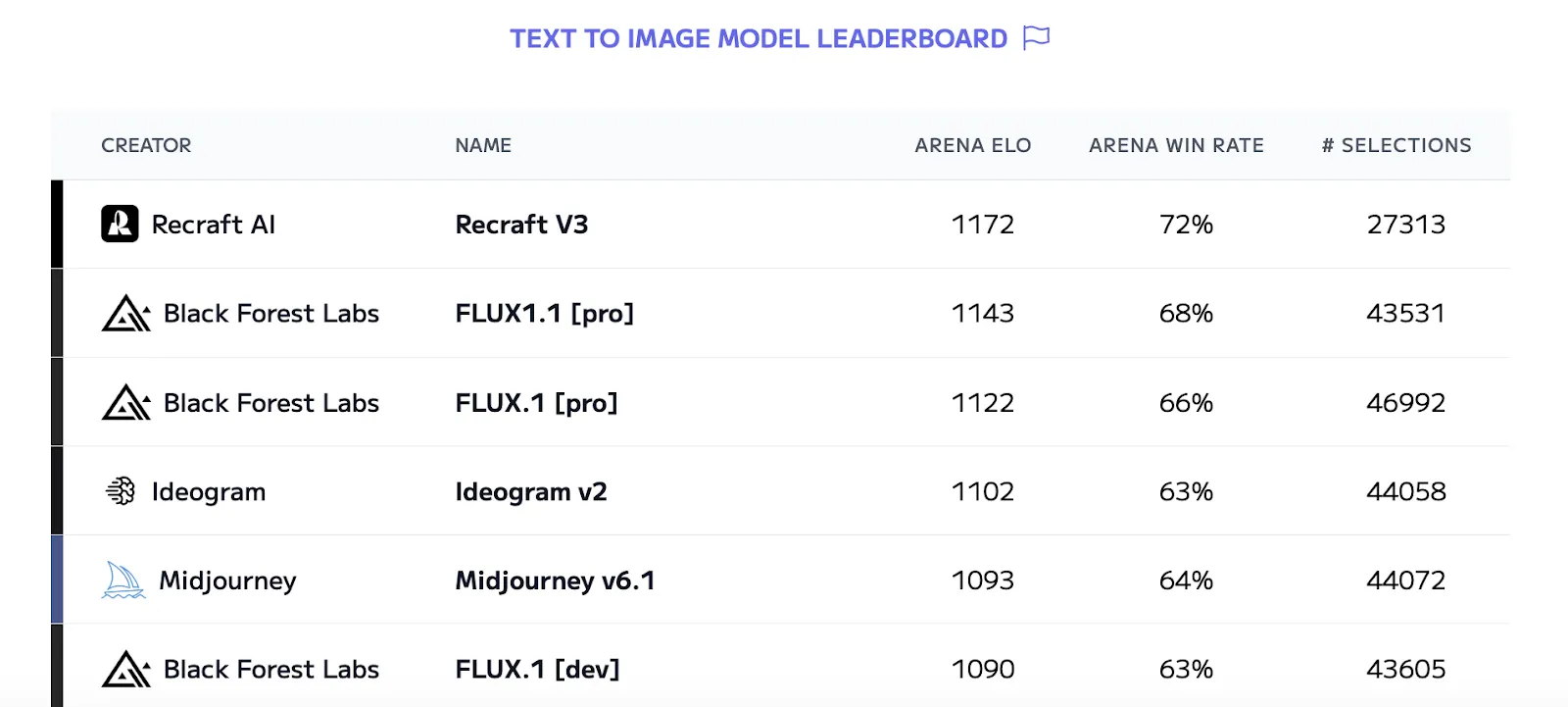
Recraft V3 tops the text-to-image model ranking with an ELO of 1172, beating Midjourney and Flux on anatomical accuracy, prompt understanding and aesthetics.
Creative Lab on the GPTunneL platform offers the following versions:
- The base Recraft
- The improved Recraft V3.
**How do you generate images in Recraft?**
The model is available to every GPTunneL user. You can check image generation prices on the pricing page. To get started:
- Sign up on our platform and go to the Creative Lab section.
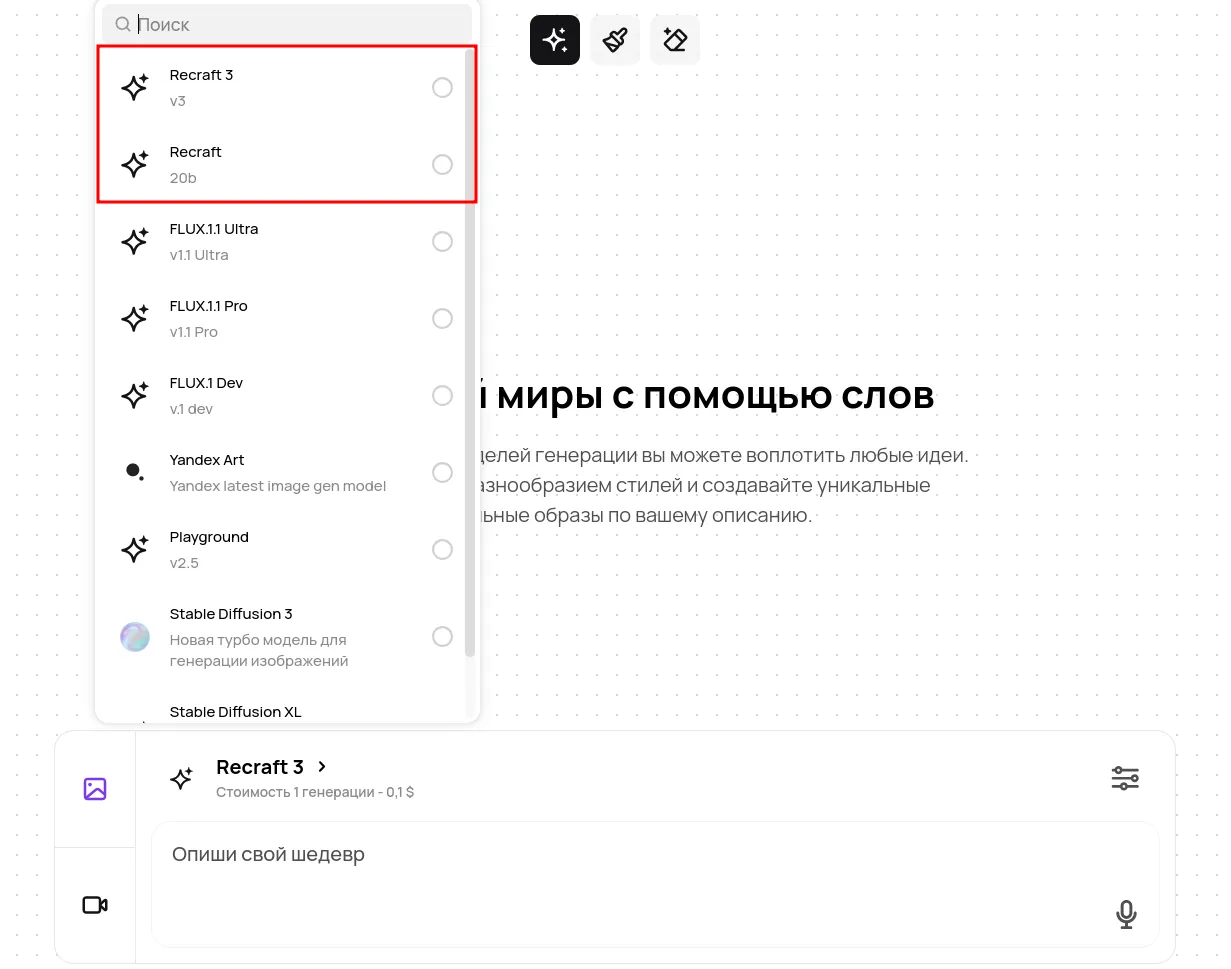
- Pick between Recraft (the base version) and Recraft V3 (the advanced one) in the general model list.
- Enter a text prompt.
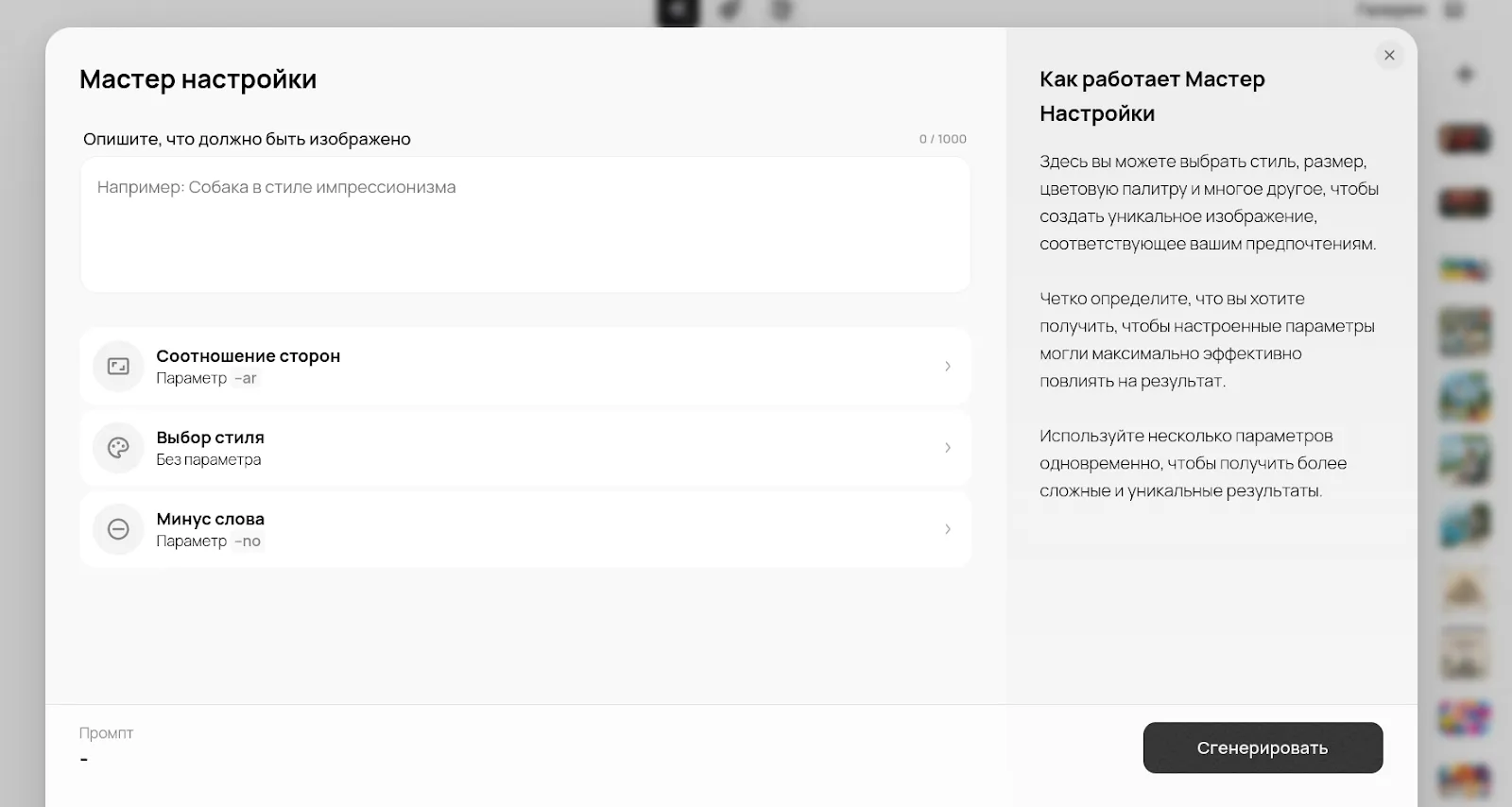
- Set the parameters: style, aspect ratio, negative words. You can do all of that through the settings wizard — the prompt editor built into Creative Lab.
- Start the generation and edit the result with the extra tools: the Eraser for removing individual elements from the image and the Brush for changing and painting in details. On the right you will see your earlier generations. You can also find them on the History tab.
How do Recraft and Recraft V3 differ from each other?
table { width: 100%; border-collapse: collapse; font-family: Arial, sans-serif; } th, td { border: 2px solid black; padding: 8px; text-align: left; } th { background-color: white; }
| Feature | Recraft | Recraft V3 |
|---|---|---|
| Text generation | Supports only short captions; fonts and text positioning are often distorted. | Supports long text of almost any size with high legibility and precise integration into the image. |
| Style control | A standard level of control over the output. For example, it may not fully grasp your instructions about shadows or effects such as sharpness or blur | Deep style customisation for your brand through your prompts. In this version the developers focused on responsiveness to your instructions, which means V3 can follow even the most complex ones. |
| Anatomical accuracy | Medium: errors in the number of fingers and in body proportions are possible. | High: accurate anatomy, the right number of fingers, realistic proportions and spatial logic. |
| Object positioning | The model places objects in the image competently, but artefacts often show up in backgrounds or in small objects. | V3 handles object placement at a high level, delivering precise positioning and composition of elements in the image. Again, the model has improved algorithms that let it follow the given parameters exactly, including the colour, placement and number of objects. |
Generation examples
Recraft (the base version):
The model performs well on concept art and simple illustrations. Overall it fits when you need a basic level of text-to-image generation, especially given the lower image generation price in GPTunneL compared with the more advanced version.
Let's look at some generation examples:
- An urban cyberpunk scene
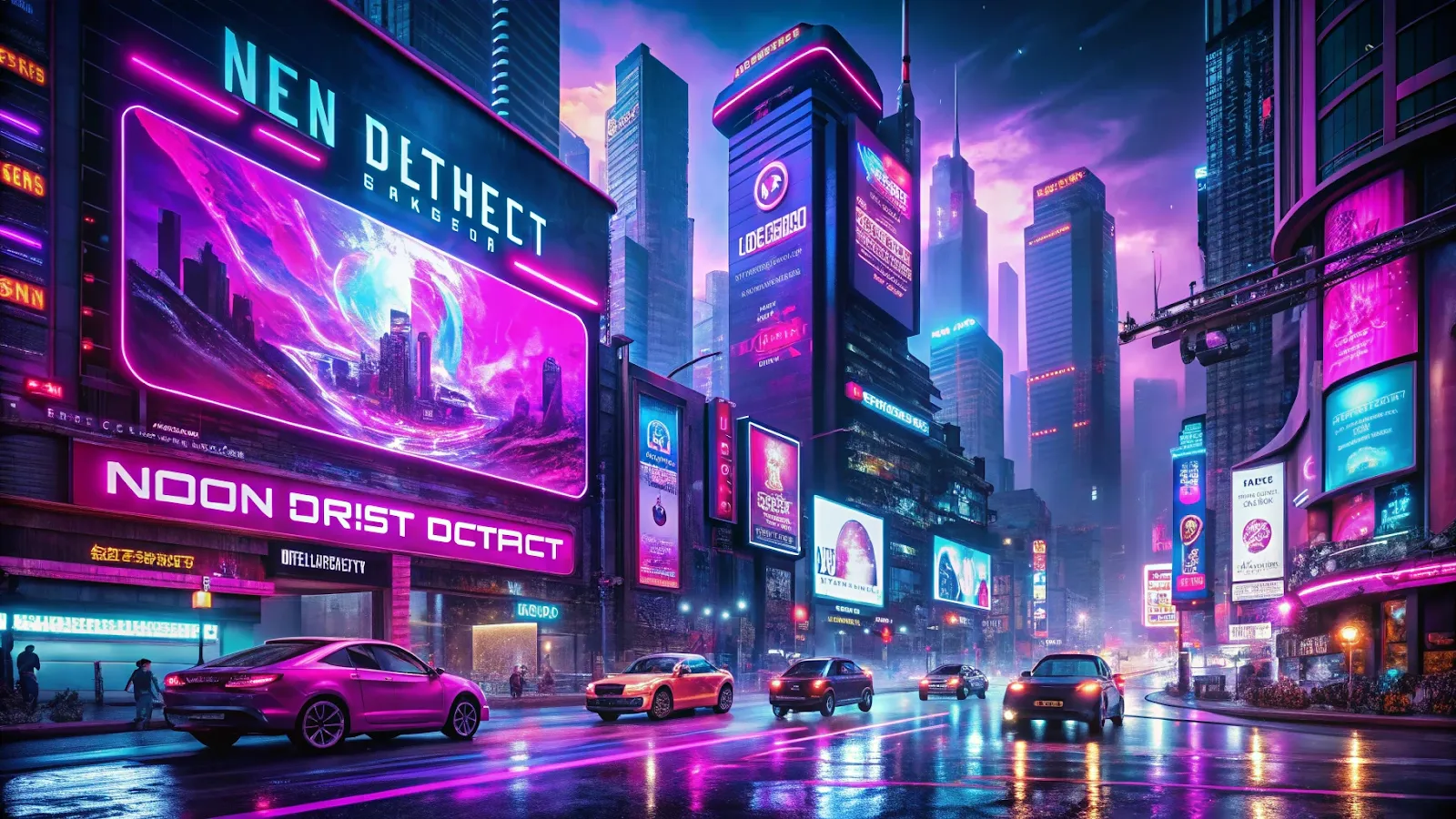
Prompt: Cyberpunk city, high-rise buildings with holographic screens and bright neon signs in purple and pink. The wet asphalt reflects the light of advertising panels and passing futuristic vehicles. Dynamic composition with a bottom-up perspective, contrast of dark shadows and bright lights. Add readable text to a large billboard: "NEON DISTRICT". --ar 16:9
- A detailed flying machine
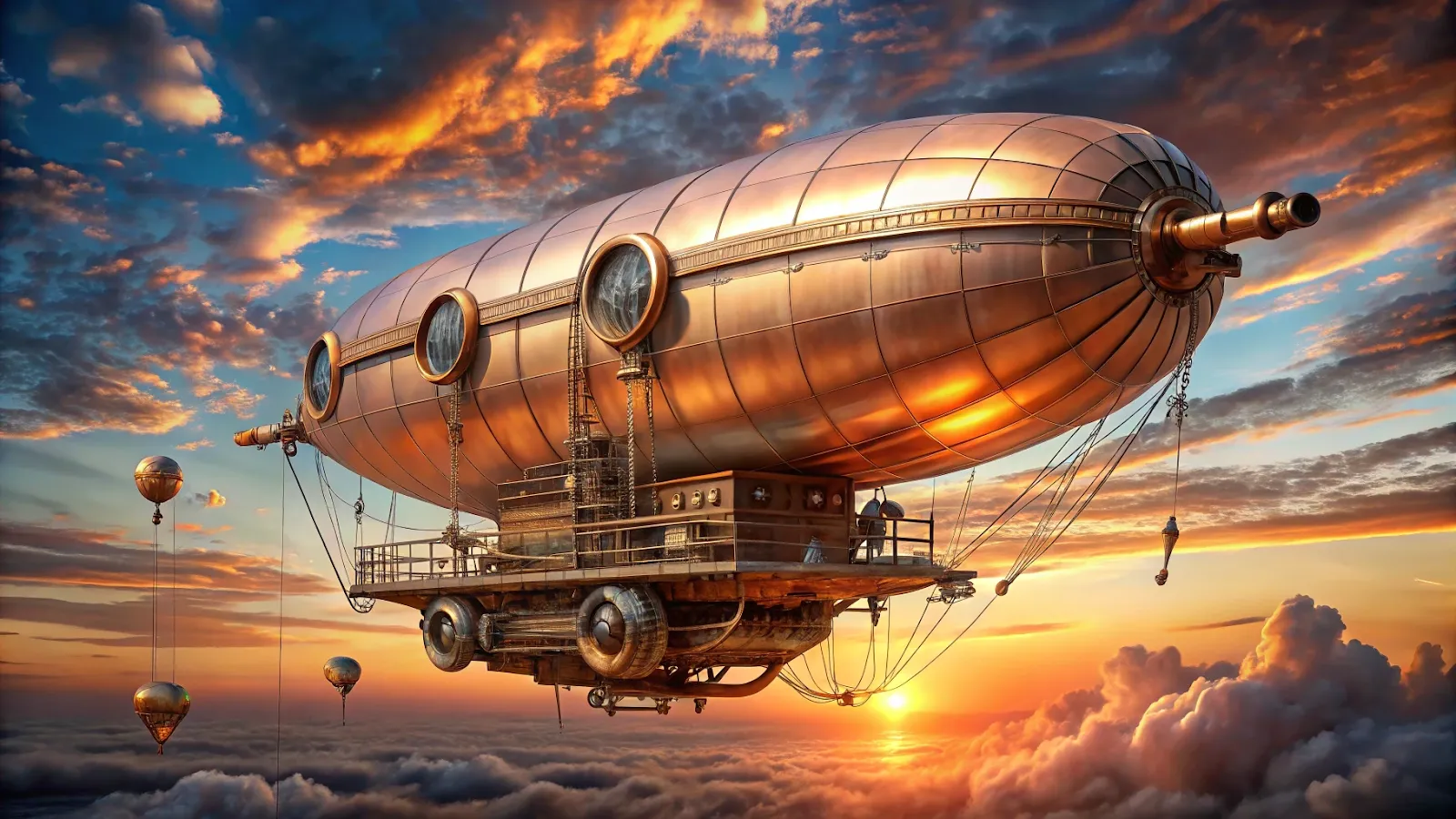
Prompt: A Victorian steampunk airship hovers against the sunset sky. The body is decorated with copper gears and pipes, light steam from the engines. The warm orange-pink palette of the sunset, metallic reflections on the hull. Fine details (screws, valves), slightly vintage style, moderate contrast. --ar 16:9
- A three-dimensional illustration
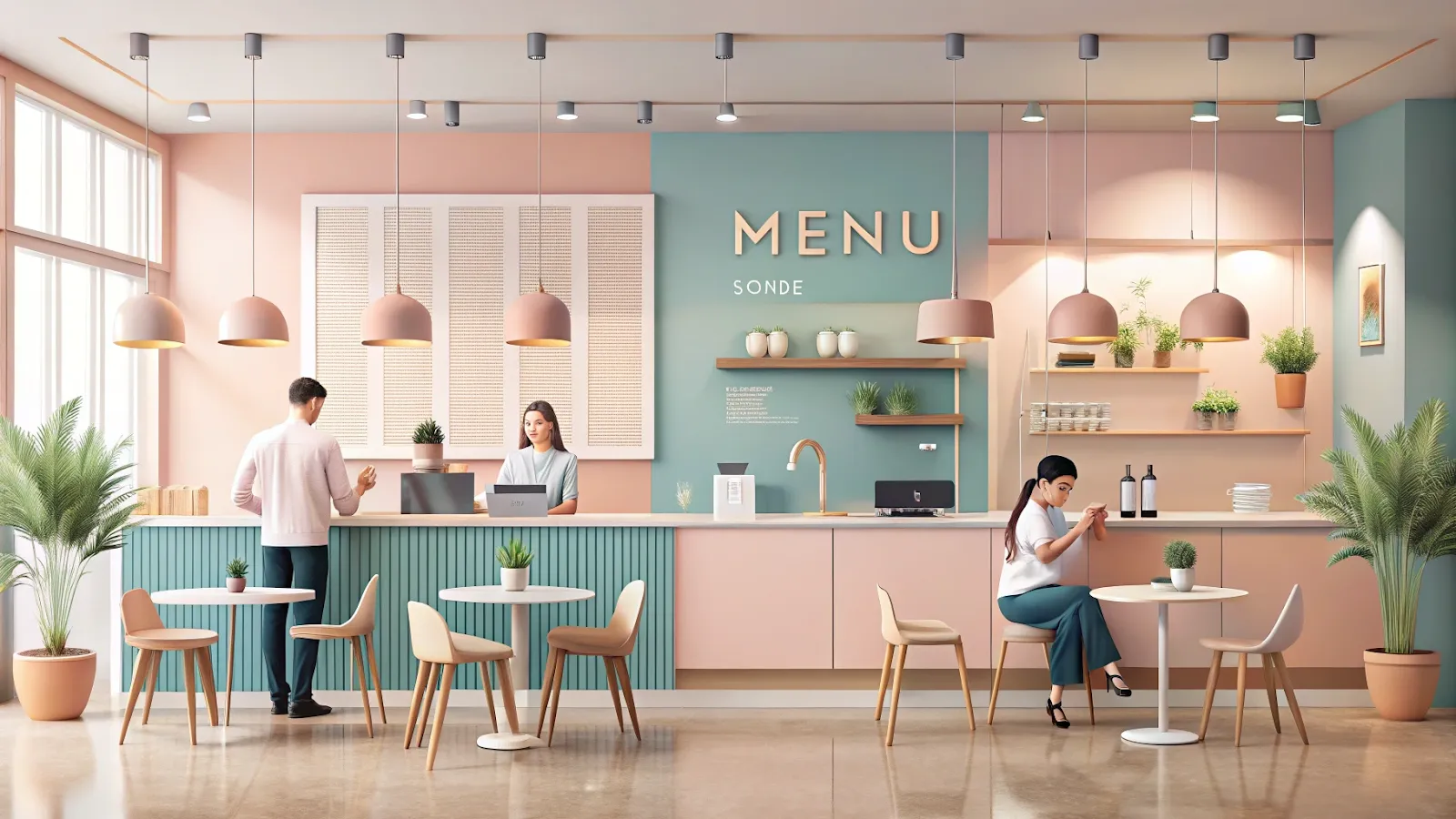
Prompt: An illustration of a minimalistic cafe, made in pastel colors (pale pink, beige, blue). Simple geometric shapes, smooth lines, minimal shadows. Free space and concise decor with people sitting at the tables and drinking coffee. Add the short, readable text "MENU" on the wall board behind the counter. --ar 16:9
Recraft V3:
Version V3 brings higher image quality and detail accuracy. Using this model, for example, you get better anatomical correctness, which means limbs of people and animals are formed properly. The model is also far better at text on images and at understanding your prompts. Here are a few generation examples:
- A sign with legible text
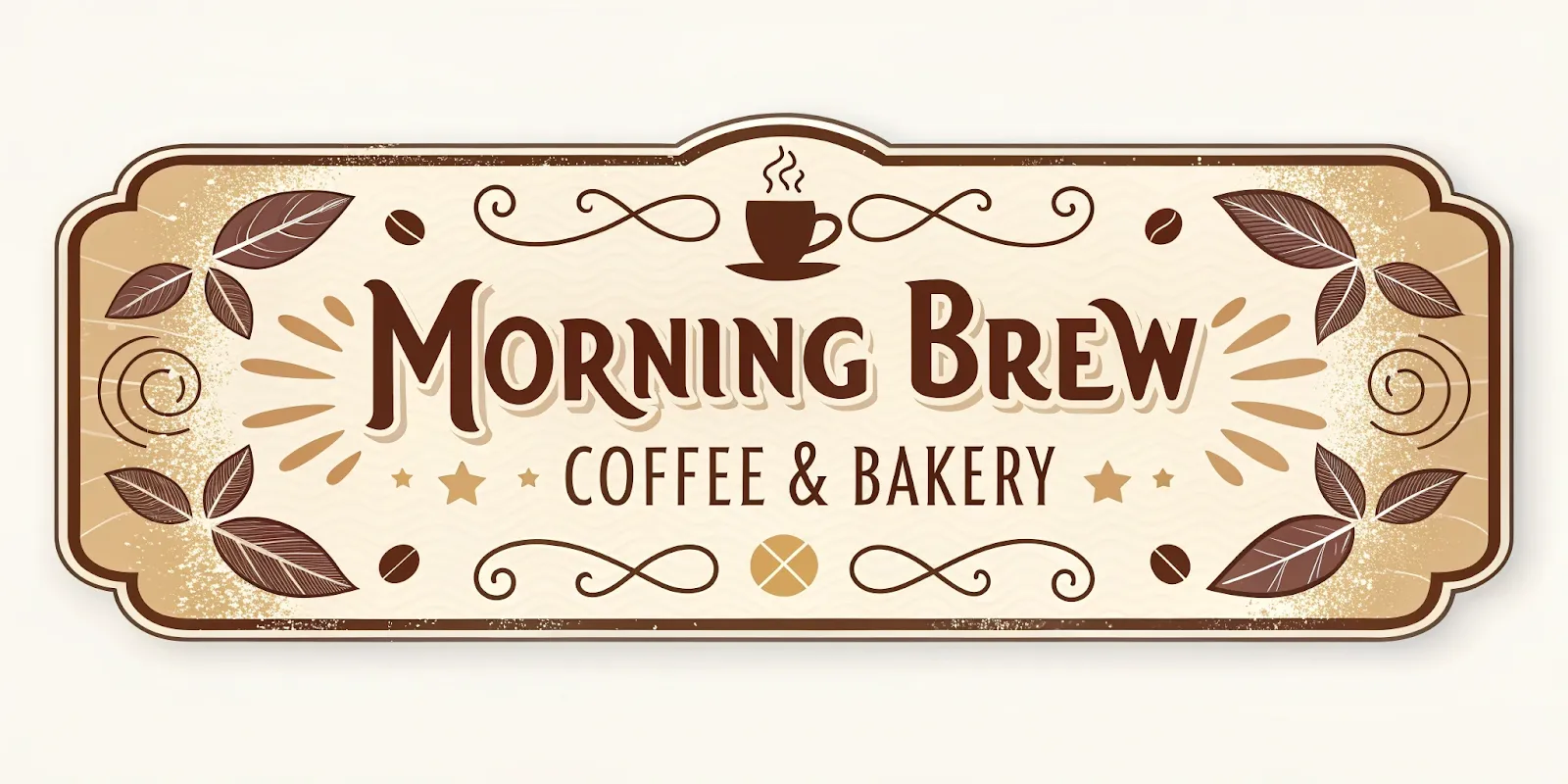
Prompt: A retro sign featuring the name “Morning Brew Coffee & Bakery” in an elegant vintage font, surrounded by stylized coffee beans and light swirls of steam. A warm brown-beige-cream palette, readable text, soft decorative shadows, and a subtle aged effect. --no bad proportions, ugly, low resolution --ar 3:1-
- A fantasy tavern scene
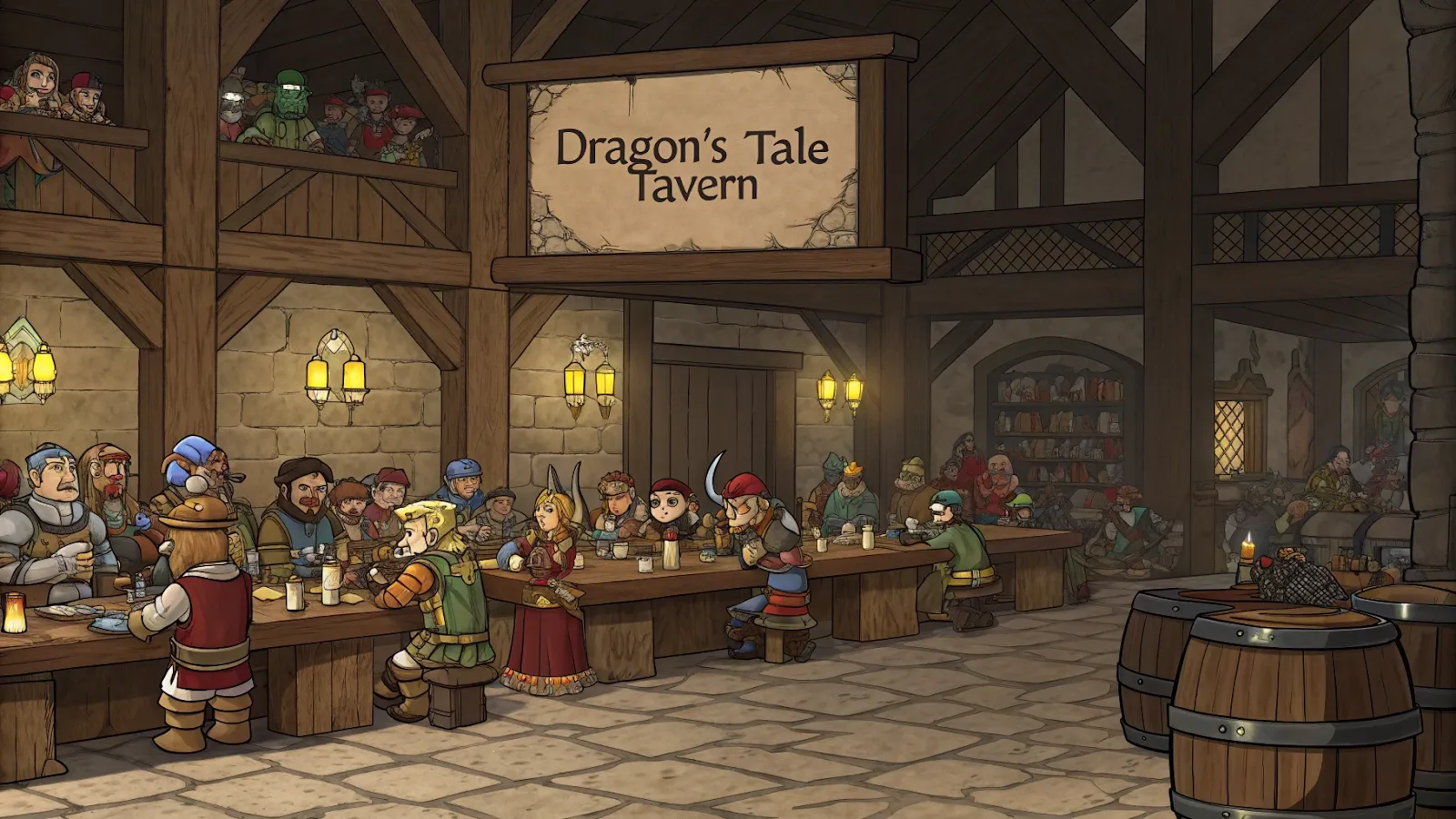
Prompt: A crowd of adventurers of different races (humans, elves, dwarves) in colorful costumes and armor, sitting at rough wooden tables. On the wall behind the counter there is a massive plaque with the readable inscription "Dragon's Tale Tavern", made in an old patterned font. The warm light of the oil lanterns creates a semi-dark but cozy atmosphere, emphasizing the details of the wooden beams and stone floor. The figures of people are drawn in high detail: facial expressions, clothing items, drinks and dishes on the tables, runes and magical symbols on the walls. Light cinematic contrast, accents on soft lights and shadows. --ar 16:9
- A poster with a neon glow effect.
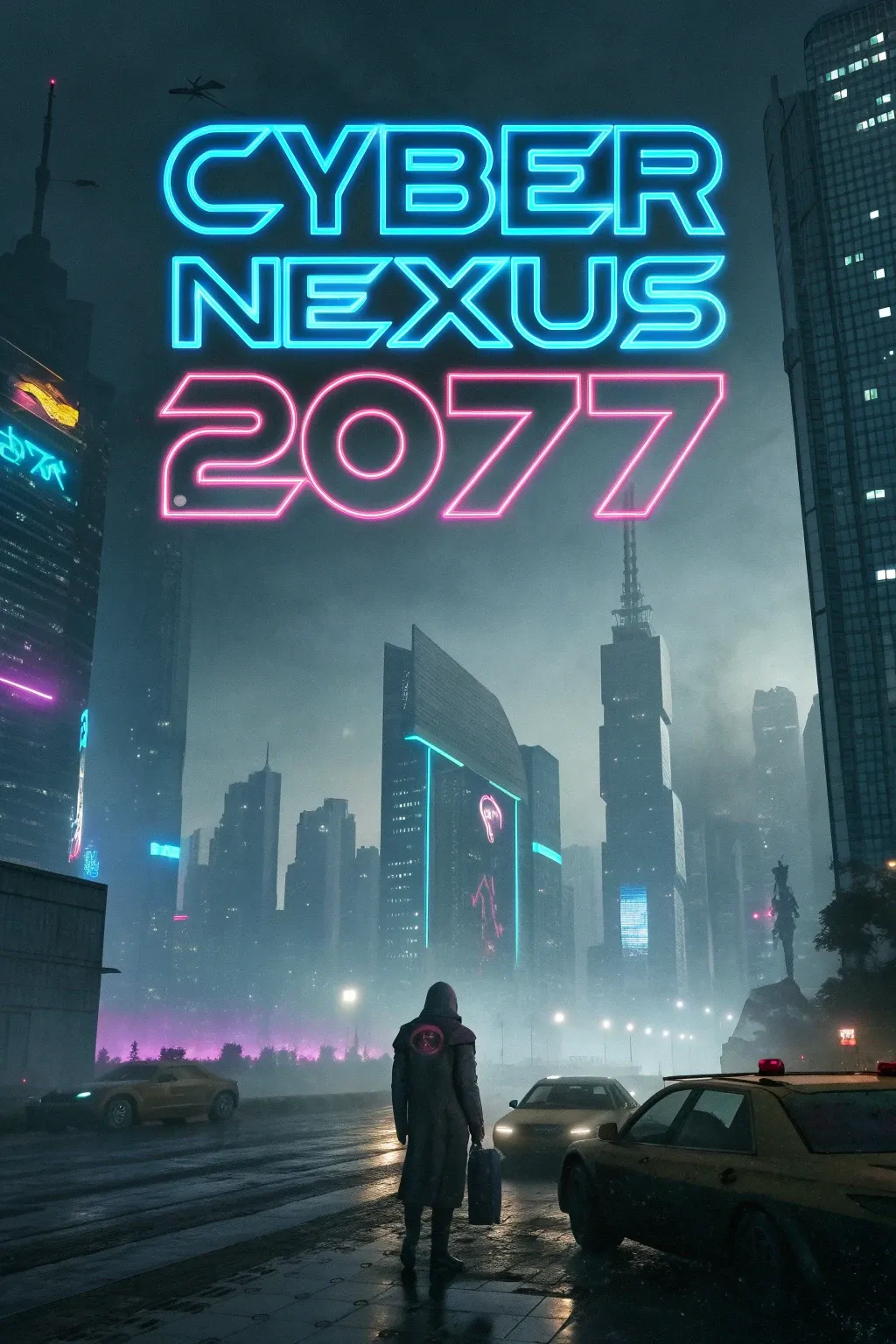
Prompt: Movie poster for the movie "Cyber Nexus 2077": a bright neon logo of the name in blue and pink tones, against the background of a gloomy metropolis of the future with skyscrapers and holographic advertising panels. A slightly smoky atmosphere, the contrast of neon light with a dark background, elements of dystopia and technological details (drones, flying cars). --ar 2:3
Vector graphics
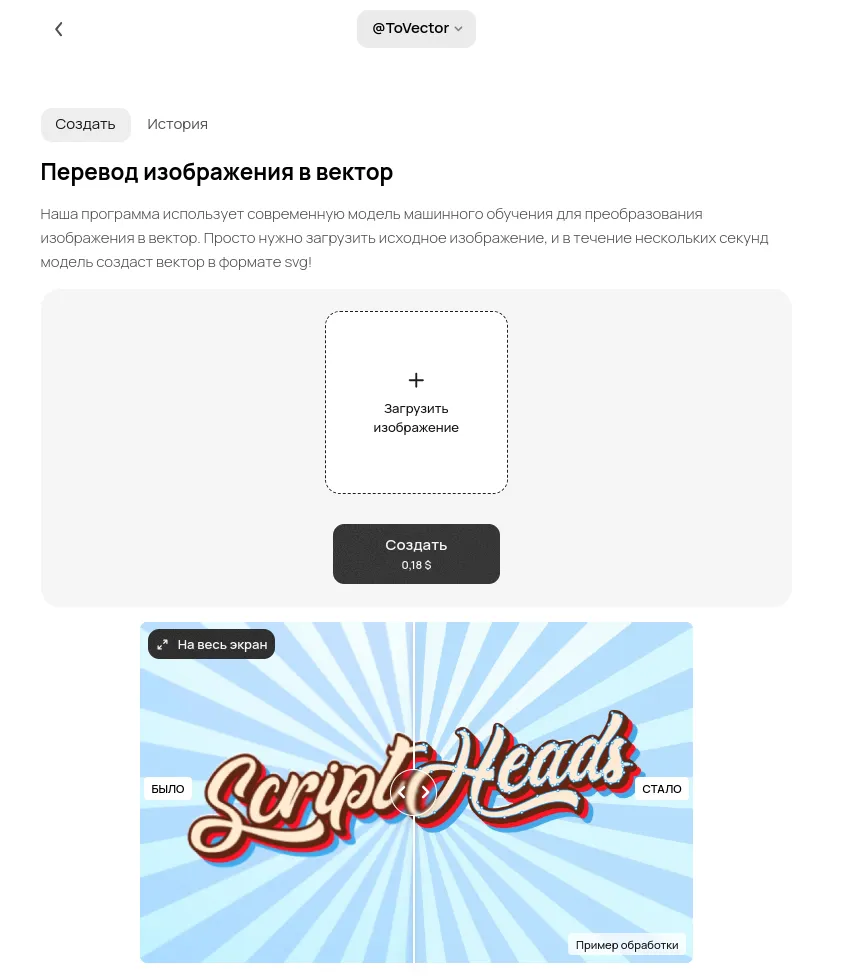
You can generate vector graphics with the ToVector tool, built on top of Recraft. Upload images from your device, run the vectorisation, then simply download the finished picture. You can also find finished images in the History.
Problems and fixes when using Recraft and Recraft V3
table { width: 100%; border-collapse: collapse; font-family: Arial, sans-serif; } th, td { border: 2px solid black; padding: 8px; text-align: left; vertical-align: top; /* Important for alignment */ } th { background-color: white; }
| Problem | Description | Fix |
|---|---|---|
| Distorted proportions | Some images come out with anatomy errors: the wrong number of fingers, disproportionate bodies or unnatural poses. | Add the negative words prepared in the settings wizard: "bad anatomy", "bad proportions", "extra limbs". |
| Unrealistic shadows | Shadows can look too harsh or unnatural, especially in photorealistic scenes. | Put "soft natural lighting" or "realistic shadows" in the prompt. If the problem persists, try changing the lighting angle by clarifying it in the request. |
| Errors in text generation | Text on images can come out distorted, with the wrong font or poorly readable placement. | For text, use parameters such as "legible font", "centered alignment". Break long text into parts and generate it in stages. |
| Trouble with front-facing portraits | The model sometimes struggles to generate people looking straight into the camera, which distorts facial proportions. | Specify the angle in the request: "front-facing portrait", "direct eye contact". Add parameters like "symmetrical face structure" to improve accuracy. |
| Low detail sharpness | In complex scenes, details can be blurry or underdeveloped, especially when you scale the image up. | Add clarifications like "high detail textures" and "sharp focus" to the prompt. The settings wizard also has a “low resolution” negative parameter. |
| Wrong object positioning | Scene elements can end up somewhere other than expected, which calls for extra reworking. | Add clarifications like "object centered" or "aligned to the left corner" to the prompt. |
So
Recraft and Recraft V3 are powerful image generation tools, but users may run into a number of technical quirks, nuances and problems. Knowing the specifics of these models helps you improve the quality of your work and get better results. We recommend experimenting with the model constantly as you write your requests.